
Описание
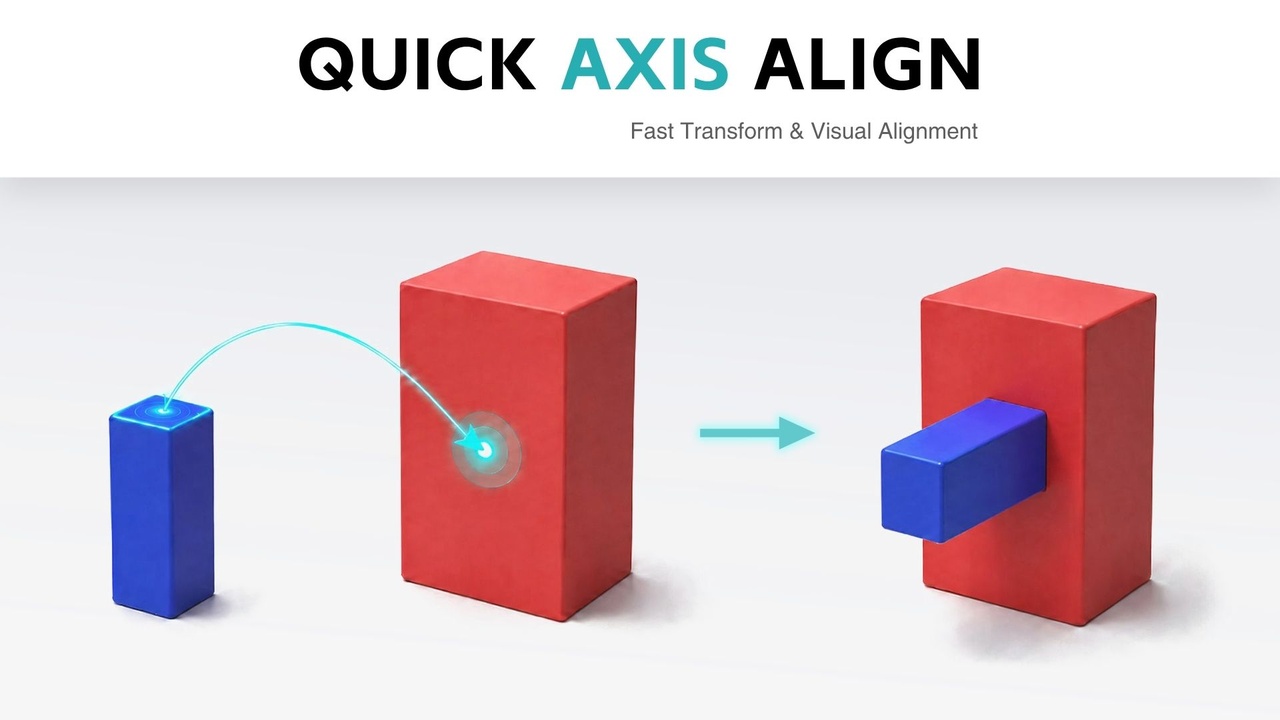
Quick Axis Align is a precision alignment plugin for Unreal Engine. It helps artists, level designers, and environment teams align actors quickly by copying specific transform channels from a target actor to one or more source actors.
Getting Started / Documentation / Demo Video
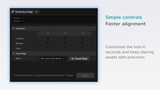
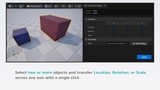
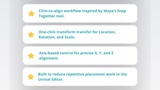
It includes a dedicated Unreal Editor panel where you can choose exactly which Location, Rotation, and Scale axes to apply: X, Y, Z, or any combination. The workflow is simple: select your source actors, select the target actor last, choose the transform channels you need, and apply.
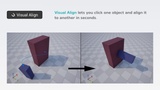
Quick Axis Align also includes Visual Align, an interactive viewport-based alignment mode. With Visual Align, you can click a point on a source actor, click a point on a target actor, and move the source into place. You can also choose whether to only move the object or move and rotate it using surface normals, making it ideal for snapping irregular meshes, props, modular kits, and hard-to-align pivots.
Included Alignment Tools
Transform Channel Align - copy selected Location, Rotation, and Scale axes from the target actor to one or more source actors.
Visual Align - pick source and target points directly in the viewport for point-based alignment.
Move Objects Only - moves the selected source point onto the target point.
Move and Rotate Objects - moves the source point and rotates the source surface normal against the target surface normal.
Multi-Actor Alignment - apply the same target transform channels to several selected actors at once.
Undo / Redo Support - all alignment actions are handled through Unreal transactions.
⭐⭐ Please, if you have found it useful, I would be very grateful if you could leave a review to keep updating the product. ⭐⭐
How to Use
Open the plugin from Tools > Quick Axis Align > Quick Axis Align.
For standard transform alignment, select the actor or actors you want to modify first. Then select the target actor last. In the Quick Axis Align panel, enable the Location, Rotation, and Scale axes you want to copy, then click Apply.
For Visual Align, open the panel and click Visual Align, or start it directly from Tools > Quick Axis Align > Visual Align. You can also use the ALT + X shortcut. Click a point on the source actor, click a point on the target actor, then press Enter or click Apply to confirm. Press Esc at any time to cancel.
Features
Unreal Editor integrated panel
Per-axis Location, Rotation,Scale alignment: X / Y / Z
Align multiple source actors to one target actor
Last selected actor is used as the target
Visual point-picking alignment directly in the viewport
Move-only Visual Align mode
Move and rotate Visual Align mode using surface normals
ALT + X shortcut for fast Visual Align access
Undo / Redo support through Unreal transactions
What Problems Does It Solve?
Speeds up repetitive actor alignment tasks in the level editor
Removes the need to manually copy/paste transform values
Makes modular kit placement faster and more accurate
Helps align props, walls, floors, meshes, pivots, and irregular objects
Allows partial transform matching without overwriting unwanted axes
Improves precision when working with multiple actors at once
Reduces small placement errors during level design and environment art passes
Perfect For
Level designers, environment artists, technical artists, indie teams, and studios working with modular environments, kitbashing, prop placement, blockouts, set dressing, or any workflow that requires fast and precise actor alignment inside Unreal Engine.
Quick Axis Align = faster placement, cleaner transforms, and precise viewport-based alignment for Unreal Engine.