


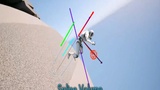
설명
🎬 Launch video v0.1 | 👁 Update video v0.2 | 👁 Update video v0.3 | 👁 Update video v0.3.1 | 📺 Update video v0.4 | 🎮 Update video v0.7 | 🔭 Extensive tutorial video v0.7.1 | 🧪 Procedural test level | 📖 Read the Manual | 🪄 Read the Setup Wizard Manual | 📚 Read the Extension Modules Manual | 📚 Changelog (v0.3) | 🗞 News & announcements | 🤝 Discord support | 🆓 Core FOSS version | 👨💼 Contact for pipeline integration / custom consulting
---
Advanced Core versions available at my GitHub which I recommend for starters. Fab hosts the Pro version that is vetted, updated and supported, also featuring extensive extension modules.
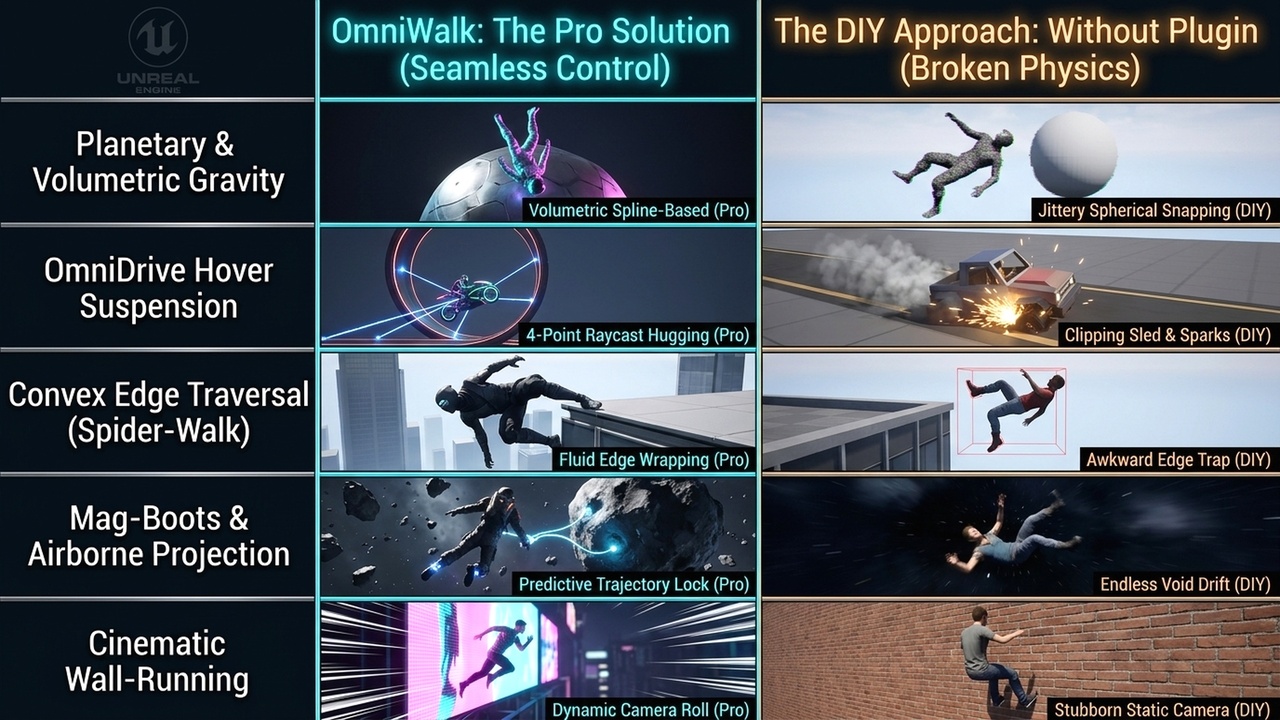
OmniWalk (0.7.1) is a high-performance C++ framework for Unreal Engine 5.5+ that delivers "Impossible Locomotion."
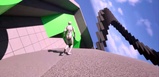
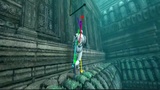
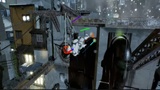
Designed to replicate the high-fidelity magnetism found in titles like Ratchet & Clank and Dead Space, it allows any character to traverse arbitrary geometry — walls, ceilings, pipes, and planets — with zero technical friction.
---
OmniWalk: Planetary Anti-Gravity & Magnetic Boots System
◆ Walk on walls, ceilings, pipes, towers, and full planets in Unreal Engine with a production-ready C++ locomotion framework built for arbitrary gravity.
Why OmniWalk?
OmniWalk gives you the missing systems that turn UE multi-directional gravity into a usable gameplay feature: stable surface adhesion, camera-safe reorientation, gravity-relative movement, and editor tooling that gets you from install to playable setup fast.
★ Setup Wizard First
The new OmniWalk Setup Wizard is the fastest way to get started.
✓ Audits your current project ✓ Creates starter Character, Controller, and GameMode Blueprints ✓ Assigns an OmniWalk-ready GameMode to the current level ✓ Tags selected Character actors for no-code auto-injection ✓ Keeps optional example/demo tools separate from real project onboarding
Instead of digging through docs and setup steps, open:
Window -> OmniWalk -> OmniWalk Setup Wizard
Then follow the guided workflow.
What You Get
► Arbitrary surface walking on walls, ceilings, curved meshes, and planets ► Gravity-relative input that stays intuitive on any surface ► Camera stabilization to avoid flip, inversion, and gimbal-style problems ► Adhesion and transition logic for moving smoothly across changing geometry ► No-volume workflow for walking directly on detected surface normals ► Editor debugger and telemetry tools for setup and tuning ► Optional example/demo content for testing and screenshots ► Full C++ source code
Setup Paths
■ Project Setup Use the wizard to create a clean OmniWalk-ready gameplay foundation inside your own project.
■ Drop-In Workflow Add the OmniWalk component to a compatible Character and use tags for rapid adoption.
■ Example Tools Generate optional demo assets in a separate folder without mixing them into your real production setup.
Best For
◆ Sci-fi traversal ◆ magnetic boots ◆ planetary gameplay ◆ space stations and rotating environments ◆ wall-running and ceiling traversal ◆ experimental movement systems ◆ advanced character controllers
Technical Notes
✓ Built for Unreal Engine 5.5+ ✓ Enhanced Input required ✓ C++ core for performance-critical movement behavior ✓ Designed for real gameplay use, not just a visual demo
Included
► Runtime locomotion systems ► OmniWalk Setup Wizard ► Editor debugger tools ► Starter Blueprint workflow ► Example/demo generation tools ► Documentation and changelog links
Summary
OmniWalk is not just a gravity gimmick. It is a practical movement framework with a real onboarding path.
If you want players walking across impossible geometry, the Setup Wizard gets you there quickly, and the runtime systems carry the rest.
✦ Disclaimer: this plugin assumes a working knowledge of UE5 workflows, editor tooling, asset setup and so on. Custom integration, extension or modification may also require comfort reading and writing C++. If you are new to UE5 or plugin-based development, expect a learning curve. Before purchasing the Fab version, it is recommended that you explore the open-source GitHub version and the online manual first to understand the architecture, setup requirements, and integration style. This will help you determine whether the plugin fits your project and experience level.