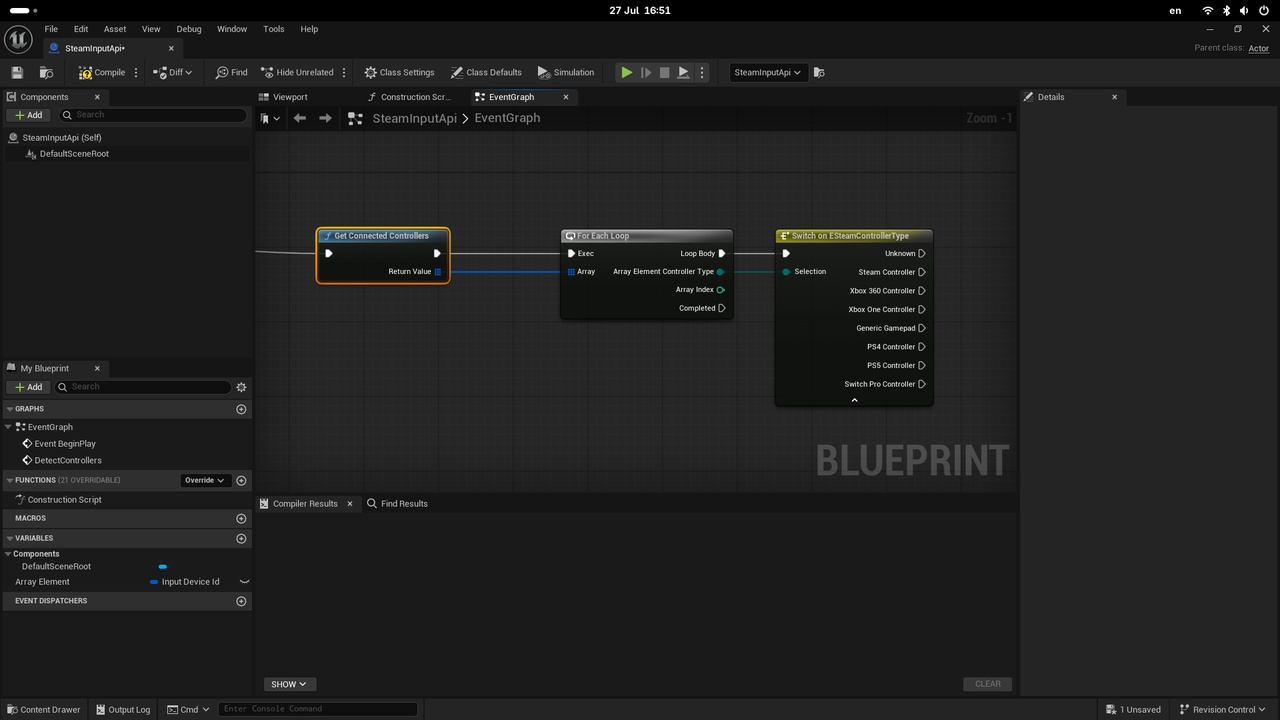
Description
Simple Steam Input plugin
This plugin is developed for the use case of detecting controller types from steam input, and exposing this functionality as a blueprint
call for Unreal Engine.
Testing
Unreal Editor
Add the unreal editor on steam as a non steam game
Please a steam_appid.txt file in the start in workspace
import os
os.getcwd()
- The contents of steam_app_id.txt should be
480
That's an ID of a test game called Spacewar
- Start the Unreal Editor from steam, connect your blueprints and add some print string blocks to verify the controllers are connected properly.
- When unreal exits, the steam_appid.txt will vanish, so either change the working directory or be careful to recreate it everytime you terminate Unreal Editor.
Game build
- Similar to the unreal editor, add a custom build on steam like so
- Place the same steam_appid.txt as in the unreal enditor step, but this time in the START IN directory
- Laungh the game, again Spacewar will show as being played on your steam account.