
الوصف
Documentation | Youtube | Discord
Play the Demo - Download
(by Horror Mechanics)
About
A complete fuse-based interaction system for Unreal Engine, designed to provide a clean and reliable way to manage power mechanics in your projects.
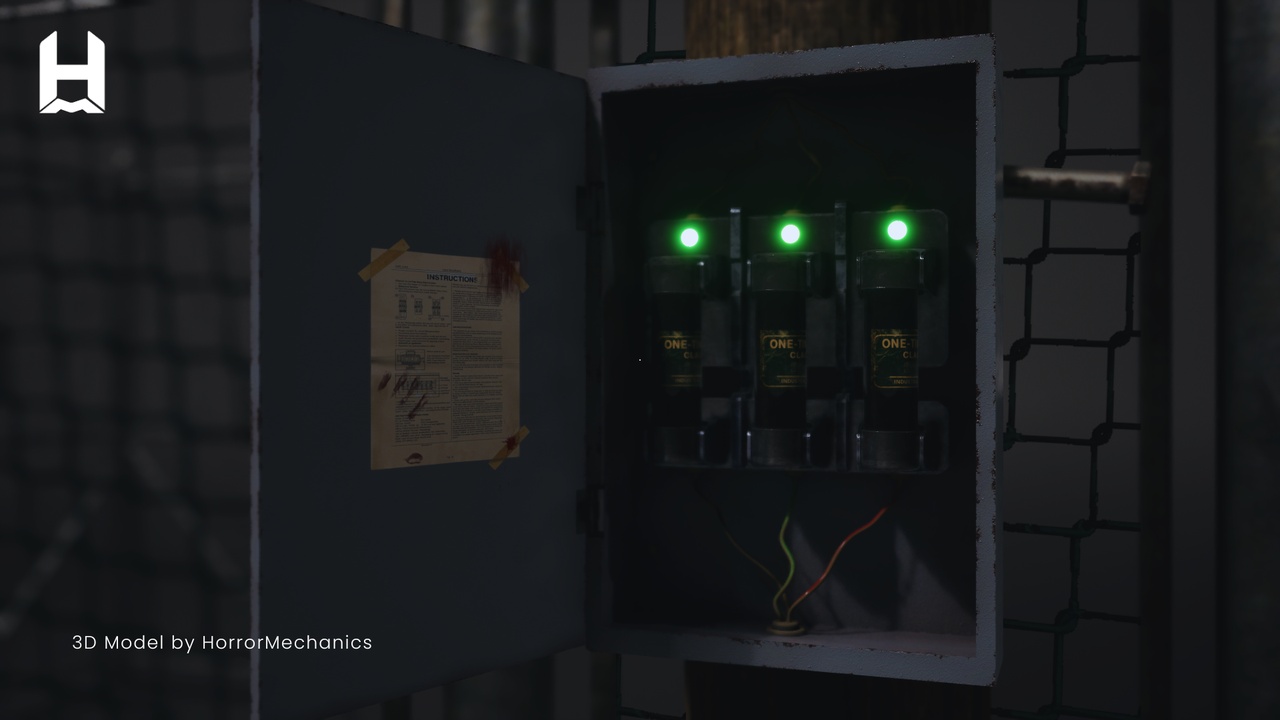
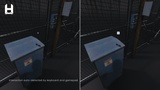
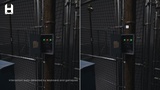
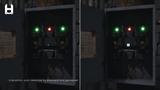
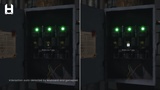
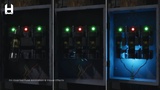
Horror Mechanics – Fuse System allows you to easily create interactive fuse boxes with modular logic, enabling players to insert, remove, and manage fuses to control in-game systems.
Built entirely in Blueprint, this system is easy to integrate and designed to fit both small and large projects.
It supports both First Person and Third Person setups, and includes automatic input detection with a dynamic UI that adapts to Keyboard & Mouse and Gamepad.
The system is designed with clarity and flexibility in mind, making it easy to understand, modify, and extend.
Key Features
Ready-to-use Fuse Box actor (place it directly in your scene)
Fully interactive fuse system (insert / remove / manage fuses)
Support for multiple fuse slots and configurations
Ability to control and interact with linked actors
Event-driven system (trigger actions based on fuse states)
Supports First Person and Third Person projects
Automatic input detection (Keyboard & Gamepad)
Dynamic UI that adapts to the current input device
Optional cinematic camera transitions during interaction
Modular and clean Blueprint structure
Fully documented Blueprints (all variables and functions are clearly explained)
Clean and well-organized project files
Supports custom Input Mapping Context (IMC)
Designed for flexibility and scalability
Use Cases
Horror games
Narrative-driven experiences
Exploration games
Any project requiring immersive object inspection
Technical Details
Unreal Engine 5.3 - 5.7 - 5.8
Blueprint Only
No additional plugins required
Keyboard & Mouse and Gamepad support
First Person and Third Person compatible