

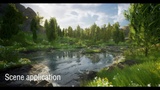


Descripción
Current Version:V1.75
Update history and video click:Here
ModularMaterial has been renamed NaturalMaterial. Do not replace the old version file with the new version file, otherwise it may cause file path errors.
DESCRIPTION:
The purpose of the research and development is to allow users to implement certain functions conveniently and quickly.Each material does not need to contain a large number of nodes.
NaturalMaterial will be helpful for both personal works and project applications, and can help beginners understand how functions are implemented.
All assets are licensed under a Creative Commons Attribution and are presented in images, videos, and demos, with textures and materials modified for demonstration purposes.The Demo does not contain the assets and textures of megascans.
Demo video contains modified third-party assets. You can find similar textures on the following websites.
https://quixel.com/megascans
https://polyhaven.com/textures
https://noisecreater.com
The package only includes material functions, not demo scenes.
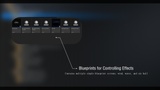
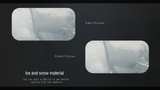
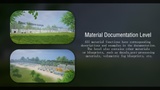
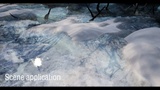
Examples and demonstrations of all functions in the in-engine demo level package.
If you have any questions, please contact me as soon as possible.
How to use:
1. First open the example level to view the effects of each function.
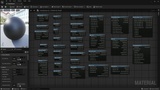
2. Go into the material of the mixed effect to see how the functions are connected.
3. Freely combine functions according to your needs in your own scenario to obtain effects.
4.If you want to learn some of these features, you can quickly find the feature and browse them.
Features:
Simple and easy to use
Quick results
able to learn
Custom effects
Future updates:
Optimize existing material functions
More combined material functions
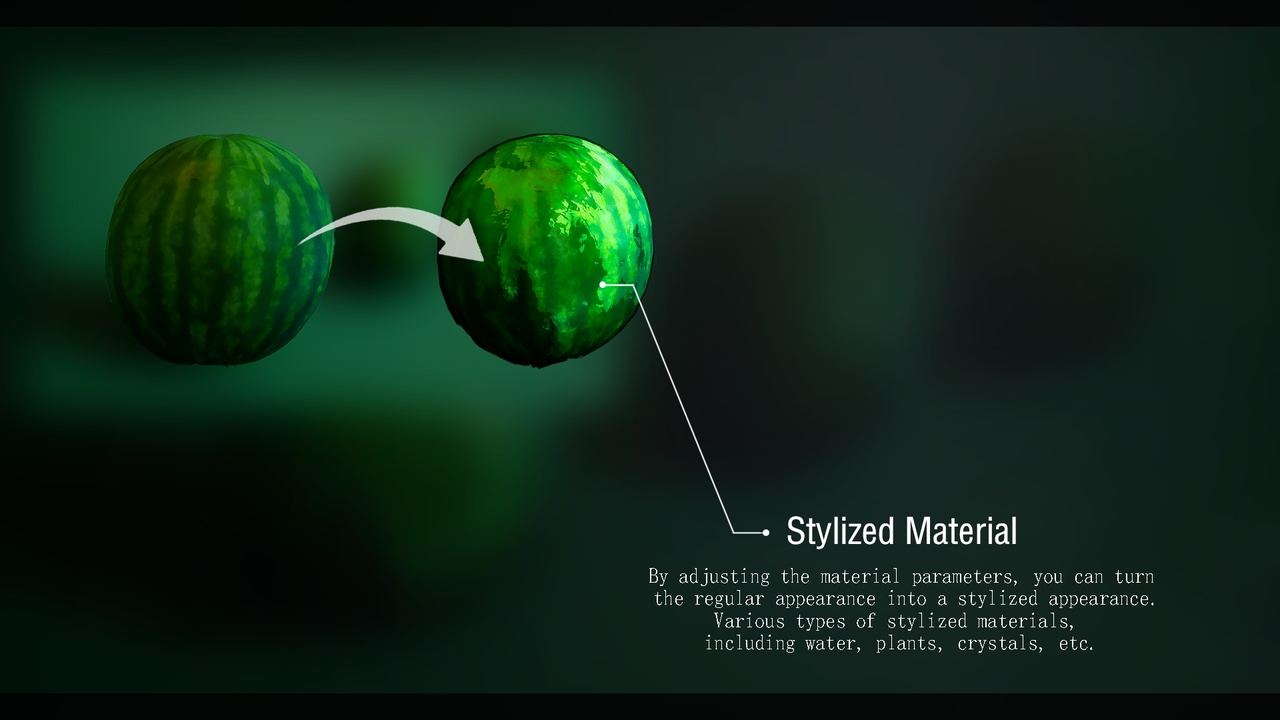
Stylized material functions