



Beschreibung
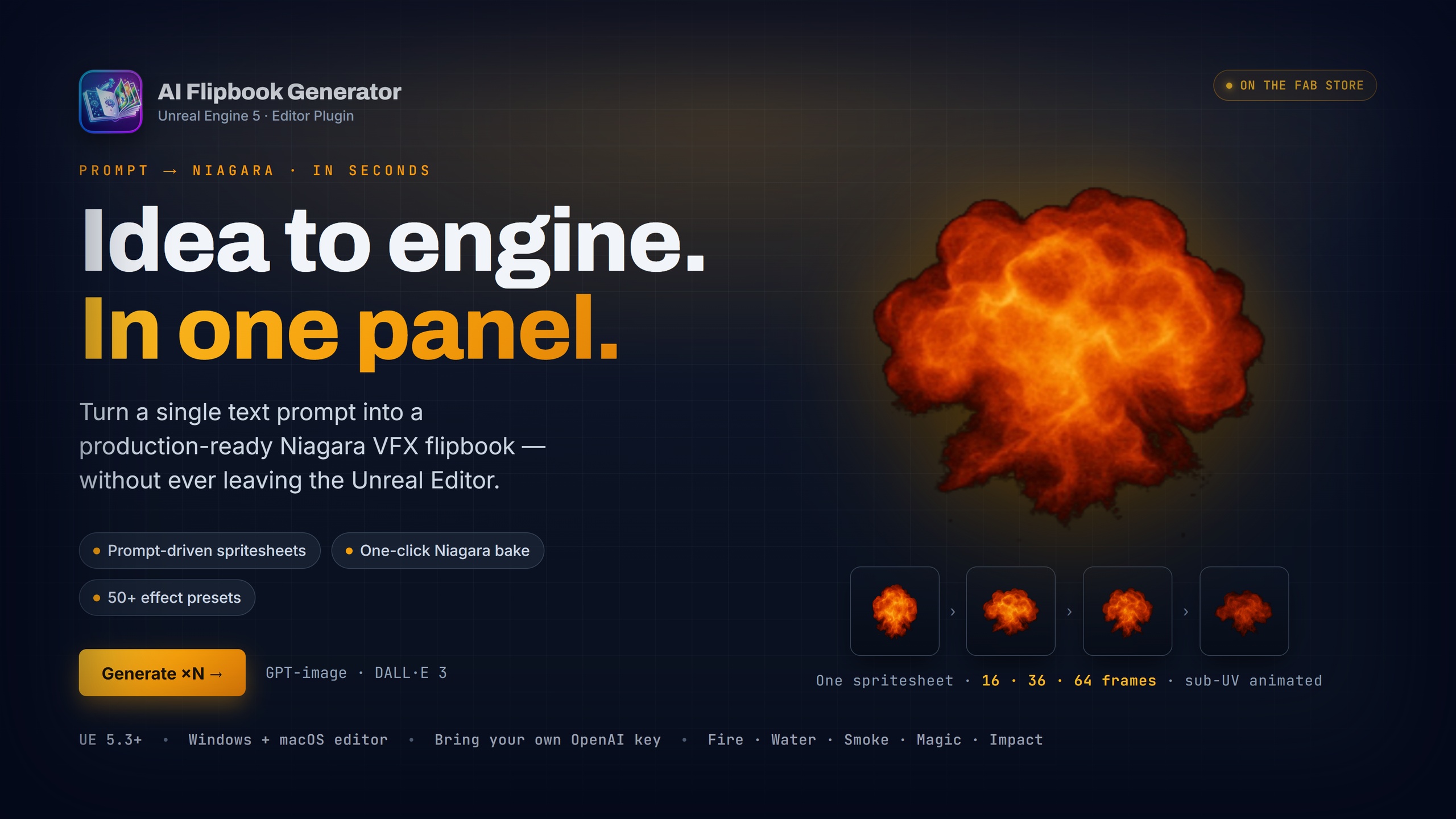
AI Flipbook Generator — Idea to engine. In one panel.
Turn a single text prompt into a production-ready Niagara VFX flipbook in seconds — without leaving the Unreal Editor.
Demo video: https://youtu.be/ZuQUp8w2rO0
User Guide: Download PDF
Overview
AI Flipbook Generator is an Unreal Engine 5 editor plugin that wraps OpenAI's image models in a focused, opinionated VFX authoring workflow. Describe an effect, pick a grid size, and the plugin handles everything else: prompt composition, grid-template generation, multi-variant batching, image post-processing, sub-UV layout, and one-click bake to Texture, Material Instance, and Niagara System.
It is built for VFX artists, technical artists, and indie developers who want to prototype, iterate, and ship spritesheet effects fast — without bouncing between an external image generator, Photoshop, and Niagara.
Key Features
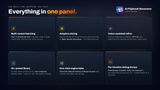
Prompt-driven generation
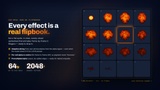
Plain-English prompts produce 4x4, 6x6, or 8x8 spritesheet flipbooks (16, 36, or 64 frames).
Supports OpenAI's GPT image two, GPT image one, and DALL-E three models, selected per job.
A grid template plus gutter-locking mask is automatically sent to the OpenAI edits endpoint, so the model paints inside the cells you requested instead of bleeding across them.
Side-on (camera-facing sprite) and top-down (decal) view presets, each with a tuned prompt preamble.
Multi-variant batching
Generate one to four variants per click. All variants fire in parallel and share a single cancel token.
Every variant lands in the in-panel gallery as it returns. Pick the best, refine the rest.
Cost preview shown in the Generate button's tooltip, with a session running total in the status bar.
Style preset dropdowns
Four optional style axes layer onto your prompt without rewriting it by hand.
Visual Style: realistic, stylised, cartoon, pixel art, hand-drawn, painterly, cel-shaded, anime.
Palette: warm, cool, toxic, arcane, vivid, pastel, monochrome, dark.
Mood: calm, aggressive, mystical, epic, playful, sinister, heroic, eerie.
Detail Level: minimal, detailed, hyperdetailed.
Every axis defaults to None so your prompt stays untouched until you pin an axis on.
Built-in effect library
Over fifty curated starter prompts ship with the plugin, spanning Fire, Smoke, Water, Magic, Impact, Beams, Lightning, Decals, and Buffs.
Sidebar lives at the right of the panel: category filter, substring search, one-click append.
Library JSON is editable — drop in your own prompts under Resources/EffectCatalog.json and they show up immediately. No recompile.
History tab lists every generation you've previously made in the current project, sourced from on-disk iteration dumps.
Robust image pipeline
Auto-detects the actual cell count the model returned. The OpenAI models occasionally produce 5×5 or 6×8 for a 6×6 prompt regardless of mask strength — the plugin adapts the slicer and the bake to match what the AI actually drew.
Adaptive slicing finds real cell boundaries from the alpha-density signal rather than dividing the canvas on uniform pixel cuts.
Background chroma keying with auto-detected key colour (handles drifting backgrounds the model produces).
De-spill removes colour fringe on translucent edges
Per-cell alpha re-centre eliminates frame-to-frame drift that would otherwise show up as visible "bouncing" on playback.
Premultiplied alpha output, ready for AlphaComposite materials.
Vision-assisted refinement
"Refine with feedback" sends your latest image plus a written critique to GPT-4o.
The vision model returns a diagnosis paragraph plus a revised prompt, ready to fire again with one click.
Useful for nudging a near-miss generation toward what you actually wanted, without rewriting the prompt from scratch.
One-click bake to engine
Bake the selected iteration to a Texture2D in your chosen content folder.
Bake a Material Instance with your choice of Translucent, Additive, or AlphaComposite blend mode.
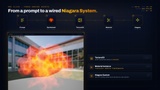
Bake a fully-configured Niagara System with sub-UV cycling, sprite size, and animation duration exposed as runtime-overridable User parameters.
Drop the Niagara System into a level. It just works.
Quality-of-life UX
Horizontal progress bar tracks elapsed time against the network timeout, so long requests always feel transparent rather than frozen.
Per-model timeout floors prevent the newest models from being incorrectly cancelled by stock UE HTTP defaults.
Stale-callback guard protects in-flight batches from older cancelled batches.
Per-iteration debug dumps written under `Saved/AIFlipbook/Iterations/<timestamp>/` — includes the exact prompt, the template and mask sent to OpenAI, the raw response, and the post-processed bitmap. Indispensable for diagnosing a bad bake.
How It Works
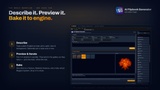
You open the AI Flipbook Generator panel from Window menu or your tools menu. You type a prompt. You pick a grid, a view, a background, and optionally a style axis or two. You click Generate. The plugin composes a strict prompt with cell-count requirements, bakes a grid template plus mask, fires N OpenAI requests, post-processes the returned images, and surfaces them in the gallery. You select your favourite, optionally refine with feedback, then click Bake Niagara System. You drop the resulting asset into a level. Total time: usually under two minutes per effect.
What's Included
Plugin source code, fully commented, both runtime and editor modules.
Bundled effect catalog (over fifty starter prompts in editable JSON).
Sample materials and Niagara System templates used by the bake step.
A clean, dark-themed editor panel UI with progress bars, gallery, and integrated style controls.
Technical Details
Engine version: Unreal Engine 5.3 and newer.
Platforms supported: Windows (editor + runtime), macOS (editor).
C++ modules: AIFlipbookGenerator (runtime) and AIFlipbookGeneratorEditor (editor).
Required engine plugins: Niagara (enabled automatically).
Network: requires outbound HTTPS to api.openai.com.
API key: bring your own OpenAI key. Stored per-user in `EditorPerProjectUserSettings.ini`, never committed to source control.
Cost & Privacy
This plugin uses your own OpenAI API key for every generation. You pay OpenAI directly at their published rates. The plugin does not proxy, store, or transmit your prompts anywhere except OpenAI's API endpoints. Your API key never leaves your machine. Generated images are saved only inside your project's `Saved/` folder.
A 1024×1024 image generation typically costs around four cents at current OpenAI pricing. The running total shown in the panel is an estimate. The OpenAI invoice is authoritative.
Use Cases
Rapid prototyping of explosion, fire, smoke, magic, and water VFX during pre-production.
Generating placeholder spritesheets while waiting for hand-authored hero VFX.
Stylised game effects where you want an art-direction-consistent set without sourcing or painting frame by frame.
Indie and solo developers who need shippable VFX but don't have a dedicated VFX artist on the team.