الوصف
Batch Toolset brings nine practical editing workflows into one dockable Unreal Editor panel. Select and modify Level Actors and Content Browser assets without repeating the same setup one object at a time.
Featured workflows
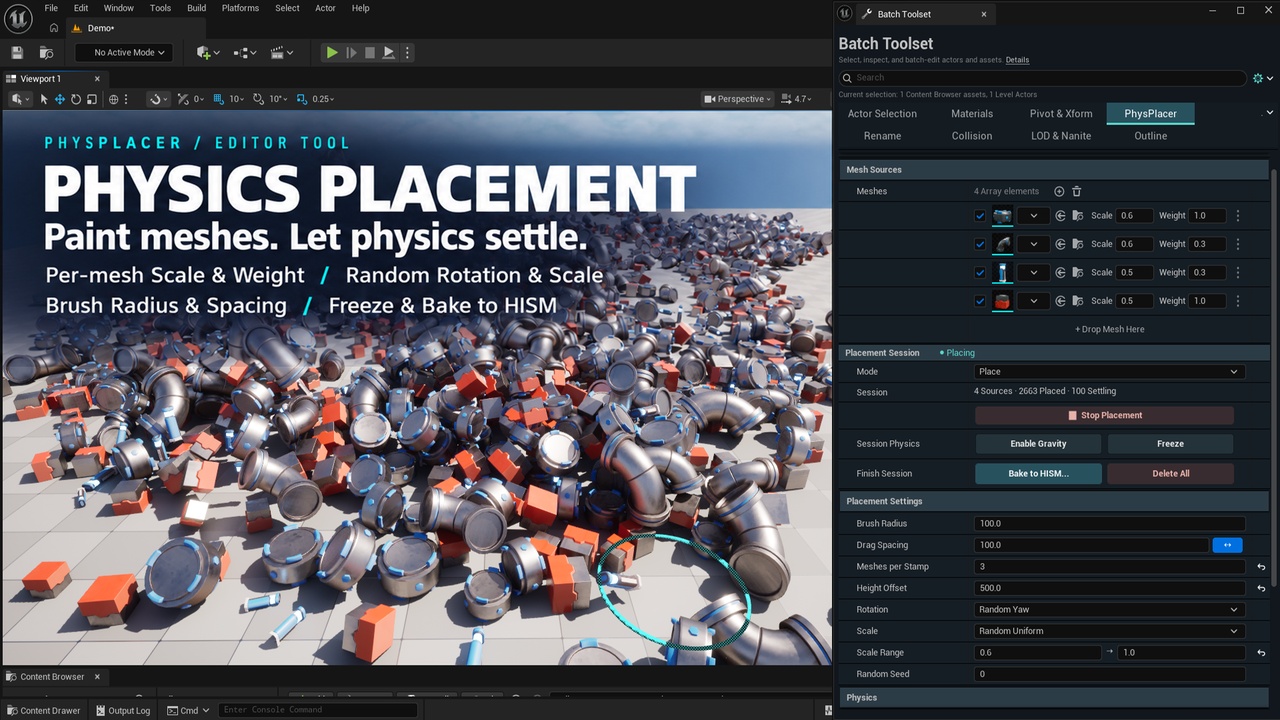
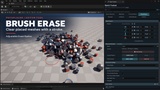
PhysPlacer: Paint Static Meshes into a level with a physics-driven viewport brush. Mix mesh sources, adjust brush spacing and random transforms, let placements settle with physics, then freeze or bake the result to HISM. Source meshes need simple collision.
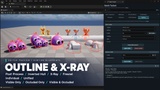
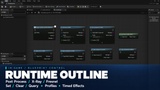
Outline: Apply reusable outline and highlight profiles to selected mesh Actors. Choose the method, visibility, and Individual or Unified style, then edit profiles or remove the effect when needed.Preview Outline effects in the editor, then export the current settings to Runtime Profile Data Assets for Blueprint use in packaged Win64 games. Runtime Outline supports Post Process, X-Ray and Fresnel, actor/component targeting, duration, manual stencil values and optional asynchronous preloading. Runtime Inverted Hull and network replication are not included. The other Batch Toolset tools remain editor-only.
More tools in the same panel
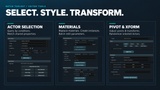
Actor Selection: Find and select Actors by conditions or shared properties.
Materials: Replace materials in batches, create material instances, edit parameters, and rename supported material slots.
Pivot & Xform: Edit pivots and transforms; align, arrange, and scatter selected Actors.
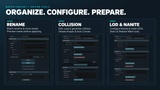
Rename: Preview and apply naming rules to Actors and assets, including prefixes, suffixes, numbering, and regex.
Collision: Edit collision settings on Actors and mesh assets; add, remove, copy, or generate supported simple collision.
LOD & Nanite: Manage supported mesh LOD, component LOD, and Nanite settings.
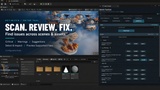
Optimizer: Scan a level for issues, inspect findings, and preview available fixes before applying them.
Choose a tool, select its target or scope, preview where available, run the operation, and review Latest Result before saving.
Compatibility: Unreal Engine 5.3–5.8; Windows (Win64) editor. Batch Toolset is an editor-only C++ plugin. It uses Unreal Engine's built-in Niagara plugin and includes the Outline materials and a written user guide. No separately purchased dependency is required.
The feature-card artwork in the cover image is illustrative. The demonstration level and meshes shown in promotional images or videos are not included.