Description
📖 FULL DOCUMENTATION | 🎥 VIDEO DOCUMENTATION INDEX
🎬 All videos guiding you through every step:
🔎 ABOUT AUTO QUALITY SWITCHER (AQS)Auto Quality Switcher is a two-part system: an in-editor authoring toolkit for building graphics quality presets, and a runtime engine that turns those presets into a complete, working settings menu automatically.
⚙️ HOW IT WORKS ⚙️
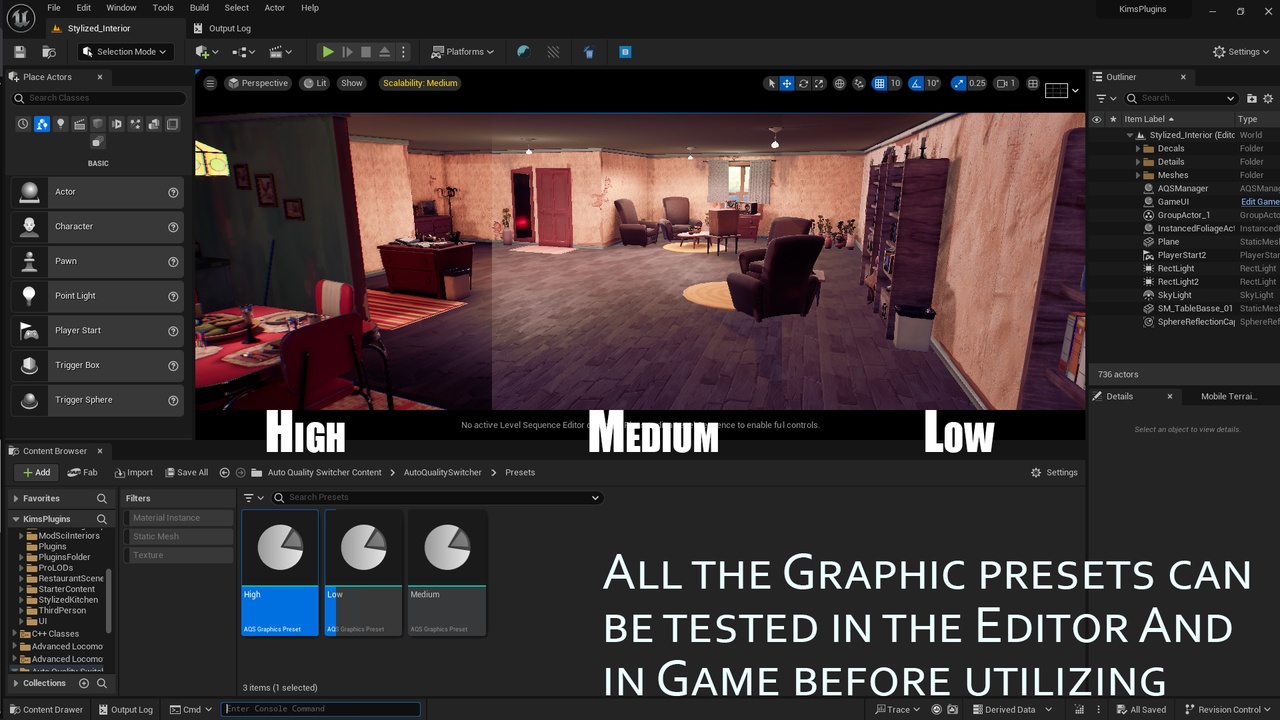
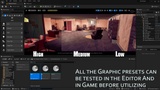
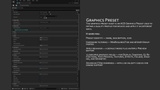
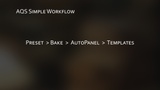
Author a preset : 23 ready-made graphics fields (resolution scale, shadow quality, Lumen GI, Nanite, post-process effects, and more), already validated and categorized, plus a raw CVar override layer for anything else.
Bake it : one click generates the full menu row list from your preset's data via reflection. No manual "this is a slider, this is a checkbox" declarations.
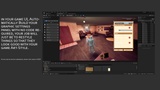
Drop in the Auto Panel : a single widget reads the bake and builds the entire menu at runtime, picking the right control (slider, toggle, dropdown, button list) for every field automatically.
Restyle freely : 9 small, swappable row templates contain some small logic. Recolor, resize, re-skin however your project needs. The exact same system renders a minimal 4-field mobile menu and a full 23-field PC control panel , the only difference is configuration, never code.
⭐ KEY CAPABILITIES ⭐
Automatic hardware detection : GPU/VRAM/RAM heuristic out of the box, or plug in a custom benchmark scene for accurate per-device tier scoring.
Smart preset filtering : weak devices never see options they can't run (the same behavior as COD Mobile's quality screen).
Three apply modes : instant live, smooth live-with-fade, or safe apply-on-next-launch.
Player choice persistence : the chosen preset is remembered across launches by asset reference, so future plugin updates are respected automatically.
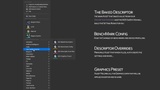
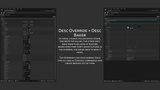
Full menu customization without code : hide fields, rename labels, change control types, reorder and group rows into named sections, all through a single Override asset.
CVar-only settings : expose any raw console variable as a real menu row, with no need to add a new data field for it.
Built-in safety nets : live CVar validity checking, automatic staleness warnings when your data changes, and consistent CVar priority handling that avoids the engine's own scalability system silently fighting your settings.
🔽 WHO THIS IS FOR 🔽Built for myself first then... :
Solo developers who want a working settings menu without spending a weekend wiring sliders.
Studios who want their UX/UI designer to build and restyle the menu without ever opening a Blueprint graph.
Anyone shipping on multiple platforms who needs the same underlying system to look completely different on mobile versus PC.