Beschreibung
Trailer Video | Documentation | Release Notes | API References | Bug Reports & Feature Requests
Walkthrough Video
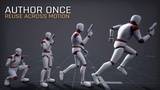
AUTHOR ONCE. REUSE ACROSS ANIMATIONS.
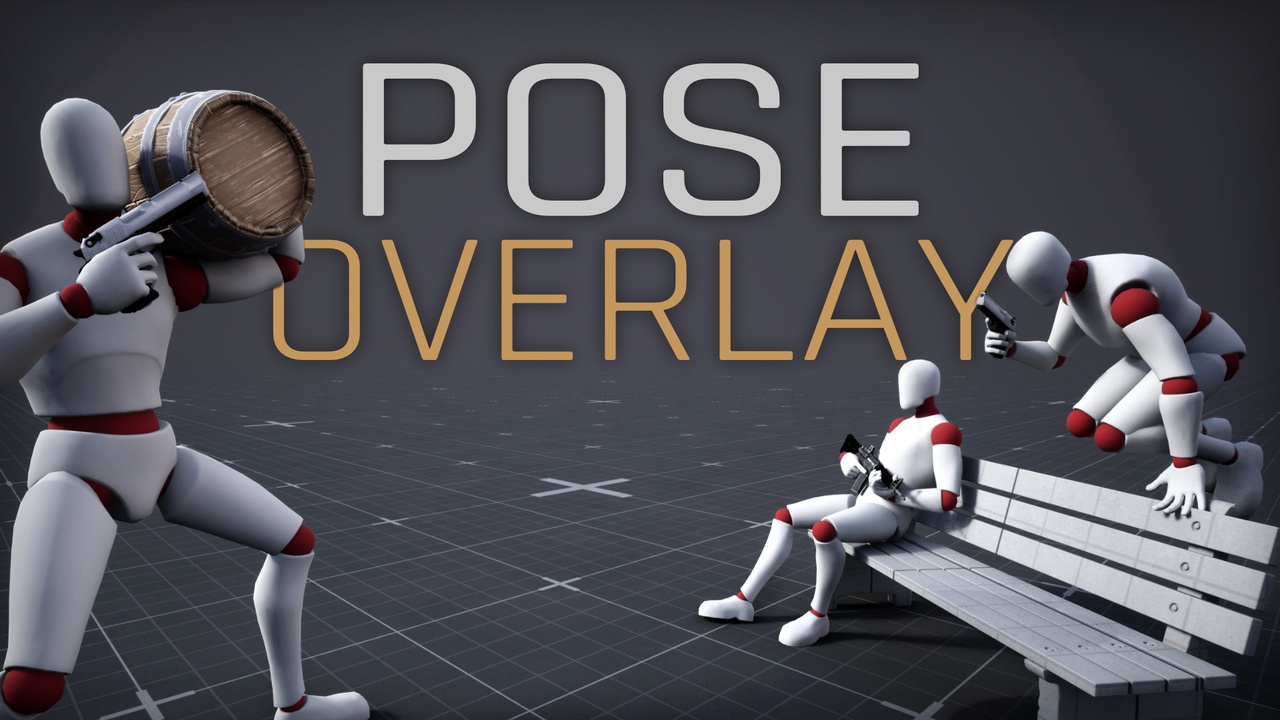
Pose Overlay is a production-focused Unreal Engine animation plugin for creating reusable pose changes on top of existing animation playback — without modifying or duplicating your source animation assets.
Create semantic pose States such as weapon handling, injured, exhausted, carrying, or character posture. Reuse them across compatible animations, refine them for specific gameplay contexts, and apply animation-specific corrections only where they are actually needed.
Instead of maintaining duplicate animation sets for every character state or gameplay variation, Pose Overlay lets you build reusable pose logic that resolves dynamically at runtime.
AUTHOR AND AUDITION IN ONE EDITOR
Pose Overlay includes a dedicated asset editor with two complementary preview modes:
• Author — edit the pose through its Control Rig representation.
• Audition — preview the resolved runtime-equivalent result against a selected animation source.
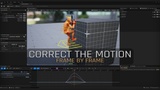
Author a clean reusable pose, then immediately evaluate how source motion, bone composition, stacking, contextual overrides, and animation-specific corrections affect the final animated character.
HIERARCHICAL POSE AUTHORING
Build reusable pose logic with:
• States activated through Gameplay Tags and request weights
• Context Overrides selected through Gameplay Tag conditions
• Animation Overrides for source-animation-specific corrections
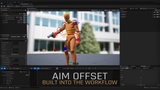
• Aim Offset profiles with individually authored directional keys
• Neutral Poses captured from the reference pose, animation frames, or the current authoring pose
• Locked child layers that preserve authored results when parent poses change
This hierarchy allows broad reusable poses to remain clean while increasingly specific corrections are added only where required.
PER-BONE COMPOSITION
Control how each pose layer interacts with the underlying animation on a per-bone basis:
• Overlay Weight controls how strongly the authored pose contributes
• Source Motion blends between replacement and preservation of source animation motion
• Space Blend provides component-space rotation control where required
Composition settings inherit through the hierarchy, so you only need to override the bones that require different behavior.
RUNTIME STACKING AND TRANSITIONS
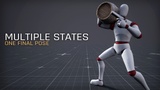
Multiple compatible States can be active simultaneously.
Pose Overlay provides deterministic stack ordering, exclusive groups, selection priorities, request weights, and entry/exit transitions.
For example, a weapon-handling pose, an exhausted posture, and a character-style pose can all contribute to different parts of the same final character pose.
This allows character pose logic to remain modular instead of requiring a separate animation set for every possible combination of gameplay states.
ANIMATION BLUEPRINT INTEGRATION
Purpose-built AnimGraph nodes support:
• Runtime Pose Overlay stack evaluation
• Blend Stack and Animation Sequence source reporting
• Montage source reporting
• Source animation timing
• Standalone Aim Offset evaluation
• Optional IK target mapping
Blueprint and C++ request helpers provide a clean runtime interface for controlling active States, blend weights, Context Tags, and Aim input.
BAKE RESULTS TO ANIMATION SEQUENCES
Resolved Pose Overlay results can also be exported as standard UAnimSequence assets.
• States, Context Overrides, and individual Aim Offset keys bake as exact one-frame poses
• Animation Overrides bake using their full source duration and timing
• Overrides containing multiple source animations generate one output per source
• Compatible curves, root motion, skeleton assignment, and source timing are preserved where applicable
Use Pose Overlay dynamically at runtime or bake authored results into conventional animation assets when your pipeline requires them.
NON-DESTRUCTIVE AND COOK-SAFE
Pose Overlay does not modify your source Skeleton, Control Rig, Animation Sequence, Montage, or Blend Space assets.
Control Rig is used for editor-side authoring. Synchronization generates deterministic runtime data, allowing packaged games to evaluate Pose Overlay without loading or executing Control Rig.
USE CASES
• Weapon grips and handling stances
• Injured or exhausted posture
• Carrying objects
• Character body-style variation
• Contextual standing, crouching, aiming, or airborne adjustments
• Animation-specific hand, arm, spine, or equipment corrections
• Reusable layered character poses without duplicate animation sets
Pose Overlay is designed to integrate with compatible character and animation assets supplied by your project. Sample meshes, skeletons, animations, Animation Blueprints, Control Rigs, Gameplay Tags, and other project-specific content are not included.