

الوصف
DV Measurement Tool — 3D Spline Measurement for Unreal Engine
Documentation
Measure distances, heights, and multi-point paths directly in your Unreal Engine viewport.
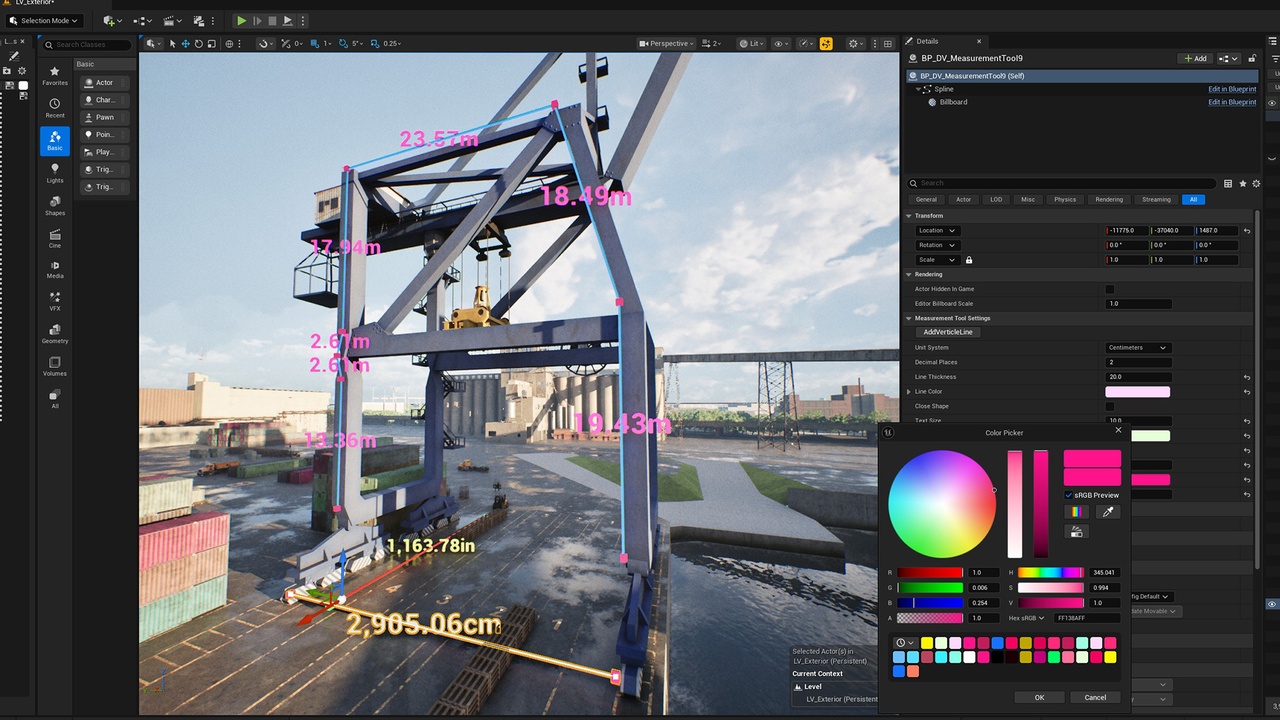
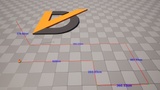
DV Measurement Tool is a Blueprint-based measurement tool for architectural visualization, level design, and object scale checks. Create spline measurement paths with live distance labels, switch between metric and imperial units, and customize the display to suit your scene.
Drop the Blueprint into your level, extend the spline points, and start measuring.
Key Features
One-Click Vertical Measurement: Instantly create a vertical measurement line with a single button—no manual spline adjustment needed.
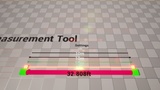
Live Segment Measurements: Display distance labels along your measurement path as you adjust spline points.
Flexible 3D Paths: Measure across multiple points to follow walls, surfaces, props, and spatial layouts.
Customizable Point Markers: Show or hide measurement point markers, and adjust their size and color to suit your scene.
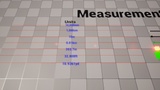
7 Measurement Units: Switch between millimeters, centimeters, meters, kilometers, inches, feet, and yards with automatic conversion.
One-Click Vertical Measurement: Add a vertical segment for quick checks of wall, pillar, and room heights.
Closed Measurement Paths: Connect the final point back to the first to trace room boundaries, fence lines, and building footprints.
Adjustable Decimal Precision: Choose the number of decimal places displayed in measurement labels.
Customizable Appearance: Adjust line thickness and color, text size and color, and point marker visibility, size, and color.
Emissive Visibility Controls: Increase the glow of lines, labels, and markers for improved readability in dark scenes.
Simple Workflow
Drag BP_DV_MeasurementTool into your level.
Select a spline point and hold Alt while dragging to extend the path.
Choose your unit system and display settings in the Details panel.