Beschreibung
Contact:Discord
Email: [email protected] / [email protected]
EN: NarrativeQuest Documentation
If you can't view it, please try: NarrativeQuest Documentation
NarrativeQuest Editor Plugin usage tutorial
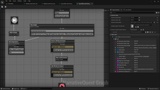
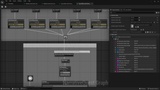
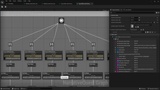
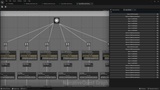
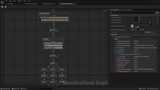
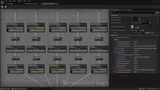
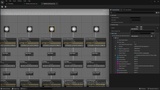
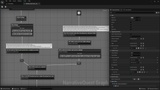
NarrativeQuest Editor: Use a few simple nodes to achieve: add NarrativeQuests / remove NarrativeQuests / play dialogues / add dialogue options / NarrativeQuest branches, just like behavior trees, quickly edit NarrativeQuest execution processes
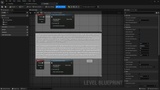
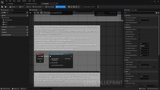
GamePlay: Only a small amount of modification to the GamePlay code is required to fully use this plugin. No need to add any components or modify the inheritance of any class. The multiplayer network function is directly integrated into the plugin. The client of different players can be directly controlled, such as displaying the UI. Supports quick saving of all players' NarrativeQuests. Supports adding different NarrativeQuests for each player in multiplayer games. Contains a plugin sample Demo. There are two locations in the Demo that contain GamePlay code. One is the level blueprint, which is used to support two key bindings for saving NarrativeQuests / loading NarrativeQuests. The other is the character blueprint, which is used to bind the interface for displaying and updating the NarrativeQuest list
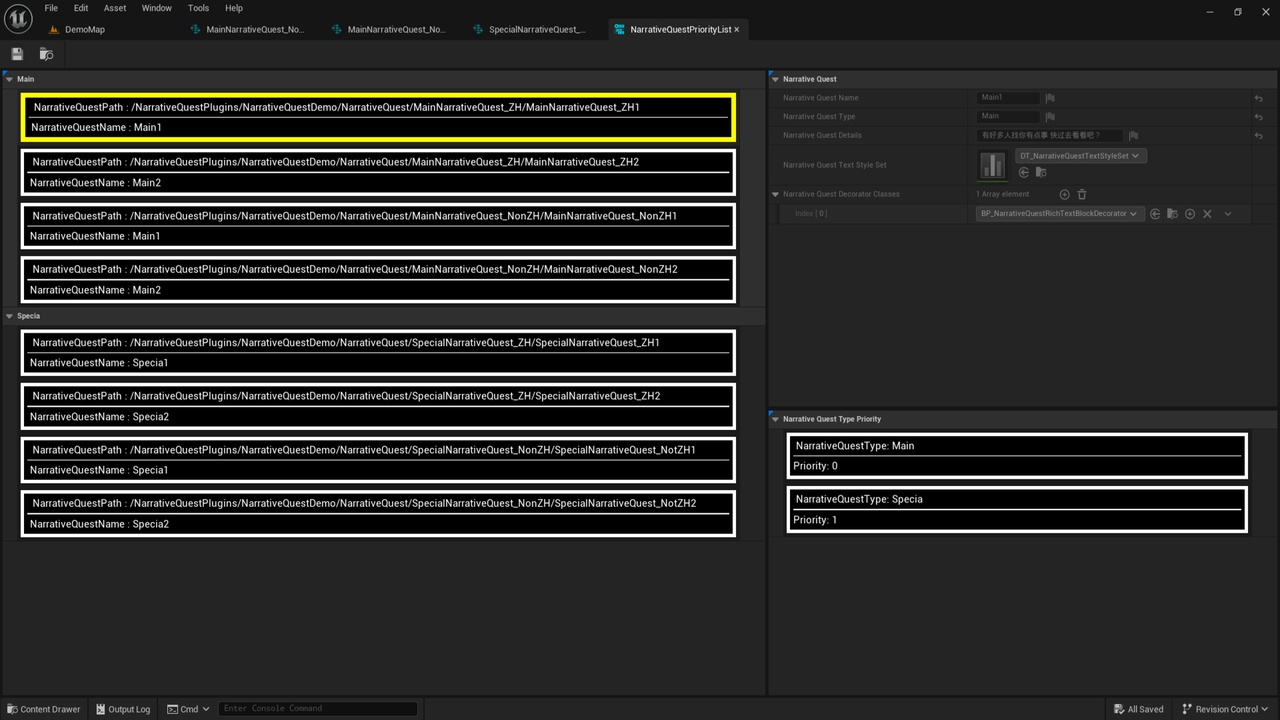
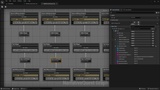
NarrativeQuest Management: Each NarrativeQuest has an independent priority and the type of the NarrativeQuest. It can be edited through the NarrativeQuest priority list. When the player has different NarrativeQuests and there is occupancy, which NarrativeQuests should be executed and which NarrativeQuests should not be executed according to the order of the NarrativeQuest priority list
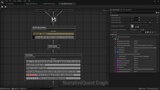
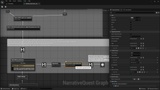
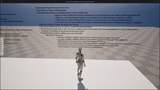
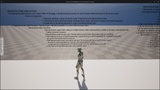
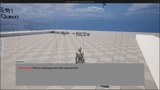
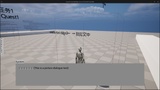
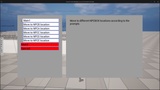
Dialogue System: The dialogue system directly controls the client UI in the node. Supports word-by-word display, supports rich text editing, and can add pictures to the text Multiple images can also be displayed one by one. Support dialogue options. Add any dialogue option node in the node. After the player selects different options, the corresponding option node will continue to execute (in the NarrativeQuest editor).
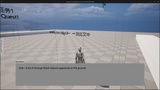
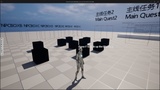
NarrativeQuest UI list: Support dynamic binding update UI in the client. When adding NarrativeQuests, the UI list will automatically update the occupied/unoccupied status. The game NarrativeQuests are separated from the NarrativeQuest list UI. The NarrativeQuest list UI is only responsible for displaying/switching the status of the NarrativeQuest, while the NarrativeQuest system runs in the server.
ZH:任务插件使用教程
视频教程:虚幻引擎任务编辑插件使用教程
任务编辑器:使用几个简单的节点就可以实现:添加任务 / 移除任务 / 播放对话 / 添加对话选项 / 任务分支 就像行为树一样 快捷编辑任务执行流程
GamePlay:仅需少量的修改GamePlay代码即可完全使用这个插件 不需要添加任何组件 修改任何类的继承 插件内直接集成了多人游戏网络功能 可以直接对不同玩家的客户端进行操控 比如显示UI 支持快捷保存所有玩家的任务 支持多人游戏为每个玩家添加不同的任务 包含一个插件示例Demo 在Demo中有两个位置是包含GamePlay代码的 一个是关卡蓝图 用于支持保存任务 / 加载任务的两个按键绑定 另一个则是角色蓝图 用于绑定任务列表的显示和更新的接口
任务管理:每个任务都有一个独立的优先级 以及该任务的类型 可以通过任务优先级列表编辑在玩家拥有不同的任务 并且存在占用情况时 根据任务优先级列表的顺序哪些任务应该执行 哪些任务不应该执行
对话系统:对话系统直接在节点中对客户端的UI进行操控 支持逐字显示 支持富文本编辑 可以在文本中加入图片 多个图片也可以逐个显示 支持对话选项 在节点中添加任意对话选项节点 玩家选择不同的选项后 对应的选项节点的后继会继续执行(任务编辑器中)
任务UI列表:在客户端中支持动态绑定更新UI 在添加任务时UI列表会自动更新 占用 / 非占用状态 游戏任务与任务列表UI是分离的 任务列表UI只负责显示 / 切换任务的状态 而任务系统则在服务器中运行