
Description
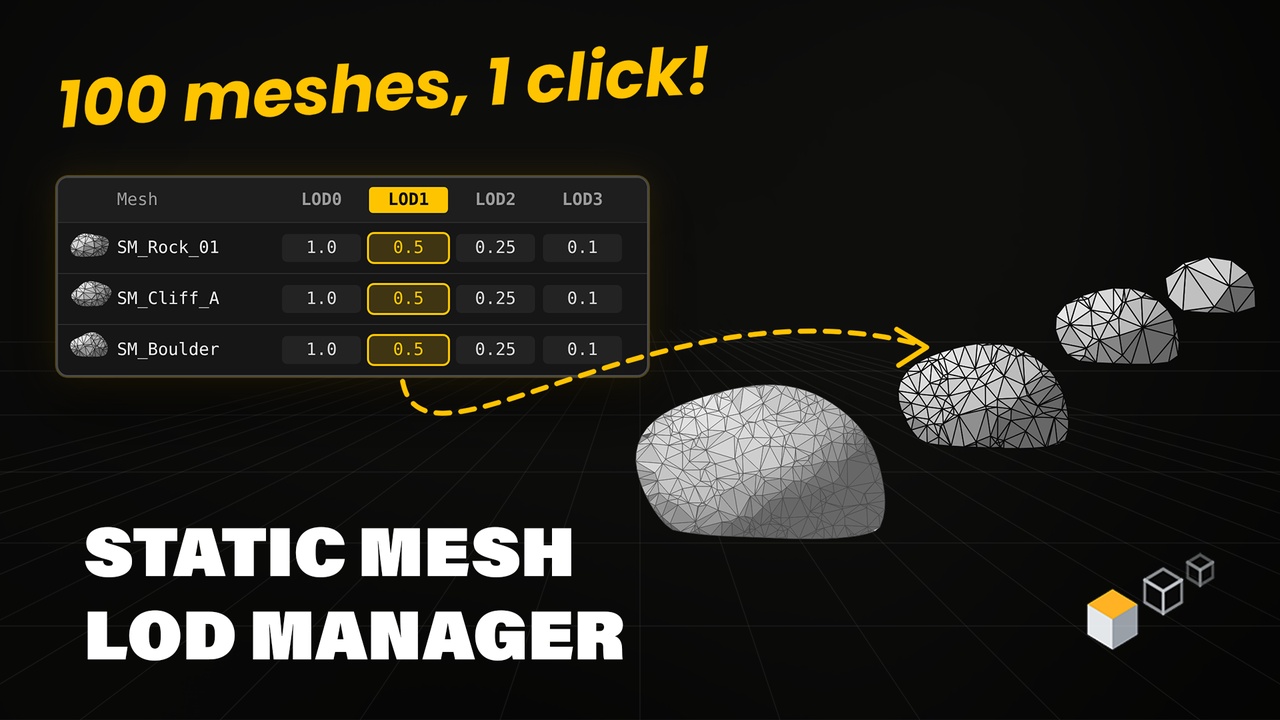
Set up LODs for hundreds of Static Meshes at once — in one table, without opening each mesh.
WHY YOU'LL USE IT - Hundreds of meshes, one table — Screen Size, Percent Triangles, LOD count and LOD Groups for every mesh - LOD Presets — set up once, apply to any selection with one click - Empty LOD — small props disappear at a chosen distance with no extra geometry - Nanite-aware — the table shows which meshes use Nanite and lets you switch it
WHEN YOU STILL NEED LODs IN UE5 - Meshes that don't use Nanite (translucent, some masked / WPO foliage, older assets) - Mobile, VR and low-end PC targets - Asset packs that ship with no LODs or bad LOD settings
Features:
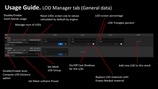
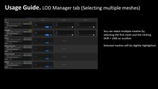
Edit Screen Size and Percent Triangles for every LOD of multiple Static Meshes in one table
Add and remove LODs, including editing of LOD0
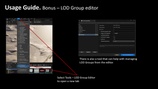
Assign LOD Groups to the meshes and create your own custom LOD Groups in a separate editor window
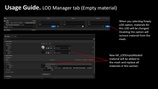
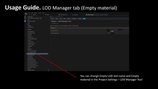
Empty LOD option to make a mesh disappear at a chosen distance without extra geometry
Auto Compute Screen Size option and a button to reset Screen Sizes to default values
Set Collision Preset for the meshes from the same table
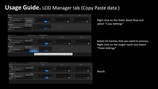
Copy and Paste all LOD settings from one mesh to another
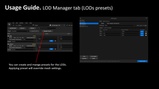
LOD Presets that can be created once and then applied to all selected meshes at once
Indication of the meshes with enabled Nanite and switch Nanite status
Filter to find the mesh you need in a long list
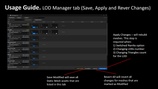
Revert All and Save Assets options with automatic make writable for read only files
Note! LODs do not work while Nanite is enabled on the mesh. The tool marks such meshes so you can see it right in the table.
Note! Custom LOD Groups appear in the project after the Editor restart.
Video Overview: https://youtu.be/NmqY_LcxSlM
Discord support: https://discord.gg/C8ZCYeEwRh
Documentation Link: https://drive.google.com/file/d/1vm_XekFxs_hN2VUnu_QggUUYeV7NNGs3/view?usp=sharing