描述
Documentation: https://docs.google.com/document/d/1mZvMfP7iSbQUW0zVKUJbDkWO-JdruZNX/edit?usp=sharing&ouid=113340137001166803247&rtpof=true&sd=true
Video Tutorial: https://youtu.be/g-ectLe5Uy0
Discord for feedback and documentation: https://discord.gg/hkaspCmhj
Update History/Change Log: https://docs.google.com/document/d/1XT69vjWovxMGIK3zeKIj6VeD_o_v4Kb3ULD_OvMR78c/edit?usp=sharing
Leo Artist Toolkit is a widget developed by an environment artist for environment artists, designed to make your workflow smoother and more enjoyable. It combines quality-of-life improvements with practical tools for everyday tasks, helping you keep your Outliner organized, work more efficiently, and spend more time on the creative side of environment art.
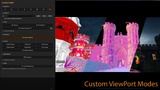
Features in this toolset:Viewport panel: Additional and easy accessible view modes, like mesh paint and vertex paint.
Visibility Sets: You can create for the scene setup when some meshes are hidden and call it with click
Measure tool: With hotkey measure a distance between objects
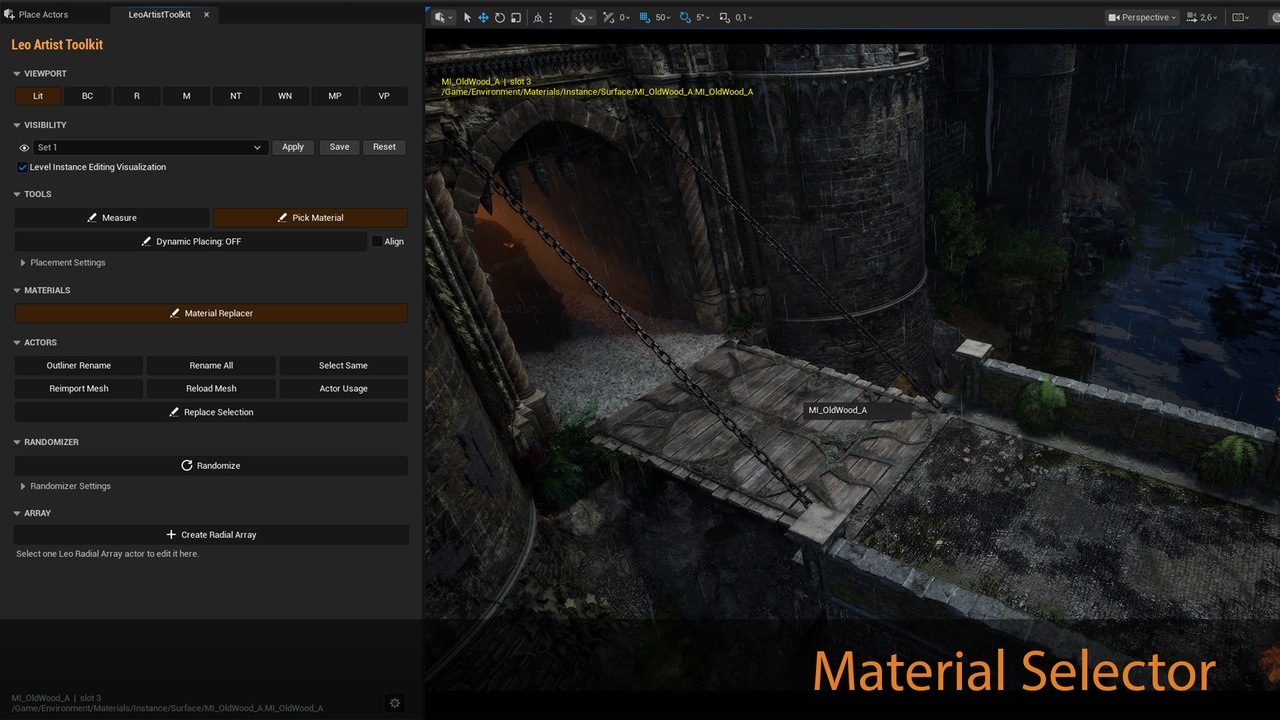
Pick Material: Show name of the material based on the mouse position on the object and select it in content browser with mouse click
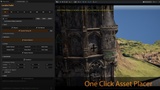
Dynamic Placing Tool: Place object from the Content browser with just mouse click with possible rotation and alignment to the surface
Renaming Tool: Rename Objects in the selection to their original Content Browser name or rename the whole scene
Actor Usage Toolset: Find used actors on the scene with camera focus
Position randomizer: Add random rotation/offset to selected actors
Radial Array Toolset: Very flexible toolset to create radial arrays and create bended modules