Описание
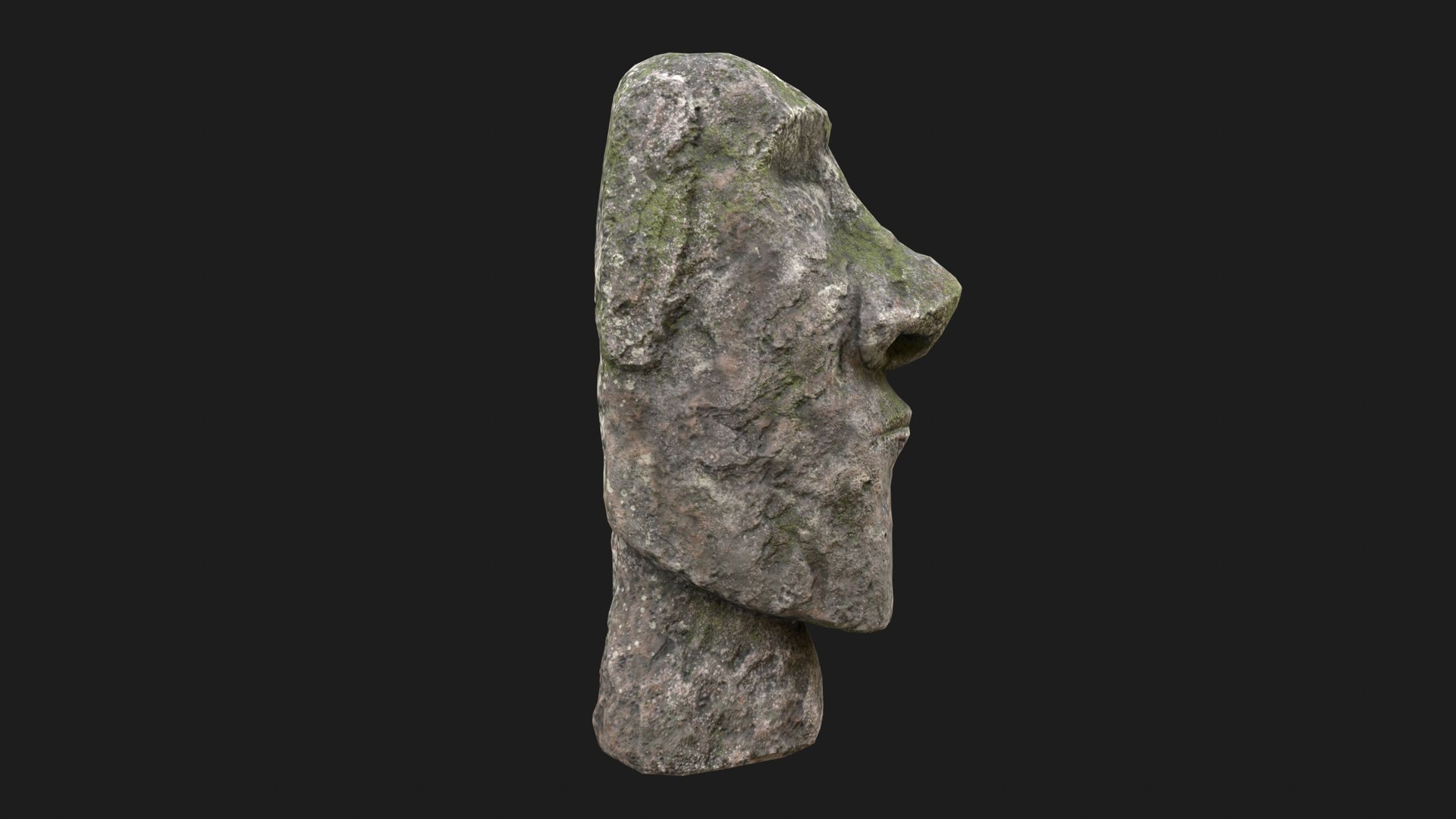
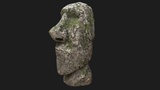
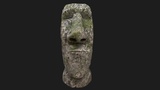
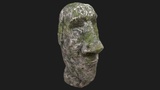
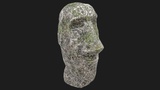
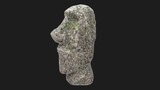
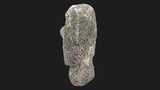
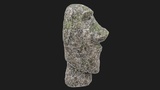
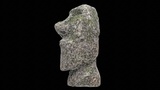
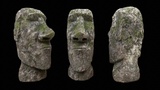
A highly realistic Moai Statue PBR 3D model featuring detailed weathered stone, natural moss buildup, and accurate sculpted contours inspired by the iconic Easter Island monoliths. This game-ready asset includes 2K textures, clean UVs, and optimized topology—ideal for games, films, cultural environments, archaeology scenes, and VR/AR experiences.
-----------------------------------------------⚜️ GENERAL INFORMATION ⚜️---------------------------------------------------
Optimized low poly mesh with the greatest possible number of simplifications that do not affect photo-realism but can help to simplify it, thus lightening your scene and allowing for using this model in real-time 3d applications.
Real-world accurate model. In this product, all objects are ERROR-FREE and All LEGAL Geometry. Subdivisions are not required for this product.
Perfect for Architectural, Product visualization, Game Engine, and VR (Virtual Reality), No Plugin Needed.
-----------------------------------------------⚜️ FORMAT INFORMATION ⚜️---------------------------------------------------
3ds Max 2021 (scanline standard shader)
FBX
OBJ
Blender
-----------------------------------------------⚜️ OBJECT INFORMATION ⚜️---------------------------------------------------
Object: Moai_Statue_001
Vertices: 2277
Polygons: 4550
Triangles (3-sided): 4550
Quads (4-sided): 0
Rendered Tris: 4550
-----------------------------------------------⚜️ MATERIAL INFORMATION ⚜️---------------------------------------------------
1 3ds Max default scanline standard (Legacy) material used.
Diffuse
Specular
Glossiness
Normal DirectX and OpenGL
AO
-----------------------------------------------⚜️ TEXTURE INFORMATION ⚜️---------------------------------------------------
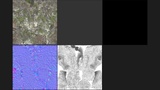
Moai_Statue_01_Diffuse.png 2048x2048
Moai_Statue_02_Specular.png 4x4
Moai_Statue_03_Gloss.png 4x4
Moai_Statue_04_Normal_DirectX.png 2048x2048
Moai_Statue_04_Normal_OpenGL.png 2048x2048
Moai_Statue_05_AO.png 2048x2048
-----------------------------------------------⚜️ INFORMATION ⚜️---------------------------------------------------
You may need to reassign the texture map to the model in your relevant software.
You may need to adjust the green channel of the Normal map according to your specific software. (DirectX vs OpenGL Normal Map).