Descrição
DOCUMENTATION | VIDEO OVERVIEW | DEMO DATA
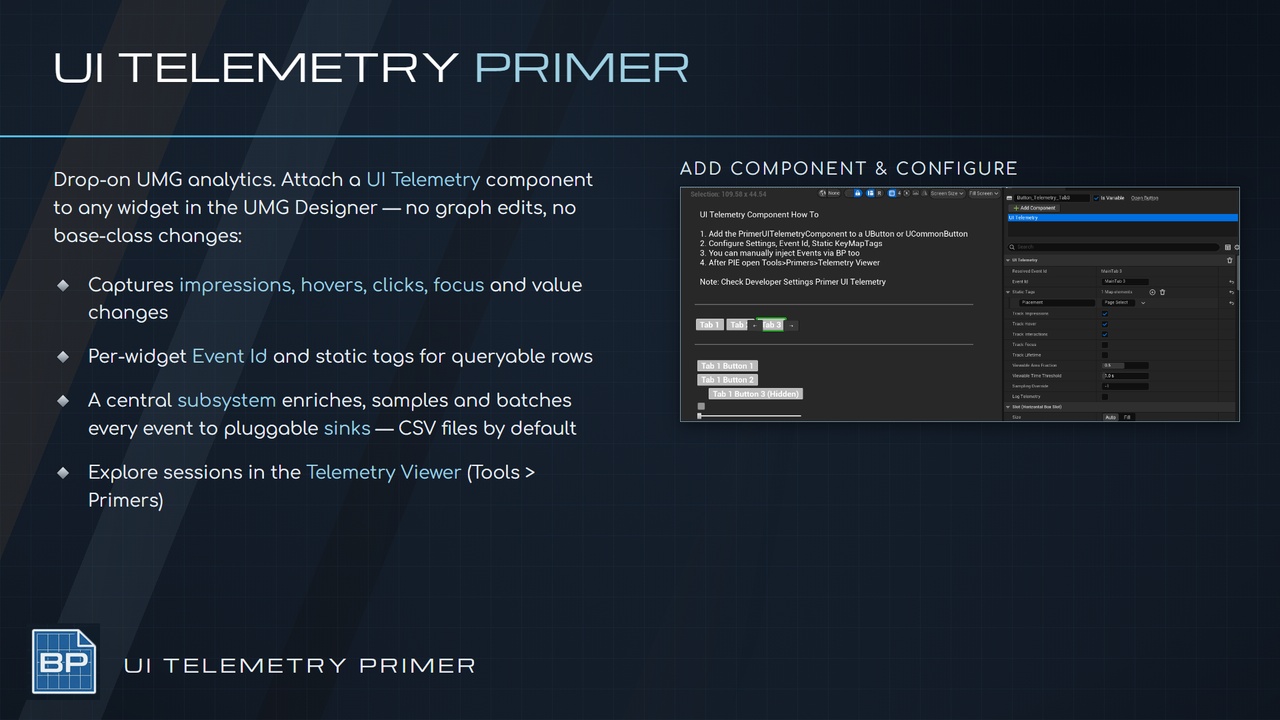
Primer UI Telemetry Component captures UMG heatmaps, impressions, hovers, clicks, focus and value changes from a drop-on component - zero graph edits.
Zero code / bp setup
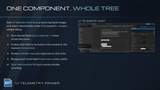
Drop the component on a widget - or one Root component on the whole screen
Set the track toggles
Hit play!
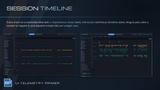
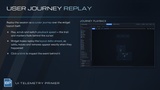
View Data in Tools > Primers > Telemetry Viewer
Configure heatmaps and tracking frequency in Project Settings > Primer UI Telemetry
CORE FEATURES
Drop-on UI Telemetry widget component
Whole-tree UI Telemetry Root component
Impressions, hover, clicks, focus and lifetime toggles
MRC-style viewability thresholds
Central subsystem: sessions, sampling, batching, consent
Screen-context stack
Per-widget Event Id and Static Tags
Pluggable sink interface — CSV, JSON, File and Log sinks included
Manual event emission from Blueprint
Opt-in cursor-path and input-heatmap capture
Telemetry Viewer editor menu
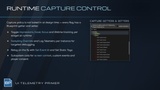
Runtime getters and setters for every capture flag
Optional verbose logging
How To
Add a UI Telemetry component to a widget (or UI Telemetry Root to the top-level widget)
Set Event Id, Static Tags and the track toggles
Play — the CSV sink writes session files
Open Tools > Primers > Telemetry Viewer to explore the session
USE CASES
Menu and HUD funnel analytics
UX iteration on impression and dwell data
Playtest session review in spreadsheets or the Telemetry Viewer
Cursor travel heatmaps over menu screens
Forwarding UI events to a custom analytics backend via one sink
PRIMERS
Part of the Primer series, this plugin prioritizes clarity, control, and practical workflows.