




Description
Bring light to your project with the Advanced Multiplayer Flashlight, a flexible and optimized flashlight solution built for ALL games.
Designed for plug-and-play integration, this system provides realistic volumetric AND fake beams, battery system, and network-ready replication — everything you need for any type of project, multiplayer or not.
DEMO VIDEO
Note: This asset requires a basic understanding of blueprints and Unreal Engine.
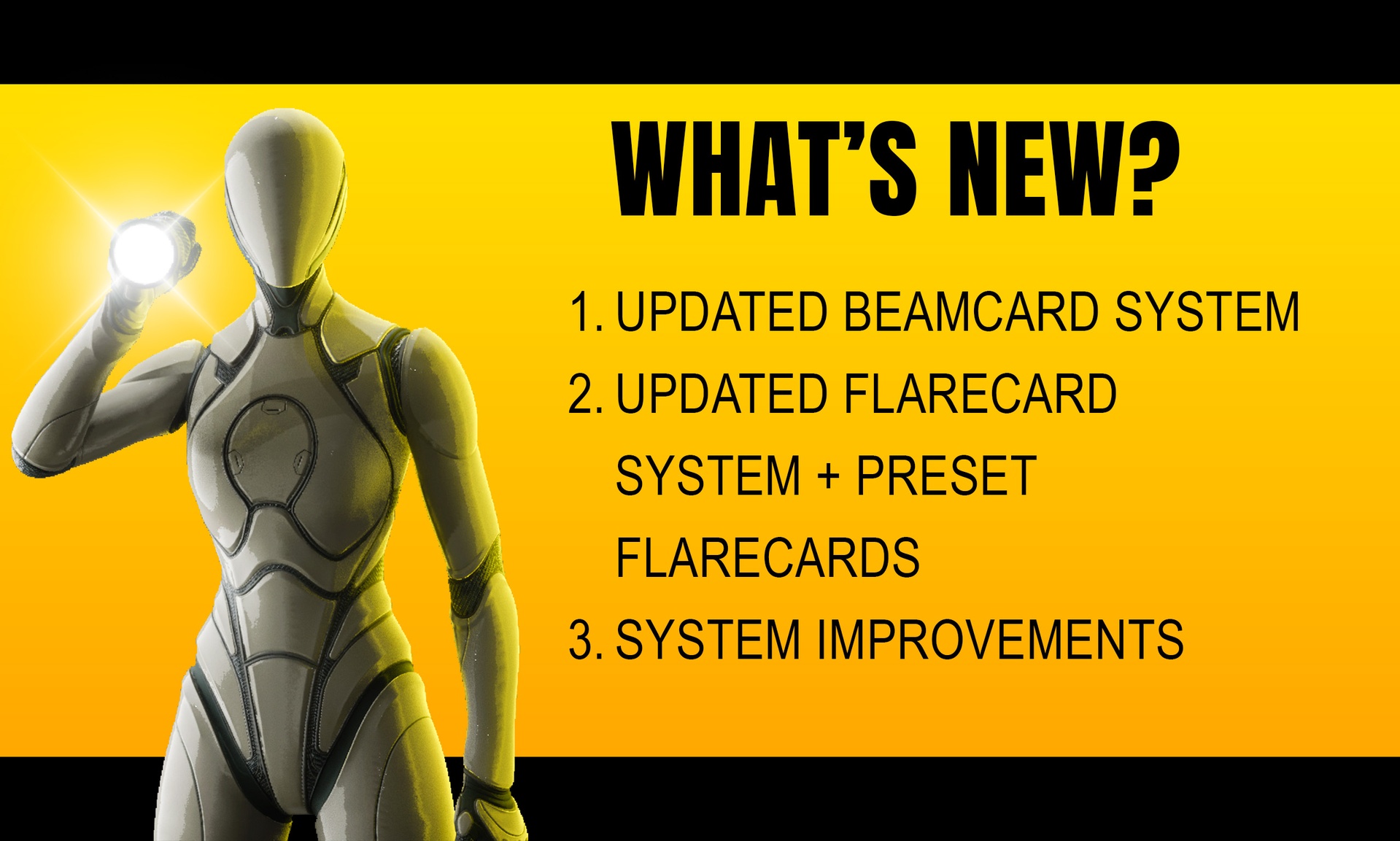
Update v1.7 (only 5.6 & above)
Improved Beamcard
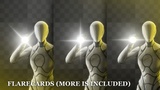
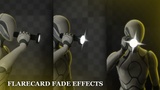
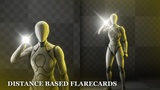
Improved Flarecard + included custom flare cards (8)
Gun Template
Improved Integration Workflow for actors with flashlight (E.g. gun template)
+2 Beam Cone Models
Switchable Hands for holding flashlight
Headlamp Template
Switchable Perspective
Fixes & Optimizations
Flare effect
Easy integration
Multiple beam types
Features
Fake Light Beams for optimized and cinematic feel (3 types of beams).
Battery System and light flickering before battery dies.
Event-Based Flicker, triggerable from everywhere.
Multiplayer-Ready: all features fully replicated and synchronized across clients.
Highly Modular: easily attach to any character or weapon or any type of blueprint.
Game-Ready: optimized for performance and easy to customize.
Lens Flare & Glare Effects: realistic bloom aimed at the camera.
NEXT UPDATES (v1.7-v2)
(Price of the asset Will Rise, Buy Now and receive Free Updates with new features)
More Templates, Animations And Models: top-down view template, shoulder-mounted flashlight, etc...
Dynamic Light Intensity: light intensity affected by battery percentage.
More Beam Types.
Bug Fixes And Further Optimizations.
…and more to come!
INTEGRATION:
Add a child actor to your character/actor and then select BP_FlashlightActor_GRMFS as the child actor. Add the BPC_GRMFS component to your character/actor, set up variables and set up initials. Done!
*NOTE: If not all clients are loaded when initial happens, data between actors will not be synced. Make sure to trigger initial event when all clients are loaded.
Documentation: Download HERE