説明
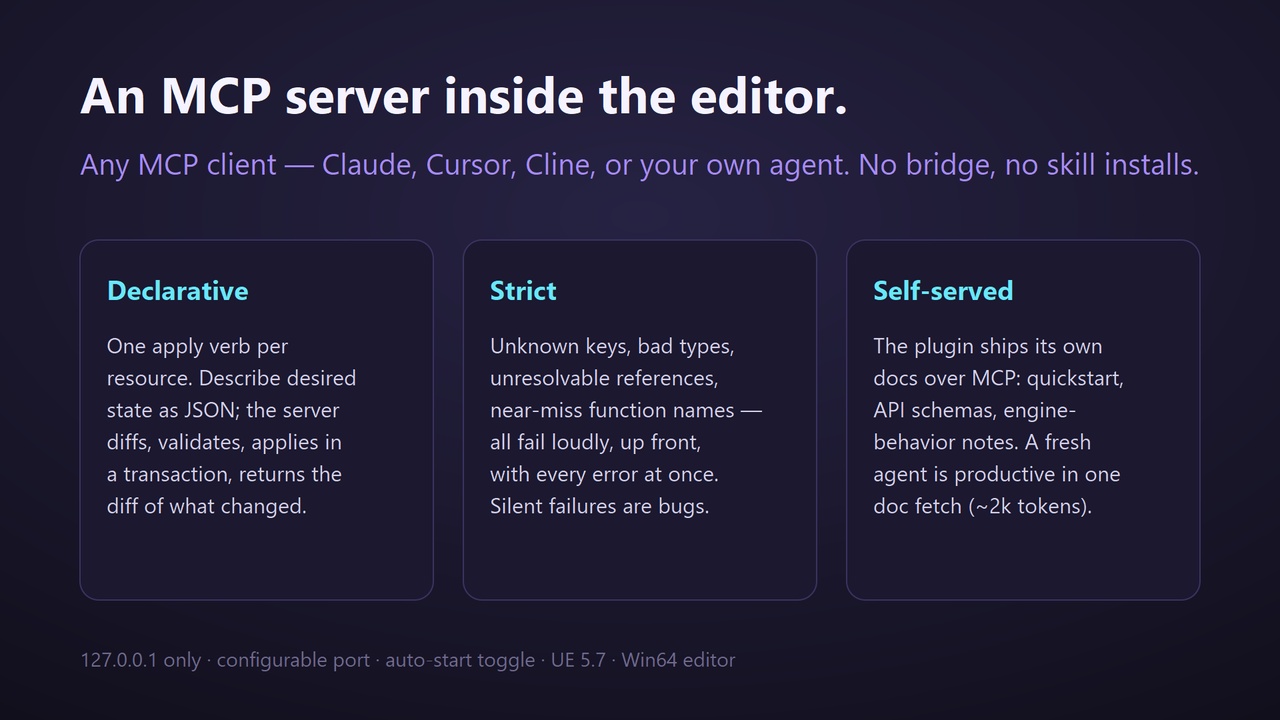
Artificer MCP embeds a Model Context Protocol server inside the Unreal editor, so any
MCP-capable AI agent can author real assets in your project — no external bridge, no
per-client skill installs, no bespoke integration.
WHY IT'S DIFFERENT
Most AI–Unreal bridges expose dozens of imperative micro-tools (add_variable,
connect_pin, set_pin_default) that leak engine failure modes into the agent's loop.
Artificer collapses the whole surface to ONE declarative verb per resource: the agent
describes desired state as JSON, the server diffs, validates, applies inside a
transaction, and returns exactly what changed.
WHAT AGENTS CAN AUTHOR
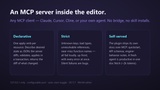
• Blueprints — components, variables, dispatchers, functions (with locals), full event
and function graphs, timers, input bindings, event subscriptions - and most importantly, kept human readable with clean layout and comments.
• Levels — actor placement, per-instance properties, GameMode overrides
• Widget Blueprints — full widget trees, slot layout, BP-side logic
• Animation Blueprints, Anim Montages (segments / notifies / sections)
• DataTables and Materials (expression graphs + Material Instances)
BUILT FOR AGENTS THAT VERIFY, NOT GUESS
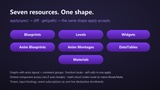
• Scripted PIE sessions: schedule input, screenshots, and state probes; a blocking
wait verb returns sim-rate-honest results (no log forensics, no phantom bugs)
• Strict up-front validation: unknown keys, bad types, unresolvable references, and
near-miss function names all fail loudly — silent failures are treated as bugs
• Self-served documentation: the server ships its own quickstart, API schemas, and
engine-behavior notes over MCP, so a fresh agent is productive in one doc fetch
• Auto-layout + comment groups: generated graphs are readable by humans afterward
• Self-reporting: the agent recognizes tooling bugs and slow friction as it works,
asks "want me to report this?", and only with your approval files a structured
issue at our public tracker — https://github.com/ArtificierMCP/issue-tracker
REQUIREMENTS
• Unreal Engine 5.7
• Server binds 127.0.0.1 only (port configurable in Project Settings → Plugins →
Artificer MCP); works with any MCP client over Streamable HTTP
GETTING STARTED
Install, open your project, point your MCP client at http://127.0.0.1:8766/mcp, and
have your agent fetch get_authoring_doc("quickstart").