설명
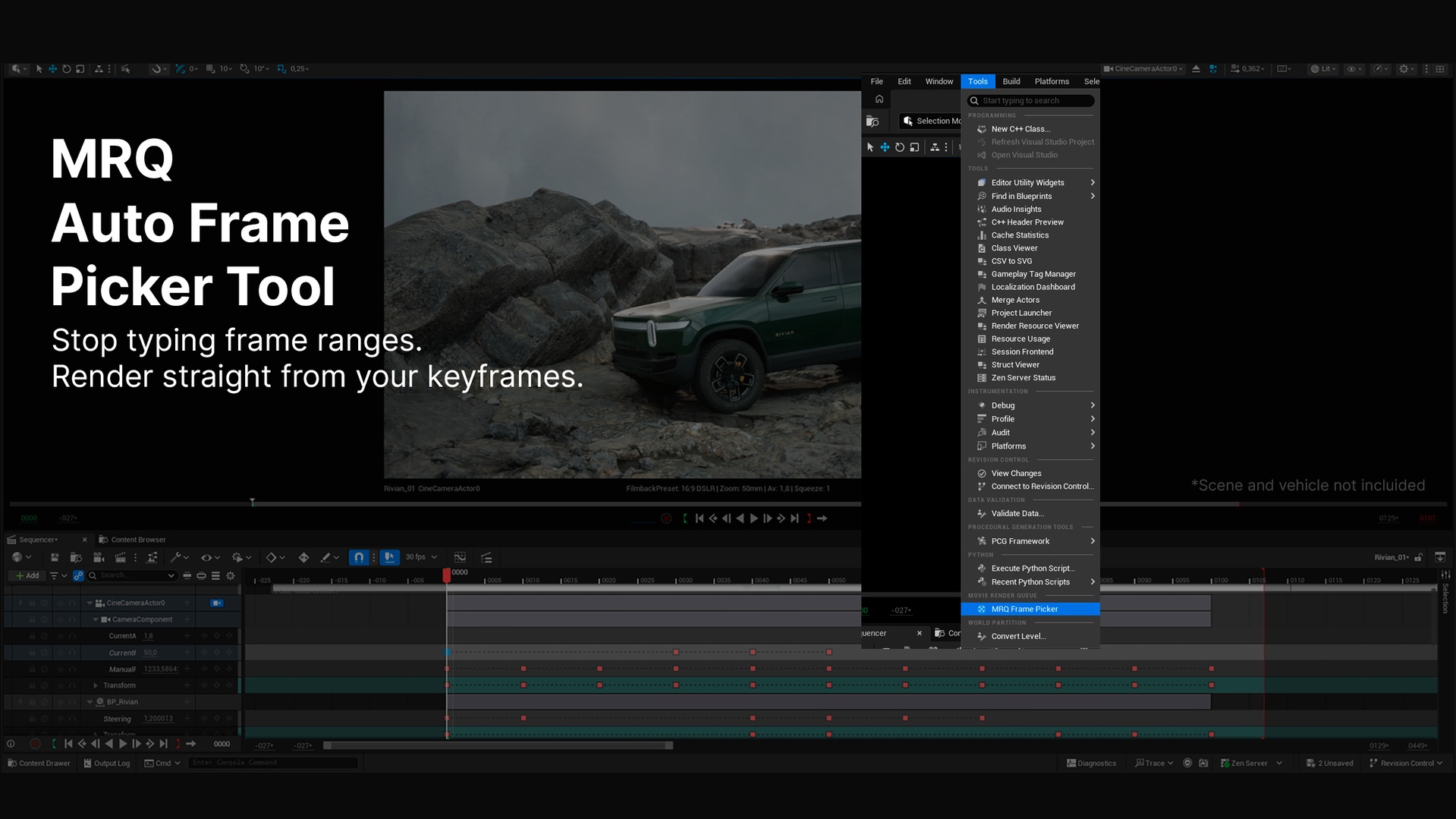
MRQ Frame Picker turns keyframes into render jobs. Point it at any actor and track in your open Level Sequence, and it builds a Movie Render Queue containing exactly the frames you care about - the ones you keyed - instead of rendering the whole shot.
It renders through your own saved MRQ presets. The tool only injects the frame range; it never touches your render settings, so your Lumen, Path Tracing, resolution and output configuration stay exactly as you saved them.
What it does
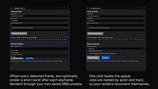
Detect keyframes on any actor and track. Pick a camera, a light, a mesh - any animated binding. Then choose which track to read: Transform, Intensity, Light Color, focal length, or anything else you have keyed. Component tracks (like a light's Intensity on its LightComponent) are found automatically.
Offset the detected frames. Shift every detected frame by a fixed amount, so you can render a frame a few steps after each pose without re-keying.
Add extra frames after each keyframe. Optionally expand each detected frame into a short run - render the keyframe plus the next N frames - perfect for capturing short bursts around each pose.
Editable frame list. Everything detected drops into an editable field. Add, remove or tweak frame numbers by hand before building the queue.
Render through your own presets. Select any MRQ preset you have saved. The tool copies it into each job untouched.
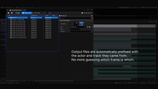
Name output files by actor and track. Optionally prefix every output file with the actor and track it came from (e.g. RectLight_Intensity_0015), so your renders are self-documenting.
Build or render in one click. Build the queue to review it in MRQ first, or render immediately. An append option lets you add to your existing queue instead of replacing it.
Why use it
Manually typing frame numbers into a custom playback range is slow and error-prone, especially across many poses or many actors. MRQ Frame Picker reads the keyframes you already made and turns them into a render queue in seconds. Ideal for look-dev passes, lighting reviews, turntables keyed by hand, and any workflow where you only need the significant frames of an animation.
Good to know
Works entirely inside the editor as an Editor Utility Widget - open it from the Tools menu.
Non-destructive: it never modifies your render presets or your sequence.
Frames are editable before rendering, so you always stay in control.
Requirements
Movie Render Queue and the Python Editor Script Plugin (both ship with Unreal Engine and are enabled automatically by this plugin).
A saved Movie Render Queue preset (Settings > Save Preset As in MRQ).
Required Engine Plugins (all included with Unreal Engine, no third-party downloads):
- Movie Render Pipeline
- Python Editor Script Plugin
- Sequencer Scripting
- Editor Scripting Utilities
These are declared as dependencies in the .uplugin. If any of them is disabled in your project, enable it from Edit > Plugins.
Video tutorial: https://www.youtube.com/watch?v=V9gxfSycR2Q