


Descrição
DISCORD: https://discord.gg/2wxM5WYBev
DOCUMENTATION: https://docs.google.com/document/d/1H2i13g-L1YXWPsgERH4r90Refou25Euw/edit?usp=sharing&ouid=105541694581162132630&rtpof=true&sd=true
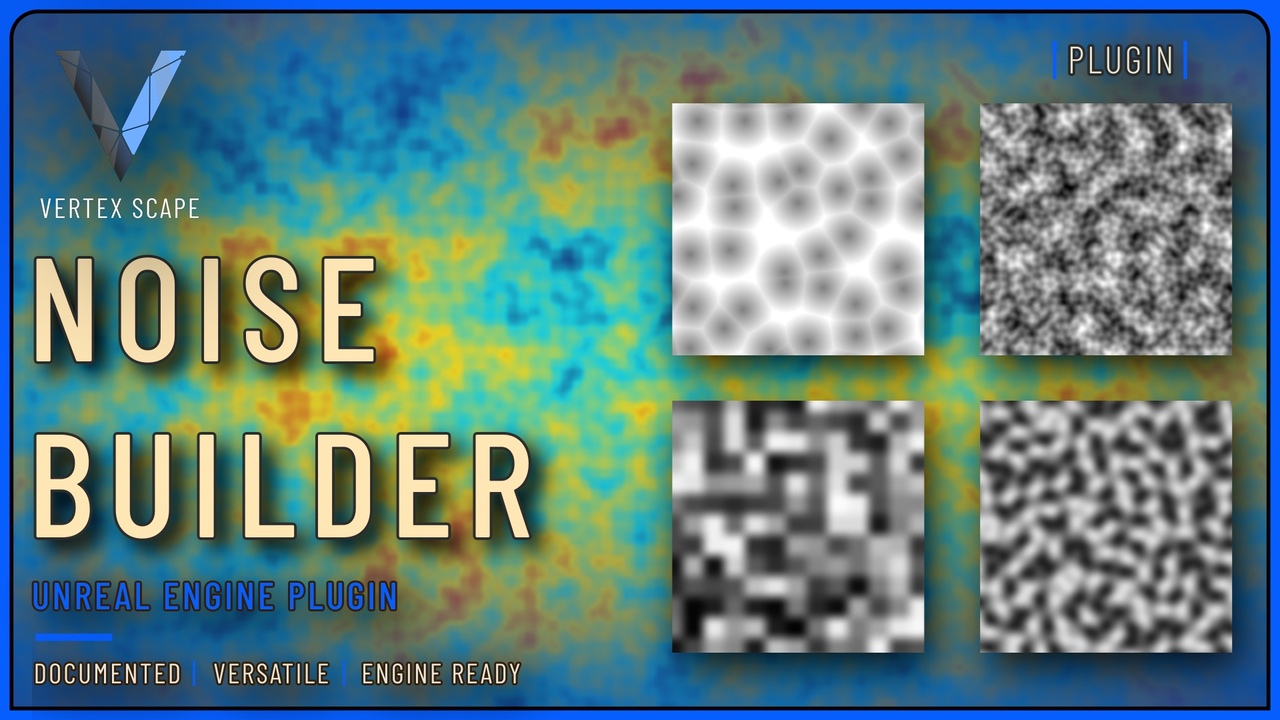
NoiseBuilder gives you 2D noise in Unreal. Call Perlin, Simplex, Value, or Voronoi straight from Blueprint, or author a NoiseBuilder Graph asset in the editor and Evaluate or bake it in game. Packaged builds keep the saved program, not the visual graph. Ranges, once: Perlin / Simplex / Value are [-1, 1]. Voronoi is [0, 1]. FBM Octaves clamp to 1–10.
Call Perlin / Simplex / Value / Voronoi from Blueprint (no graph)1. Open any Actor or function Blueprint.
2. Right-click the graph. Search NoiseBuilder.
3. Drop Perlin Noise, Simplex Noise, Value Noise, or Voronoi Noise. FBM variants are the same names plus FBM.
4. Plug X, Y, and Seed. FBM also needs Frequency, Octaves, Lacunarity, and Gain.
5. Use the returned float. No graph asset. Works in editor, PIE, and packaged.
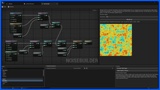
Make a graph, save it, Evaluate on an Actor1. In the editor: Tools → Create New NoiseBuilder Graph. A NoiseGraph asset is created and opened.
2. You already have one Output node. You cannot have two.
3. Bottom-left palette is labeled Nodes. Drop Perlin (Generators).
4. Connect Perlin Out to Output In. Leave Domain unwired unless you want a warp of the sample XY.
5. The color panel on the right is the heatmap — editor preview only. Default view is Output. Double-click a scalar node (or right-click Preview This Node) to preview that node. It is not a material.
6. Ctrl+S. Save writes the Output program the game will load.
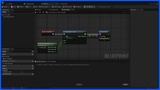
7. On an Actor Blueprint: add a variable of type Noise Builder Graph, set it to the asset, drop Evaluate Noise Graph, pass Graph / X / Y.
8. Call Evaluate when you need a sample. Do not put it on Tick unless the position actually changed.