Descripción
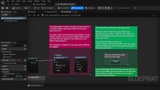
DebugWitch — debugging that doesn't feel like a chore
Let's be honest: Print String has been doing its best, but it's tired. DebugWitch gives your debugging a glow-up.
Tag your messages with categories and severities, send them to a clean live Monitor instead of squinting at a wall of yellow text.
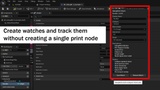
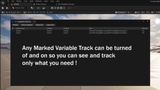
Want to keep an eye on a value while you play? Drop it into the Tracker and watch it update in real time. Curious what a variable is doing? Flip on a watch right from the Details panel — no extra nodes, no clutter.
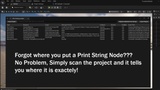
And when it's time to ship, the Locator helps you round up all those "I'll remove it later" debug nodes so nothing sneaky sneaks into your build.
The good stuff:
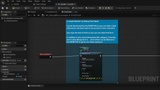
A smarter Print String — categories, severities, and a little extra info where you want it
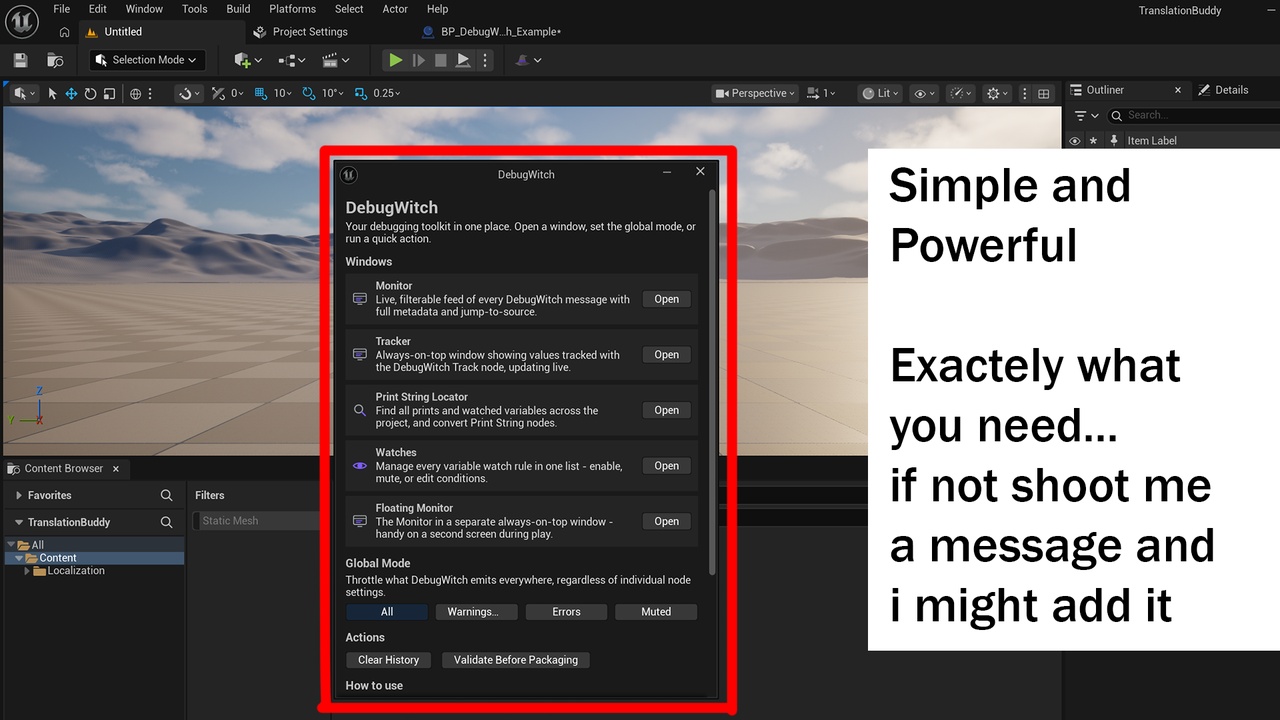
A live Monitor that keeps every message tidy and searchable
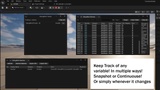
A Tracker for values that change while you play
One-click variable watches, right in the Details panel
A Locator to clean up forgotten debug nodes before release
Everything in one place under Tools → DebugWitch
Works great in Blueprint-only projects, no C++ needed — and it politely stays out of your Shipping builds.
Spend less time hunting for bugs and more time making your game.