
Beschreibung
Discord 💬 | Documentation 📑 | Videos 📷
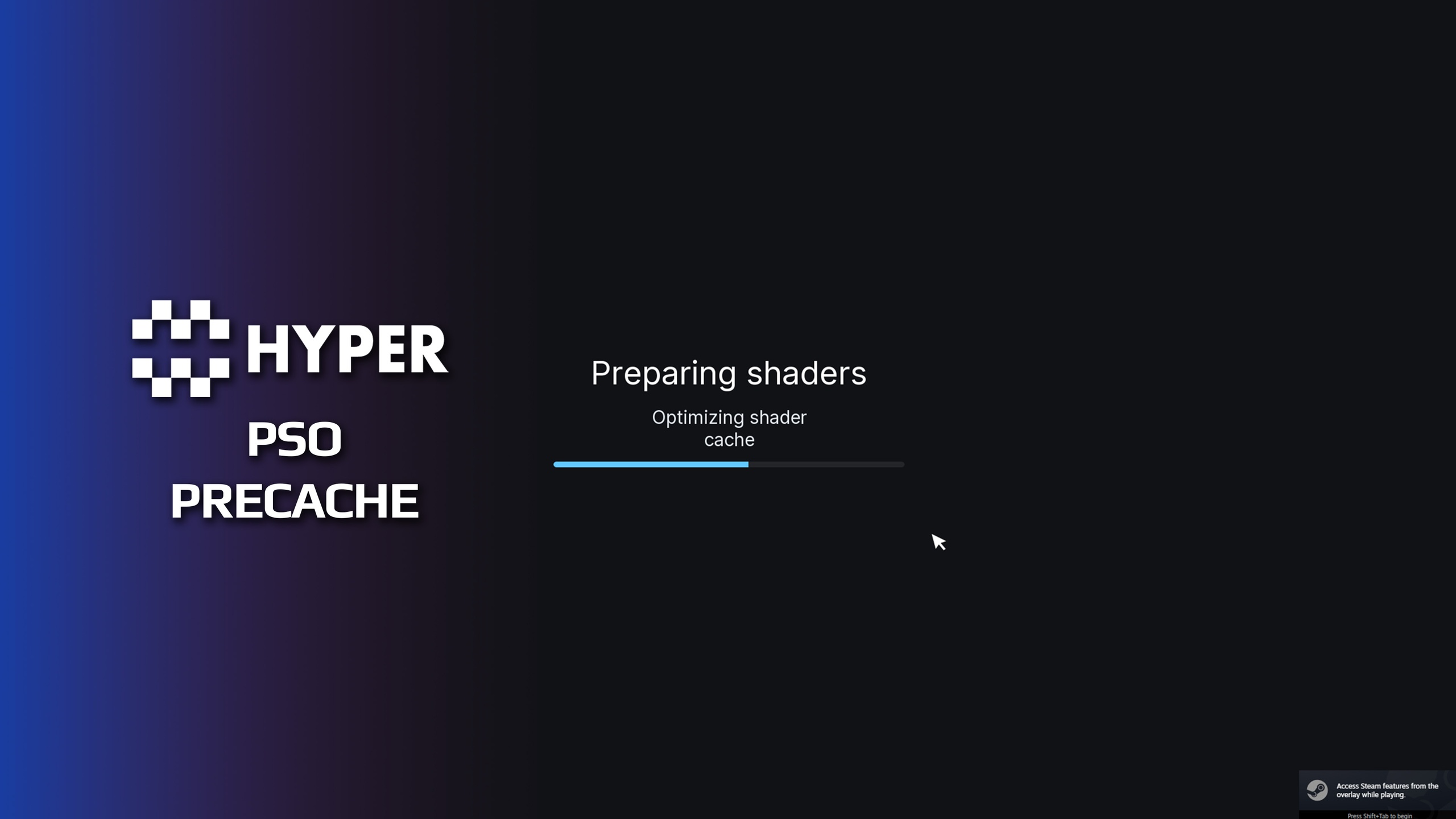
Hyper PSO Precaching
Prepare Unreal Engine PSOs during startup with a polished, customizable progress screen without requiring Blueprint, C++, or console-variable knowledge. Hyper PSO Precaching coordinates Unreal's runtime PSO precaching and shader pipeline cache, reports live pending work, and safely releases startup when preparation completes, no work appears, or the internal timeout is reached.
Built for Unreal Engine 5.8 on Win64, the plugin gives beginners a one-click recommended setup and keeps the visible Project Settings page focused on only what matters: setup, player-facing text, and visual style.
Important: This plugin coordinates Unreal's built-in PSO systems. It does not automatically discover every PSO and does not replace representative gameplay traversal, PSO collection, stable-key generation, cooking, or packaged-build testing.
One-Click Beginner Setup
Install the code plugin and restart Unreal Editor.
Open Project Settings → Game → Hyper PSO Precaching.
Setup to you liking
No required Blueprint or C++ integration.
Customizable Startup Presentation
Live progress based on Unreal's reported pending precompile work.
Custom startup, map-loading, checking, preparing, and ready text.
Optional project font with automatic cooking support.
Adjustable interface scale and top, center, or bottom placement.
Custom background, accent, progress track, title, and status colors.
Advanced width, font-size, progress-height, and roundness controls.
Optional use during supported map-loading flows.
Safe Unreal Execution Paths
MoviePlayer and Slate presentation for packaged builds.
Editor-safe standalone viewport path using Unreal's CommonUI engine plugin.
Minimum display time and no-work grace behavior.
Hard internal timeout so startup cannot block indefinitely.
Quiet defaults: no periodic status spam, overlay, spike logging, validation, or debug draw.
Automatic World Partition Profile
Background and time-budgeted streaming behavior.
Incremental component registration and unregistration.
Adaptive AddToWorld timing.
World Partition update and streaming-cell limits.
Incremental garbage collection and HLOD warmup.
The World Partition profile is a conservative starting point, not a universal performance preset. It changes selected Unreal defaults and should be A/B-tested in your real maps, especially for fast traversal, dense cells, heavy HLODs, or minimum-spec storage.
Advanced Access When You Need It
Optional Blueprint status and control library.
On-demand console commands for PSO status, batch modes, pause/resume, and World Partition inspection.
Diagnostics remain hidden from beginners and do not run automatically.
Requirements
Unreal Engine 5.8
Win64
CommonUI engine plugin, enabled automatically by the plugin descriptor
No third-party loading-screen plugin required