Descripción
DOCUMENTATION | V2 Lock Cursor Bounds Guide
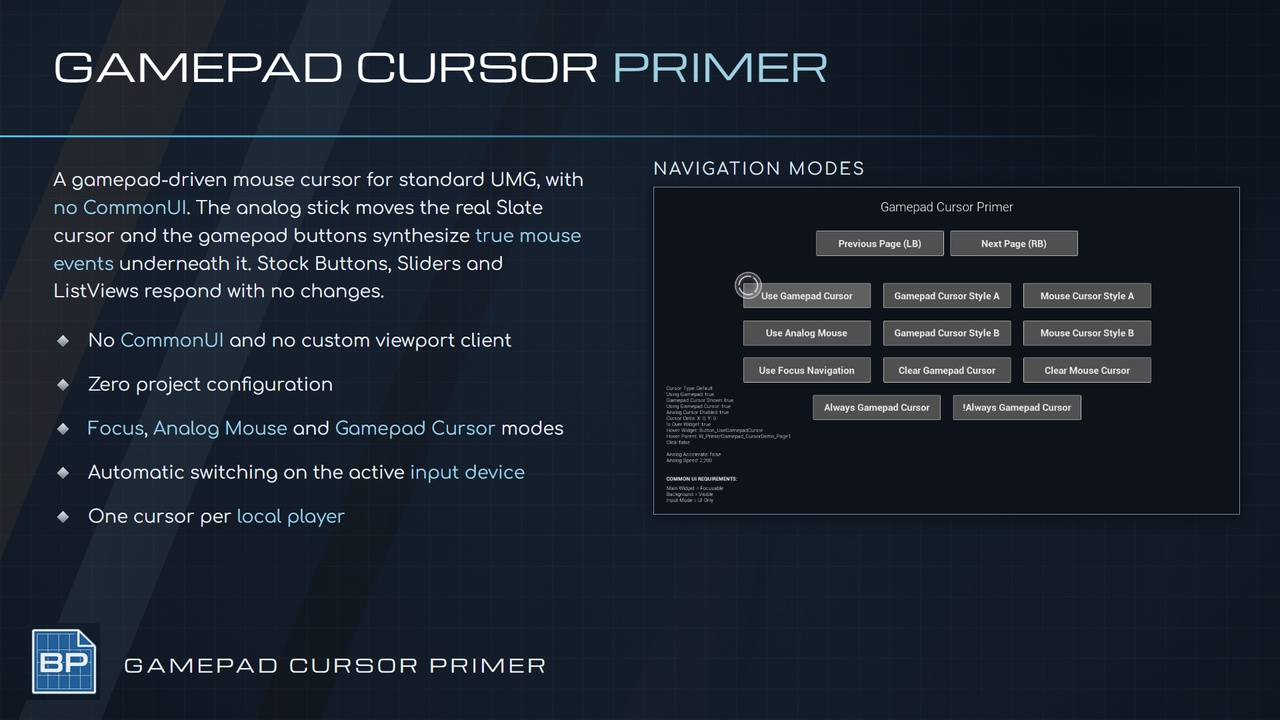
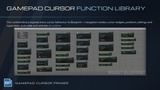
Primer Gamepad Cursor drives a real mouse cursor from the analog stick and synthesizes true mouse events under it, so standard UMG responds exactly as it does to a physical mouse.
No CommonUI
No custom viewport client
No project configuration
Hit play!
Core Features
Analog stick cursor movement
Synthesized mouse clicks at the cursor position
Works with stock Buttons, Sliders, ScrollBoxes, ComboBoxes and ListViews
Per-cursor-shape widgets
Separate gamepad and mouse cursor widget sets
Automatic switching on the active input device
Scroll wheel emulation from the second stick
Focus Navigation, Analog Mouse and Gamepad Cursor modes
Derived cursor visibility
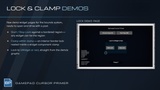
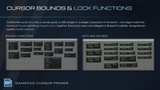
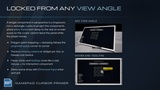
Cursor bounds: confine the cursor to a rect, a convex quad, a UMG widget or a 3D widget component
Bounds hold the hardware mouse and the gamepad cursor together
Per-system enable switches, down to unregistering the input preprocessor entirely
Chords suppressed while typing in a text field
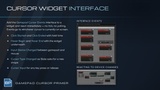
Cursor widget event interface
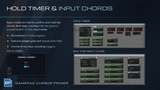
Hold-to-confirm async node
Wait for input chord async node
Configurable gamepad key to mouse button bindings
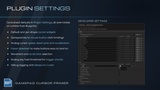
Runtime analog cursor settings
Per-local-player cursor
Pause and UI Only support
How To
Create a cursor User Widget and add the Primer Gamepad Cursor Events interface
Set it as the Default Gamepad Cursor Widget Class in Project Settings
Call Set Input Mode UI Only when your menu opens
Call Use Gamepad Cursor Navigation
Play!
Use Cases
Controller-first menus, inventories and shops that need a pointer
Map screens, skill trees and crafting grids
Strategy and simulation UI on gamepad
Adding gamepad support to an existing mouse-driven UMG project
Split screen games needing one cursor per player
Pause menus with hold-to-confirm prompts
Primers
Part of the Primer series, this plugin prioritizes clarity, control, and practical workflows.