Açıklama
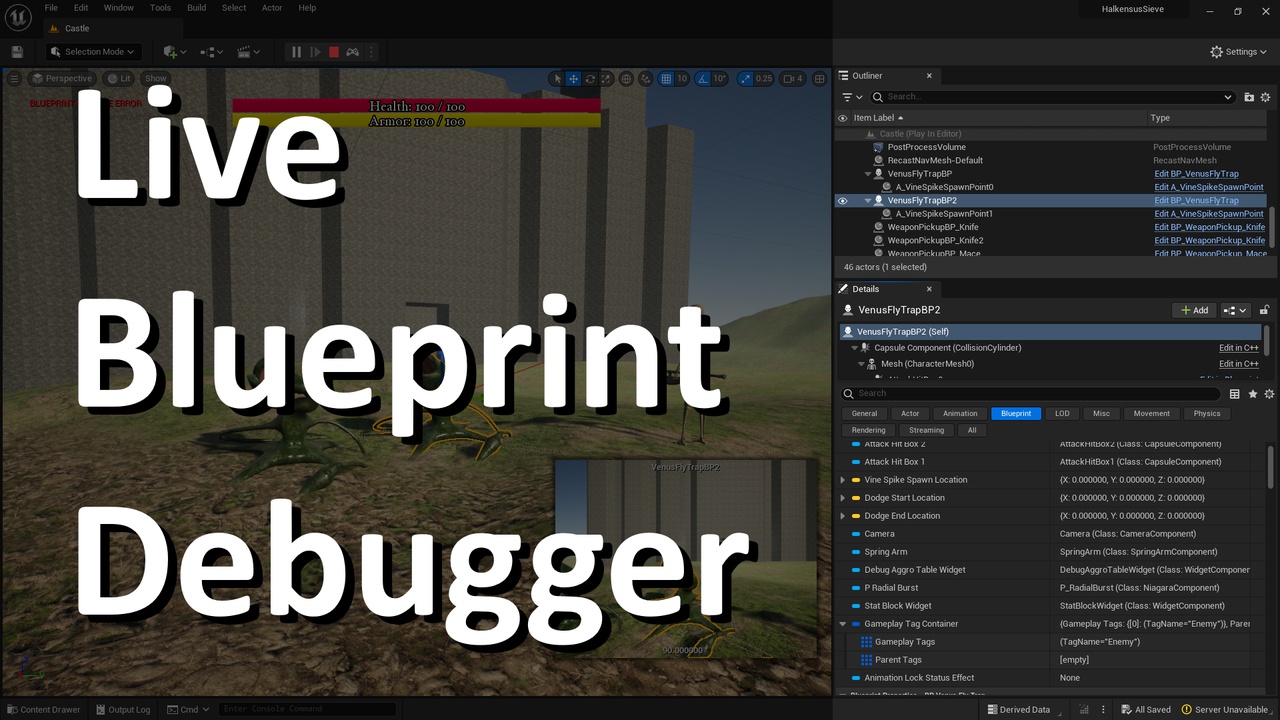
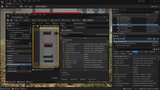
The Live Blueprint Debugger plugin integrates the Blueprint Debugger's variables window directly into the Level Editor's details panel. When playing or simulating in the editor, a new "Blueprint" section will appear in the details panel for any selected Actor that is an instance of a Blueprint class. Blueprint variables are also updated live in real time.
New in 1.1- Option to keep actor selected when playing or simulating.
- Support for Unreal Engine 4.27 in addition to 5.1+.
- Live Blueprint variable data directly in the Actor details panel.
- Fast filtering for specific Blueprint variables.
- When a variable changes, it is highlighted for 1 second in the details panel.
This plugin customizes the Actor details panel such that any Actor that is derived from a Blueprint class will have its class variables shown in the details panel. All of the Blueprint variables will appear in sections labeled "Blueprint Properties - [category]", where "[category]" is the category name from the Blueprint Editor. In turn, all of these categories appear under the overall "Blueprint" section header in the details panel.
To support real-time live variables, the Live Blueprint Debugger plugin prepopulates a list of all of the Blueprint variables up to 5 levels deep (of nested structures, for example) and does not expand Object references. Because the list is pre-populated instead of expanded on demand, as with the existing Blueprint tools, the variables can be tracked and updated in real-time and can be filtered as fast as any other Actor details.
Differences from the Blueprint Editor's Blueprint Debugger- Does not expand "UObject" references for faster performance
- Maximum 5 levels of nesting
- Real time updates
- Fast filtering
- No breakpoints or call stacks