



설명
UPDATE Incoming!
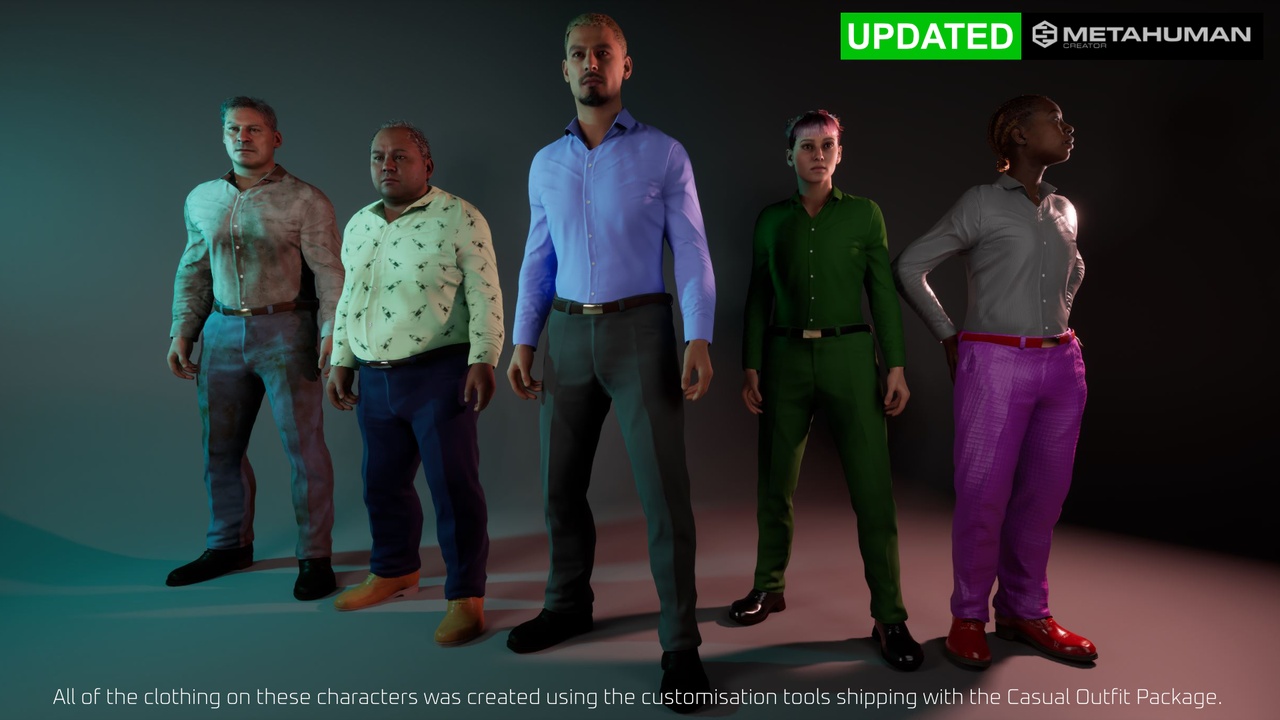
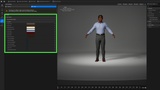
We have now added the ability to set key outfit colours during the fitting process. Just head to the Details Section of the Hair and Clothing panel in the MetaHuamn Creator to adjust the colours of every material on this outfit. This will also save you the trouble of creating specific Material Instances for each character as this is now done automatically when you fit the Outfit in the MetaHuman Creator. This update is free for everyone who purchased the Casual Outfit...Enjoy!
Keep it Casual!
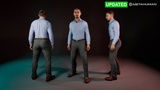
A versatile 3 piece outfit for your Metahumans! This package of a shirt, shoes and pants conforms to MetaHuman standards and is incredibly customizable. A great go-to wardrobe item you can grab and use again and again in new and creative ways. With settings for dirt, cloth weave, roughness, colour, normal map intensity and the option to map on your own textures exposed in the custom materials, the possibilities for variation are almost limitless!
We aim to provide good quality well made assets at a fair price for your projects! All of the models in this package were hand modelled with good topology and engine efficiency in mind. We hope you enjoy using the first of a new line of clothing designed for MetaHumans.
Important installation instructions:
Create a folder in the root Content directory called "Outfits" if you don't already have one.
Inside the Outfits folder, create another folder called "casualOutfit". Please pay attention to the capitalisation and spelling, it's quite important :-)
Drag the MHPKG file into the casualOutfit directory and Unreal Engine will take care of everything else.
A full installation and user guide can be found here
A full guide on how to customise the materials to create almost limitless outfit variations can be found here. Although it refers to our original Versatile Casual Outfit, the principles and material setup are the same. Please note there's no need to create new Material Instances as shown in the video as they are already created for you now during the fitting process, and stored in the Clothing sub-folder of your newly created MetaHuman's directory.