Descrizione
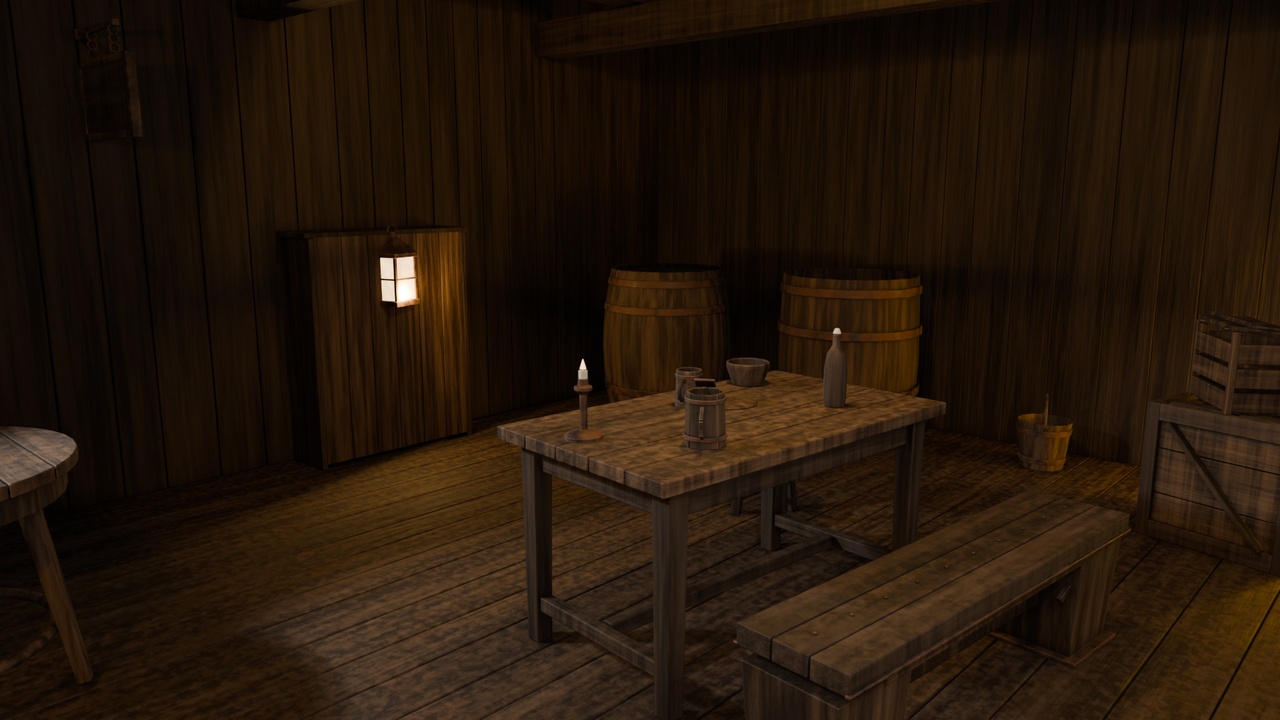
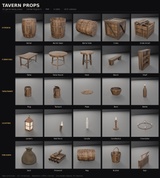
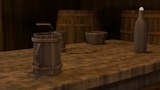
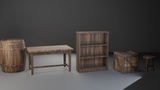
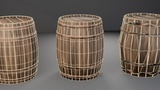
25 hand-built medieval tavern props, game-ready for Unreal Engine 5.
Everything you need to dress a tavern, inn, cellar or market stall — storage, furniture, lighting and tableware — modelled to a single consistent scale and texel density so the pieces sit together naturally in a scene instead of looking like a bag of parts.
Every mesh ships with three LODs, custom convex collision, non-overlapping lightmap UVs and packed ORM textures. Drop it in and start building.
WHAT'S INCLUDED
Storage — Barrel, Barrel (open), Barrel (on side), Keg, Crate, Crate (small), Sack, Bucket
Furniture — Table, Round table, Bench, Stool, Shelf
Lighting — Chandelier, Wall torch, Lantern, Candle, Candlestick
Tableware — Tankard, Mug, Bottle, Bowl, Plate
Other — Firewood, Tavern sign
FORMATS
Unreal Engine 5.8 project — 25 static meshes, one master material with 25 instances, and two demo maps
FBX — 25 meshes, Y-up, centimetre scale, tangents included
glTF / GLB — 25 meshes with textures embedded, ready to drop into any engine or viewer
Blender 5.2 source scene — the full working file, with relative texture paths
TEXTURES
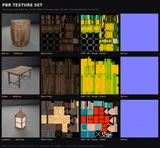
81 PBR maps. Each prop has BaseColor, Normal (OpenGL / +Y green) and a packed ORM map — red is ambient occlusion, green is roughness, blue is metallic. Light-emitting props also have an Emissive map.
2048×2048 on the large props and 1024×1024 on the small ones, which holds a consistent ~512 px/m texel density across the whole pack.
TWO DEMO MAPS
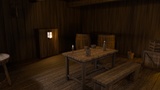
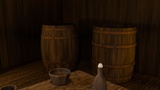
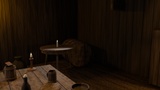
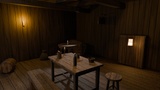
L_TavernDemo — a dressed tavern interior showing the props in context
L_TavernOverview — all 25 props laid out side by side for browsing
NOTES
Meshes are unrigged and unanimated. If you import the raw PNGs into your own project rather than using the supplied Unreal project, set the Normal and ORM maps to non-sRGB (linear) — in Unreal, set the ORM maps' compression to Masks. The included Unreal project is already configured correctly.
Unity users: the green channel here is roughness, so invert it if your shader expects smoothness.
Questions or problems — use the Questions tab on this page. I read all of them and will get fixes out.