描述
Modular Light System
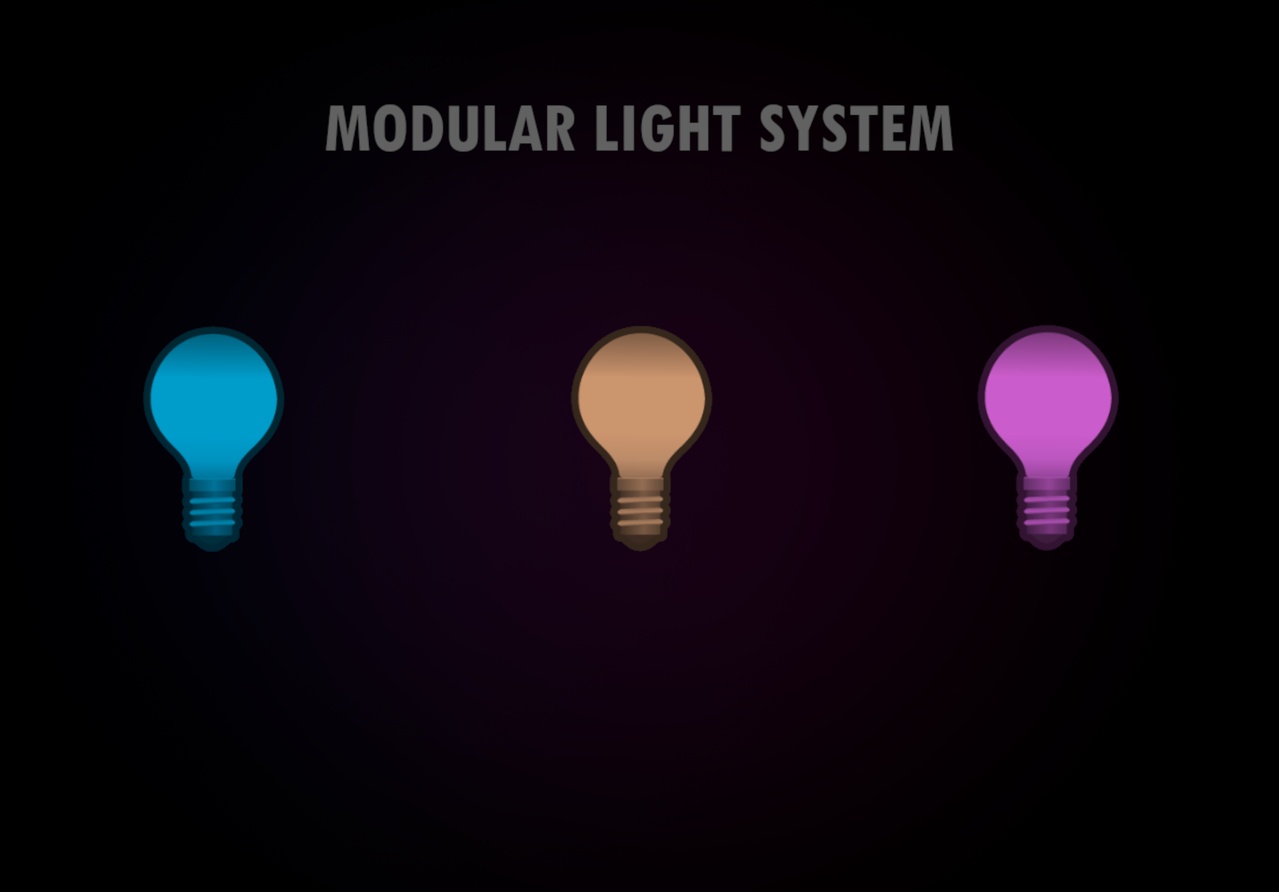
A flexible, modular light system designed for Unreal Engine. Ideal for games, environments, and interactive scenes that require dynamic and reactive light sources. A full documentation can be found Github Wiki
IMPORTANT: Please update the InputAction reference as described in the documentation (Setup).Even if you named your InputAction the same as mine, you still need to replace it manually, since the reference will still be different.
You can also view the test level: Content/ModularLightSystem/Levels/LVL_LS
The Modular Light System is currently a work-in-progress and focuses on flexibility, ease of use, and extensibility. It includes a range of Blueprint-based light components that support physics, interaction, color gradients, flickering effects, cable rendering, and more.
Lights can be placed directly or dynamically connected via circuits (planned). Switching, destruction, cable connections (Kinda weird looking) and spline-based movement are included and customizable.
Current Features:
Easy-to-use Blueprint components (BP_Light, BP_LightSwitchTrigger, etc.)
Modular setup for lights, triggers, and future power supply logic
Flicker presets and color gradients via curves
Cable support using Unreal's built-in Cable Component
Spline-based light movement, Movement along axis and random movement
Enhanced Input System support (Change the InputAction to your action, see Setup)
Destroyable lights (optional) with trigger zones
Interaction support for player-controlled toggling (Player has to look at the switch / light, to interact with it)
Light Groups (BP_LightGroup): Automatically gather nearby lights within a radius, filter by tag, or include connected child lights. Perfect for quickly setting up complex lighting networks.
Known Limitations / In Development:
Currently, only Circuit Type: "None" is supported, Series and Parallel logic are under active development.
Simulate Physics + Enable Gravity combination may behave incorrectly (e.g. detaching or desyncing), physics integration is still being worked on.
No custom meshes (Will be added later, creating them by myself)
The system is a WIP, expect bugs and incomplete features.
Feedback
This system is released early to gather feedback and help from the community. If you encounter any bugs, have feature suggestions, or want specific improvements, please let me know! Your input will directly help shape future updates.
Changelog v0.0.1.5
Flickering
Added Light Out Timer support for flickering lights
Light Strings (BP_LightString)
Light strings can now be toggled using connected BP_LightSwitchTriggers
Added "Default On?" variable to match the behavior of BP_Light
General brightness reduced – previous values were too intense
Added random gradient start times for each light in the string (Boolean `Randomize Gradient Across Lights?`)
Light
Changed construction script, to see the gradient start/end in the editor.
Invert start movement via boolean "Invert Direction"
Misc
Minor logic improvements and condition checks
Changelog v0.0.3.0
Flickering
Audio stops now when the light turns off due to flickering for x seconds.
Added additional light flicker presets for more variation.
Light
Disabled/Removed Variables for transform properties (position, scale, rotation) in all Blueprints to ensure correct behavior when tweaking child Blueprints in the Blueprint viewport.
Added example mesh Blueprints with custom made meshes (Really basic and simple meshes) under Content/ModularLightSystem/Blueprints/Meshes.
Changelog v0.1.3.0
LightGroups
Added Light Groups (BP_LightGroup) for easier setup. Connect lights to the group, then connect switches or triggers to the group as well, so you don't have to add each light individually every time. Additionally, the group can automatically include lights by Tag, Radius, or from the children of connected lights, so every light connected to another light will also be added to the group (if the corresponding boolean is set to true).
Misc
Changed the PowerSupply to run on BeginPlay instead of EventTick, because currently, only the "None" type is used, and the results are always the same. A dynamic PowerSupply system is planned once the Circuit Types "Series" and "Parallel" are working correctly.
More logic improvements and bug fixes.