描述
OFPA Change Explorer — World Partition Actor Diff & Migration Tool
Every actor you save in a World Partition project becomes N99JP0LZKYP.uasset. You have hundreds of them. You have no idea which one changed.
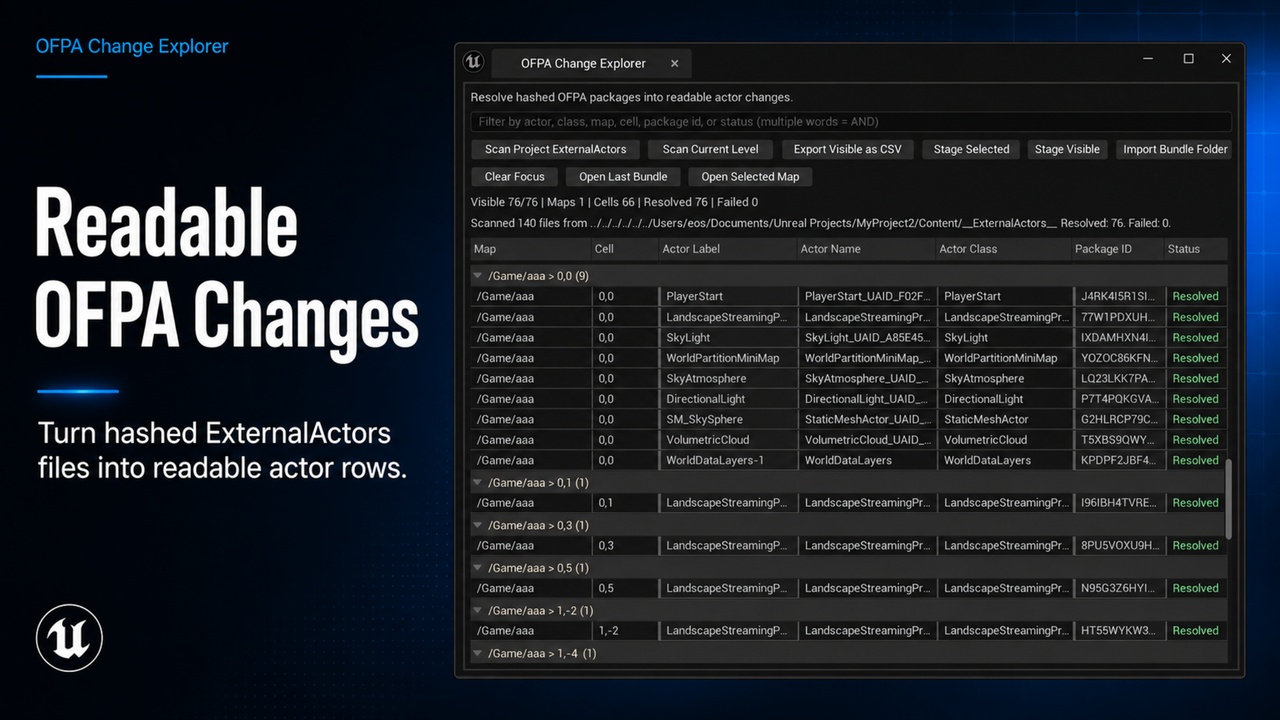
OFPA Change Explorer solves that. It resolves every hashed ExternalActors file into a readable row — actor name, class, map, real World Partition cell coordinates, and status — directly inside the Unreal Editor.
See what actually changed
Open the panel, hit Scan Project ExternalActors or Scan Current Level. Every OFPA file becomes a human-readable row grouped by World Partition grid cell not by hash bucket. Cells are computed from actual actor world position using the level's detected cell size, so actors that live near each other appear together.
Filter by actor name, class, map, cell, package ID, or resolution status. Find anything in a 10 000-actor project in seconds.
Move actors between projects cleanly
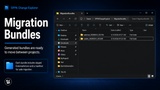
Select the rows you need. Hit Stage Selected or Stage Visible. A timestamped migration bundle is written to Saved/OFPAChangeExplorer/MigrationBundles/ — a self-contained folder with the actor packages and a manifest.
In the destination project, hit Import Bundle Folder, pick the folder, confirm any overwrites. Done.
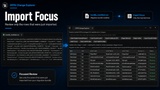
The table immediately switches to Import Focus — showing only the rows you just imported. Not 10 000 rows. Not the full project. The three actors you moved.
Community
Video
Navigate to actors instantly
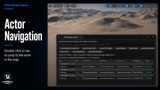
Double-click any row. The editor opens the map, selects the actor, and moves the viewport camera to it. Works for any resolvable actor in any loaded level.
Key features
Full project scan or active-map-only scan
Real WP grid cells from actor world position auto-detects cell size from open level via reflection, falls back to 12 800 UU
WorldPartitionHLOD actors excluded automatically they're engine-generated noise
Filter bar across all columns
Column sorting by header click
CSV export for external diff or audit
Bundle import with per-file overwrite confirmation
Import Focus showing only imported rows after every bundle import
Row context menu: copy actor / package ID / relative path, open map, stage selected
Who this is for
Level designers who need to know what changed before a merge. Engineers moving actor subsets between project forks. TDs auditing World Partition content before handing off a build.
If your project uses World Partition with One File Per Actor and you've ever opened ExternalActors in Explorer and wondered what any of it means — this is the tool.