
Beschreibung
Preparing a MetaHuman outfit or groom for Fab is the same handful of steps
every time: import the mesh, build the Cloth and Outfit Assets, point their
Dataflow graphs at the new mesh, create the Wardrobe Item, wire it up, verify
it. None of it is difficult. All of it is easy to get subtly wrong, and you
do it again for every item you make.
MetaBridge Forge does that part for you.
WHAT IT DOES
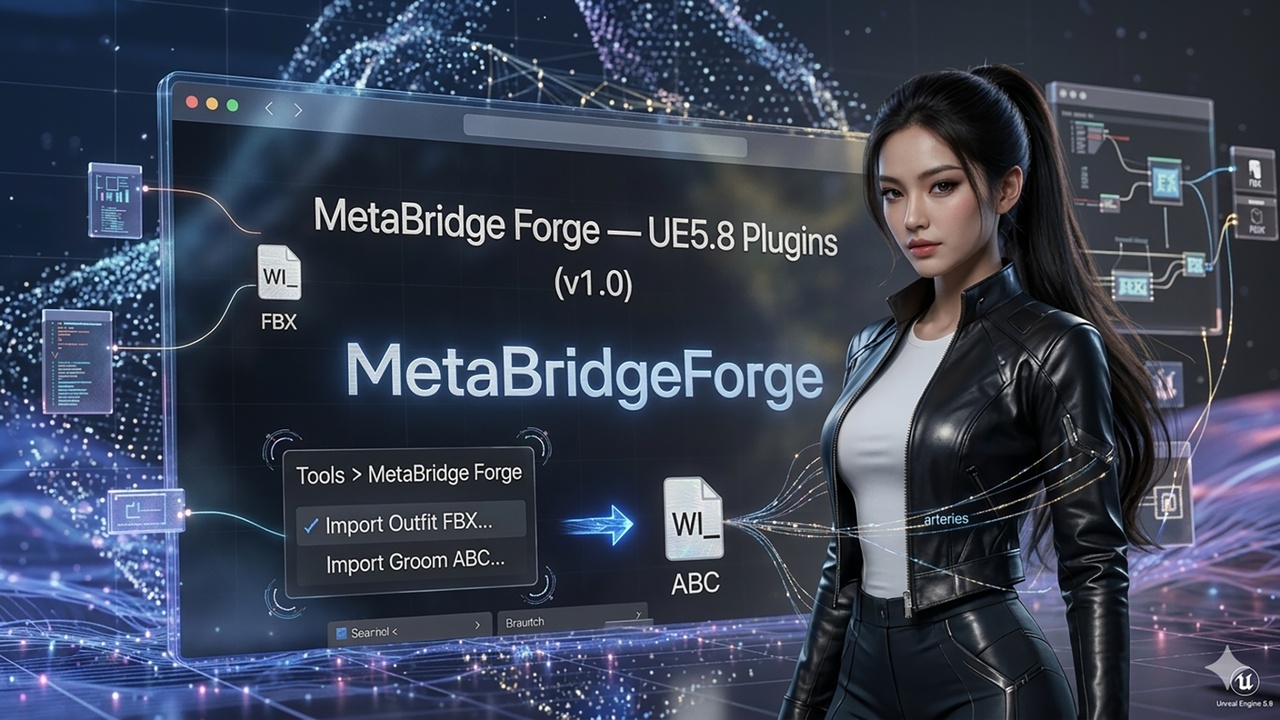
Tools > MetaBridge Forge adds two actions.
Import Outfit FBX - pick your garment FBX. The plugin imports it as a Static
Mesh, duplicates the Outfit Asset and Cloth Asset from a template along with
their own Dataflow graphs, retargets every mesh reference to the garment you
just imported, creates the WI_ Wardrobe Item and runs MetaHuman verification.
Import Groom ABC - pick your hair Alembic. The plugin imports the groom,
clones the reference head and materials, creates the binding and the
Wardrobe Item.
Both are one click after choosing the file. No Content Browser selection, no
follow-up steps, no dialogs to answer. Names and folders follow the MetaHuman
convention automatically, derived from your filename.
WORKS OUT OF THE BOX
The Outfit and Groom templates the pipelines build from ship inside the
plugin, so it works in a brand-new project with an empty Content folder. If
your project already has its own template, that one is used instead.
FIXES THREE ENGINE GAPS
The plugin also exposes three functions to Blueprint and Python that the
engine does not:
- Override a struct-array Dataflow variable such as SizedOutfitSource. The
engine has the mechanism, but only as a C++ template, so Blueprint and
Python cannot reach it.
- Repoint a duplicated Outfit Asset at a freshly imported garment.
- Set a Dataflow node property and invalidate it, so the graph actually
rebuilds. The engine's own version writes the value but leaves the cached
output stale, and the change silently does nothing.
If you automate MetaHuman assets yourself, these three are useful on their
own.
WHAT IS LEFT TO YOU
Deliberately manual, because they need judgment: outfits with several Cloth
Assets, assigning a finished Wardrobe Item to a character slot, and groom
colour and material work. Every step of the pipeline is callable from the
Python console, so you can re-run just one piece.
REQUIREMENTS
Unreal Engine 5.8, Windows, Editor only. No runtime or gameplay code. The six
plugins it depends on all ship with UE 5.8 - see Technical Information.
MetaBridgeForge Guide https://mayalhc.github.io/MetaBridgeForge_Wiki/