
Description
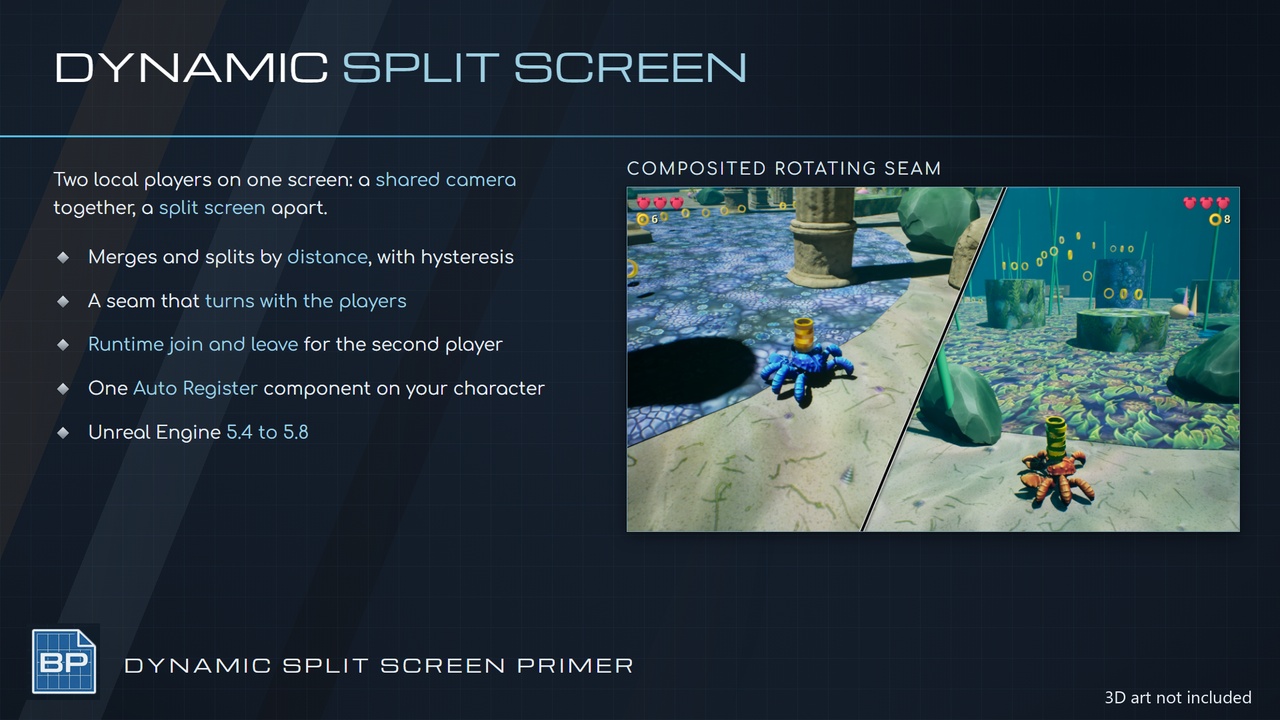
Primer Dynamic Split Screen puts two local players on one screen: one shared camera while they are together, a split screen when they move apart.
Set the viewport client
Add the Auto Register component to your character
Pick a scenario
Hit play!
CORE FEATURES
Two-player local split screen that merges and splits by distance
Merge and split distances with hysteresis
Always merged and always split policies
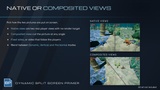
Native views with no render target
Composited views with a cut at any angle and shape
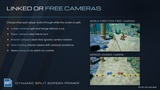
Player cameras or Linked cameras while split
Seam angle from the screen, a world compass, a manual angle or a Blueprint delegate
Fixed sides or sides that follow the players
Seam slide, in-place and fade arrivals
Lerp with Ease In and Ease Out amounts, Spring, Curve and Hard Cut transitions
Dynamic, Vertical and Horizontal split modes with blending
Seam published to a Material Parameter Collection
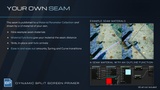
Seam drawn by your own UI material
Seam distance material functions
Nine example seam materials
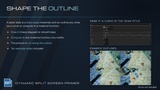
Seam outline drawn in the standard curve editor
Seam outline computed in a material function
Scroll and random seed options for the outline
Seam style data assets, ten examples
Auto-framing shared camera
Seven ready-made scenarios
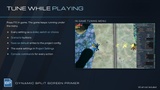
In-game tuning menu
Project Settings page
Auto Register component
Runtime join and leave
Split, merge and camera events
Standard and CommonUI viewport clients
How To
Set GameViewportClientClassName to the plugin's viewport client
Add Primer Split Auto Register to your character, or call Register Split Camera per player
Call Apply Split Preset, or press F10 in game and click a scenario
Tune in the F10 menu and press Save as default
Set your own Seam Material
Play!
SCENARIOS
Single Shared Camera
Rotating Seam And Merge
Rotating Seam Only
Fixed Seam And Merge
Fixed Seam Only
Player Cameras Rotating Seam
World Direction Free Cameras
CONFIGURABLE PARAMETERS
Behaviour:
Merge Policy
View Mode
Camera Rig
Side Mode
Merge Distance and Split Distance
Seam:
Angle Mode, Manual Angle, World Reference Yaw
Angle Interp Speed and Split Alpha
Slide Origin and Axis Flip Threshold
Seam Style
Seam Shape: Outline curve, Amplitude, Repeats, Jitter, Scroll Speed, Refresh Rate
Seam Material
Transition:
Mode, Duration, Ease In, Ease Out
Spring Stiffness and Damping
Curve asset
Shared Camera:
Yaw Mode, Fixed Yaw, Pitch, Field Of View
Padding, Min and Max Distance, Distance Scale
Follow, Turn and Zoom Speed
Avoid Obstacles
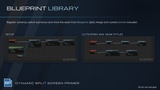
BLUEPRINT API
RegisterSplitCamera, UnregisterSplitCamera
ApplyPreset, ApplyConfig, GetConfig, SaveConfigAsDefault
SetMergePolicy, SetViewMode, SetCameraRig, SetSideMode
SetMergeDistance, SetSplitDistance
ForceMerged, ForceSplit, ReleaseForcedState
SetSplitAngleMode, SetManualSplitAngle, SetCustomSplitAngleDelegate
TransitionToSplitMode, SetTransitionSettings
SetSeamMaterial, SetSeamMotionSettings, SetSeamShape
SetSharedCameraSettings, SetSharedCamera, GetDynamicSharedCamera
StopDynamicCamera, StartDynamicCamera, SetSuspended
GetSplitState, GetSplitProgress, GetTargetDistance
IsPlayerOnFirstSide, IsPlayerViewShared
DELEGATES
OnSplitStarted
OnSplitMerged
OnSecondCameraAdded
OnSecondCameraRemoved
USE CASES
Couch co-op adventure and platform games
Top-down and twin-stick co-op
Party and brawler games with a shared arena
Drop-in / drop-out second player
PRIMERS
Part of the Primer series, this plugin prioritizes clarity, control, and practical workflows.