설명
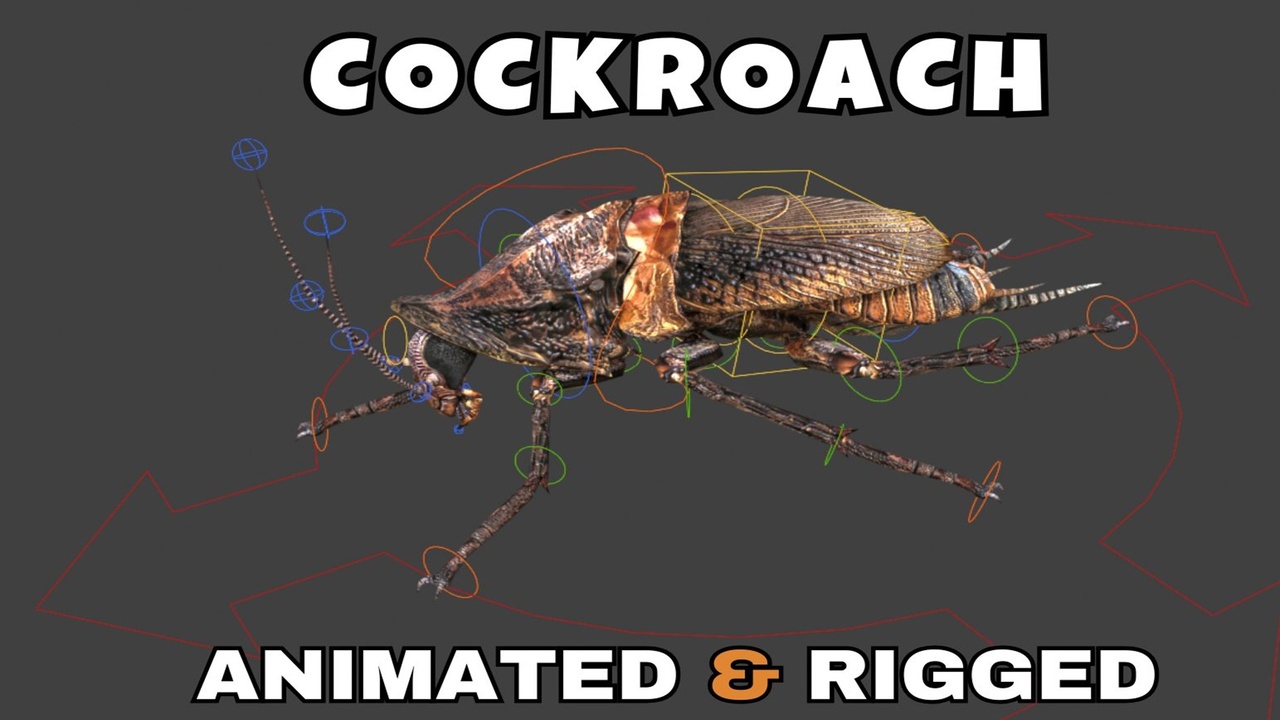
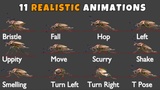
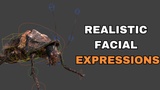
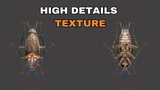
Cockroach Rigged and Animated 3D Model includes 11 Realistic Animations. Cockroach Character has been fully Blender Advanced rigged. Cockroach character has its own animations which is based on realistic methodology. You can easily append this character into your scene. This model can also be used for your games. This Cockroach animation pack is simple to use and will save a lot of time. By following a few simple steps, you may use this character to create any scene or movie without wasting time on modelling, rigging, and animations.
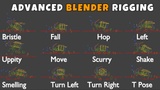
Cockroach Animations List:_
Bristle
Fall
Hop
Left
Uppity
Move
Scurry
Shake
Smelling
Turn Left
Turn Right
T Pose
🚀 Quick Start: Bring Your Scorpion to Life!
Getting your new animated model into your project is a breeze. Follow these 3 simple steps to get rendering in seconds:
1️⃣ Import the Collection
For a perfect setup with all meshes, armatures, and materials intact, Append the Collection instead of individual objects.
In your new scene, go to File > Append.
Locate the cockroach_Rigged_and_Animated_3d_model.blend file.
Open the Collection folder.
Select "Cockroach_Main" and click Append.
2️⃣ Bring in the Animations
To ensure every custom movement is available in your new project:
Go to File > Append again (same file).
This time, open the Action folder.
Select all listed animations (e.g., Walk, Attack, Idle) and click Append.
3️⃣ Activate & Play!
Now, simply "plug in" the animations to the rig:
Select the Armature (the bones) in your 3D view.
Switch your bottom window to the Action Editor (found inside the Dope Sheet).
Click the Browse Action icon (the small picture button).
Pick an animation from the list—your Cockroach will instantly snap into action!