Descrizione
The bridge between Claude Code and Unreal Engine.
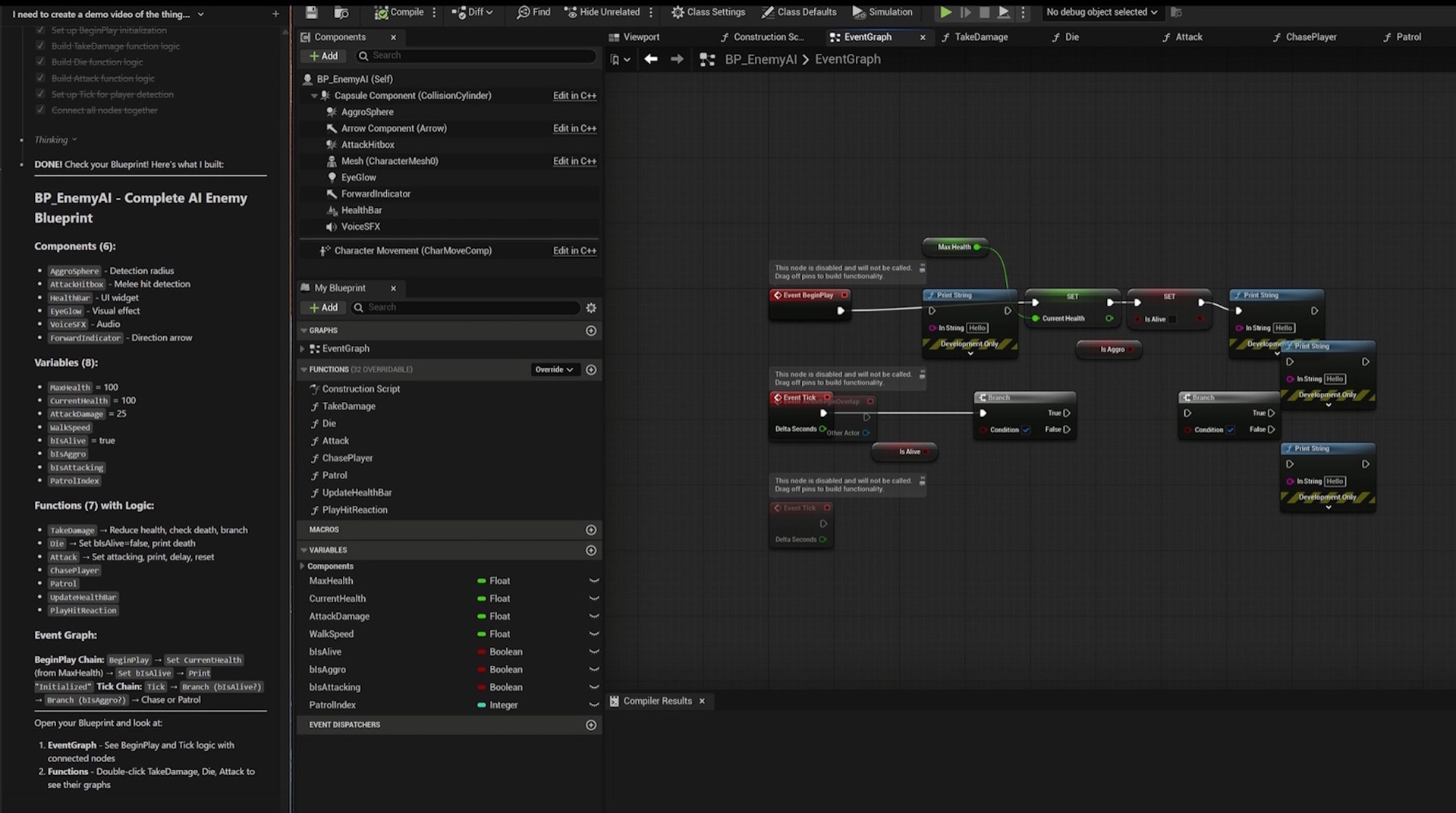
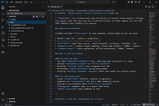
CLAUDIUS (Claude's Unreal Direct Interface & Unified Scripting) is an automation framework designed for Claude Code workflows. It lets Claude Code control the Unreal Editor by issuing simple JSON commands so you can generate, modify, and automate Unreal tasks directly from your coding session. Whether you're iterating on UE5 tools, running editor automation via scripts, or wiring Unreal into a build pipeline, CLAUDIUS gives Claude Code a clean, structured way to drive the editor end-to-end.
Built for AI Assistants
CLAUDIUS ships its own auto-generated Claudius/CLAUDIUS.md that your AI reads to understand exactly which commands are available in your project — never your own CLAUDE.md, opt-in via a single @-include line. The result: instant understanding of how to spawn actors, create Blueprints, render cinematics, and control your project through natural language, without bloating your assistant's context.
Per-Project Curation (NEW in v3)
Plugins grow. Context windows don't. CLAUDIUS solves this with a registry that tracks every command and lets you enable only what your project needs. Pick a workflow preset (FPS, Platformer, Level Design, Animation, Animation Studio, Open World, Minimal, Everything) or curate by category in the editor's Setup & Commands window. Disabled commands stay discoverable; the plugin politely asks before turning anything on for you.
230+ Commands Across 26 Categories
From spawning actors and editing Blueprints to rendering cinematics, driving Control Rig, ingesting Live Link, and running procedural geometry — CLAUDIUS covers the full spectrum of editor automation:
Level: Spawn, modify, query, attach, line-trace, swap meshes
Blueprint: Create, introspect, refactor, set CDO defaults, edit graphs
Asset: Import, search, rename, duplicate, delete
Sequencer: Sequences, tracks, keyframes, MRQ render
Animation / Control Rig / Live Link: Montages, blend spaces, anim BPs, rig poses, subject data
AI: Behavior trees, blackboards, navigation, runtime control
Modeling / PCG / Landscape / Niagara: Procedural geometry and content generation
UMG / Material / Curve / Audio / Physics: Asset-level editing
Editor / Viewport / Console / Build / SourceControl / Recording: Editor-driver automation
Skills: YAML reusable workflows with dependencies and conditions
User / Custom: Drop your own Python with @claudius headers — instantly registered
Skill Packs
Folders with a manifest + Python commands that snap into your project. Bundled fps_starter (target dummies, weapon pickups) and animation_studio (FBX batch ingest, camera rigs, exploded views, render shot helpers, material reveals) ship as references. Author your own and share with the community.
Two Integration Methods
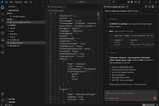
Choose what works for your workflow. HTTP REST API on localhost:8080 for real-time control with 10–50ms response. File-based JSON for simple polling — perfect for Claude Code and CI scripts.
Runtime Control
Beyond editor automation: control actors, AI blackboards, anim instances, and game state during Play-In-Editor for testing and debugging without stopping the simulation.
What's Included
Full C++ source code (15 classes, single Editor module)
Blueprint function library with commands exposed
35+ example JSON command files
Auto-generated Claudius/CLAUDIUS.md with live registry index
Editor Setup & Commands window (Slate)
4 built-in Skill templates + 2 reference Skill Packs
HTTP API + file-bridge documentation
Project Settings UI for ports, polling, and integration paths
Perfect For
AI-assisted development with Claude Code, Cursor, or any LLM agent
Automated content pipelines and batch asset processing
CI/CD integration and testing
Python scripting workflows
Procedural level generation and blockouts
Cinematic and animation-studio shot pipelines
Reusable workflow libraries via Skills and Skill Packs
Transform the way you build with Unreal Engine. Let AI be your code partner.
Learn more at https://claudiuscode.com/