
Description
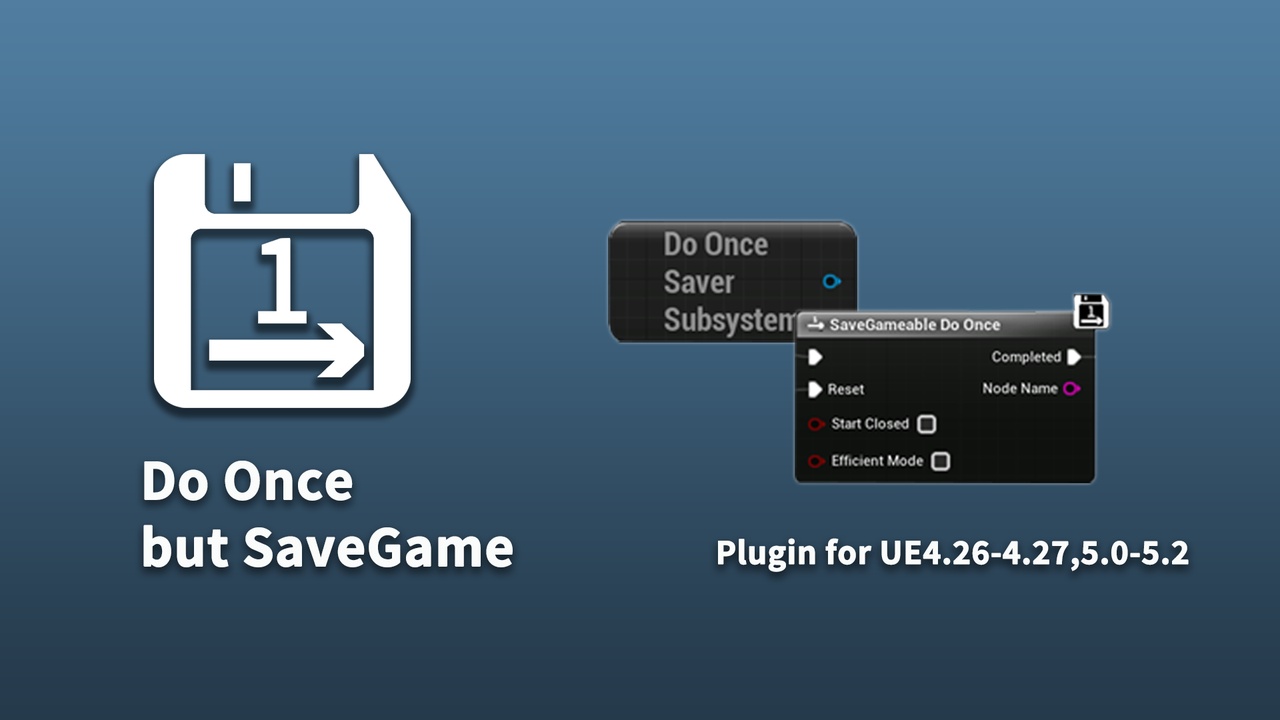
This plugin provides a blueprint node like "Do Once", but can be saved.
If you want to use it in UE4.26\4.27, you can clone source code and compile by your self.
Why to develop this plugin
- Our team is developing a first-person story game, there are many "Do Once" in our project for some triggers to call events, play sequences and jump scares...We didn't realize how annoying it is until we start to build our save game system.
- Native "Do Once" node doesn't support save game, if we want to save these "Do Once", we need to create a Boolean for each of them and replace them with branches, and, traverse all of them when saving, initialize them after loading. Or, serialize these objects.
- So I developed this plugin, and finished our save game system by simply replacing the blueprint of "Do Once" macro in engine:-)
- If we create a specific name for each "SaveGameable Do Once" node, and each time we execute it, we tell a manager that this node has been executed. Then, that manager will know who has excuted and we can add them to a map.
- So that each time we call a "SaveGameable Do Once" node, we can find if this node is in that map? If not, it means this node hasn't been executed.
- We only need to make sure that name is unique in one a blueprint graph. Because we can combine a object reference and this name.
- UE's object name would be specific, and K2_Node is actually a UObject in blueprint graph.
- So if we can get K2_Node's name as a UObject, we can use it as a unique key in a blueprint graph.
- This node is inherited from "K2Node",and use "this->GetName()" to get this name.
- As we know, K2_Node only exists in blueprint, and it will be expanded after compiling. So we can't use "this->GetName()" to get K2Node's object name.
- But we can store it in a pin as default value.