Description
Bring back the assets you just had open — in one click.
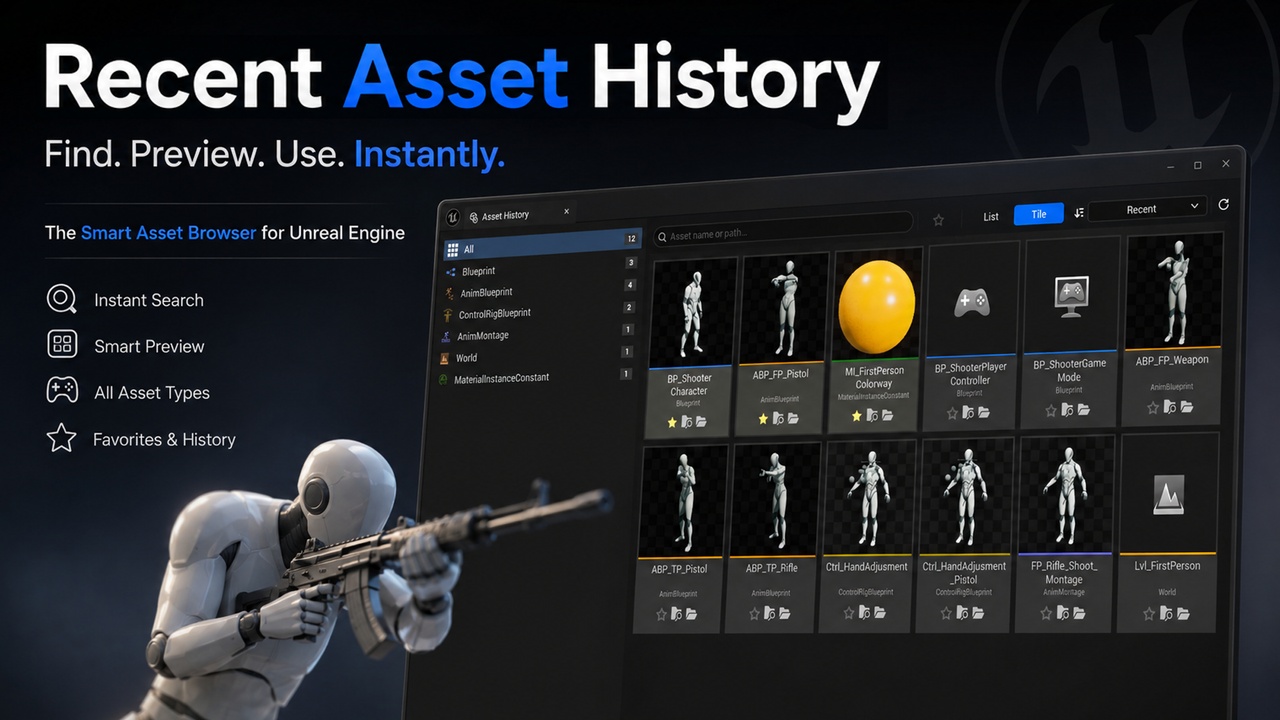
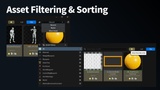
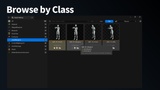
"Recent Asset History" adds a Content-Browser-style panel that automatically tracks every asset you open in the Unreal Editor and remembers them across restarts — grouped by class, with search, favorites, and continuous tile zoom.
―――――――――――――――――
■ Solves a Daily Annoyance
―――――――――――――――――
"Where was that Blueprint I just had open?" → Solved.
No more digging through nested folders.
Especially powerful on large projects with dozens of levels, characters, and UI assets.
―――――――――――――――――
■ Features
―――――――――――――――――
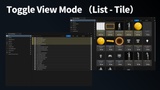
◆ Tile / List dual view — Ctrl + Wheel zooms continuously; drops to List automatically below the smallest tile
◆ Class-grouped left panel — automatic categorization with count badges
◆ Inline search — incremental name / path filter with hit highlighting
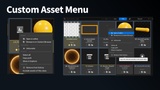
◆ Favorites + filter — pin assets with ★, toolbar filter for favorites-only browsing
◆ Smart sort — Recent / Name (case-insensitive) / Most Used with stable tiebreakers
◆ Unified tooltip — asset name + class icon + parent class + full path on hover
◆ Live AssetRegistry sync — renames, deletes, and moves update the panel in real time
◆ Layout persistence — dock position is preserved across editor restarts (matches Content Browser's behavior)
◆ Ctrl + Alt + H — single-key panel toggle
◆ Per-project, per-user history — no conflicts between teammates
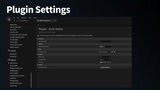
◆ Configurable — adjustable history cap (default 250), granular class exclusion, auto-save interval
―――――――――――――――――
■ Fully Localized — 14 Languages
―――――――――――――――――
English / 日本語 / 한국어 / 简体中文 / Deutsch / Français /
Español / Español (LATAM) / Italiano / Português (Brasil) /
Русский / Polski / Türkçe / العربية
Follows the editor language setting automatically. Settings UI and panel are both fully translated.
―――――――――――――――――
■ Support
―――――――――――――――――
You can join the official Discord server for product support and discussion here.
DiscordLink