Descripción
Showroom Navigation System 2.0
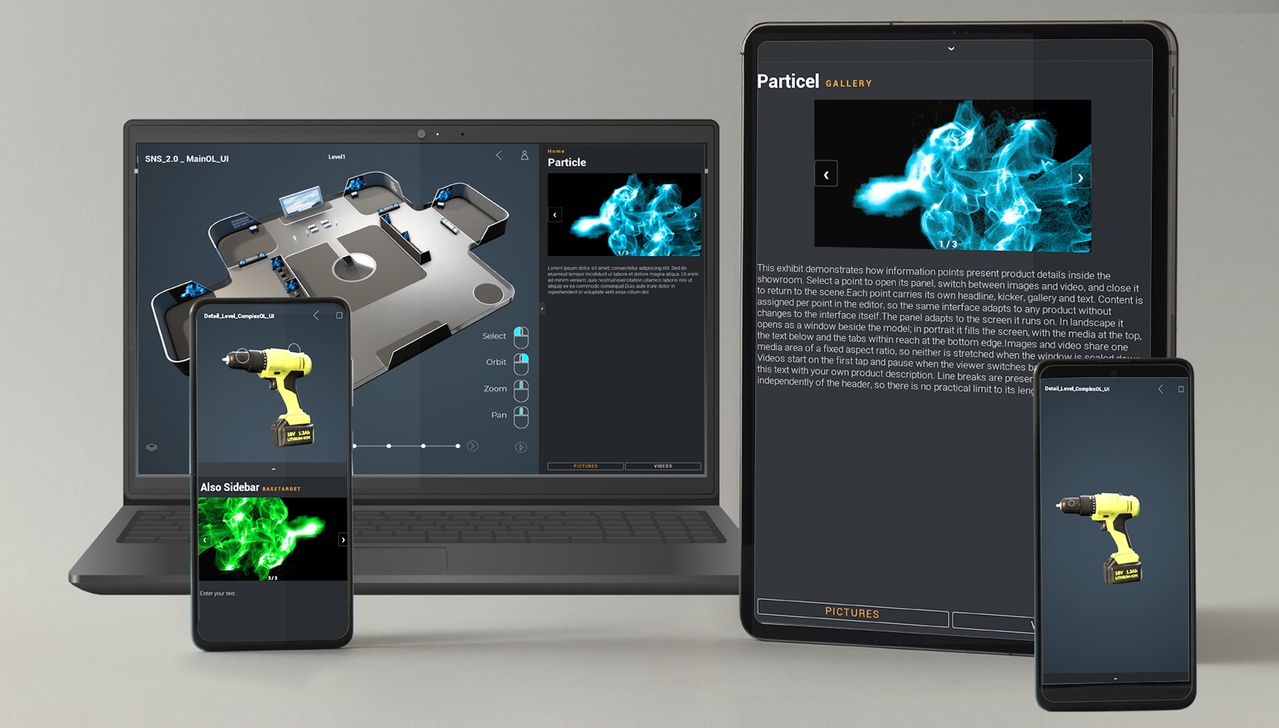
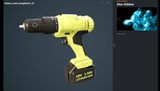
An explorer system that covers many ways of navigating through a showroom, an industrial product, or any other 3D scene — on desktop, touch screens and mobile devices. Generate zoom points, waypoints and information points quickly and easily to build a user-friendly experience. The system is fully independent of your environment: drop it into your own level and it works.
The quickest way to get an idea is to watch the videos:
Overview:
https://www.youtube.com/watch?v=qbBuDEytlaw&t=1s
Tutorials:
https://www.youtube.com/channel/UCN8YBTBXKPYQ_Q4aXWxERBQ
A simple drag-and-drop system to present content easily and user-friendly — set it up in minutes.
★ NEW FEATURES
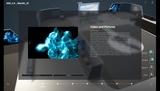
Sidebar content panel — kicker, headline, body text, image gallery and video, set individually per point
Portrait and landscape layouts, switched automatically — including when a tablet is rotated in your hands
Simplified setup — place the SNS Manager in your level and no game mode or game state has to be configured
New Infopoint with image gallery and video, usable alongside the sidebar.
Enhanced Input System — updated
Navigation
Zoom points with three detail levels
Waypoints for guided navigation
Open-level points for detailed presentations, with two focus pawns — complex and simple
Switch to first-person mode
Transforms are saved across transitions and level changes
Mouse and touch navigation with orbit, zoom and pan
Customizable navigation styles
Customizable tour mode with an optional list view
Automatic tour — plays your tour on its own, hides the interface while it runs and hands control back on the first input
Screensaver mode — after an idle time the tour starts by itself, so an unattended kiosk or trade-show screen never stands still
Switchable icon modes, 3D or billboard, with individual text labels and offsets
Built in
Automatic recognition and integration of all navigation points into the system
Automatic input detection for mouse, touch or mobile devices
No duplication or additional blueprints needed — generate and adjust everything in the scene, on the pawn
Buttons are protected against unwanted clicks
Infinite and automatically expandable points
Panoramic capture pawn for automated 360° captures of zoom points and waypoints
Includes a showroom with demo levels
Discord:
https://discord.gg/n25G95ksns