Descripción
The Life Engine
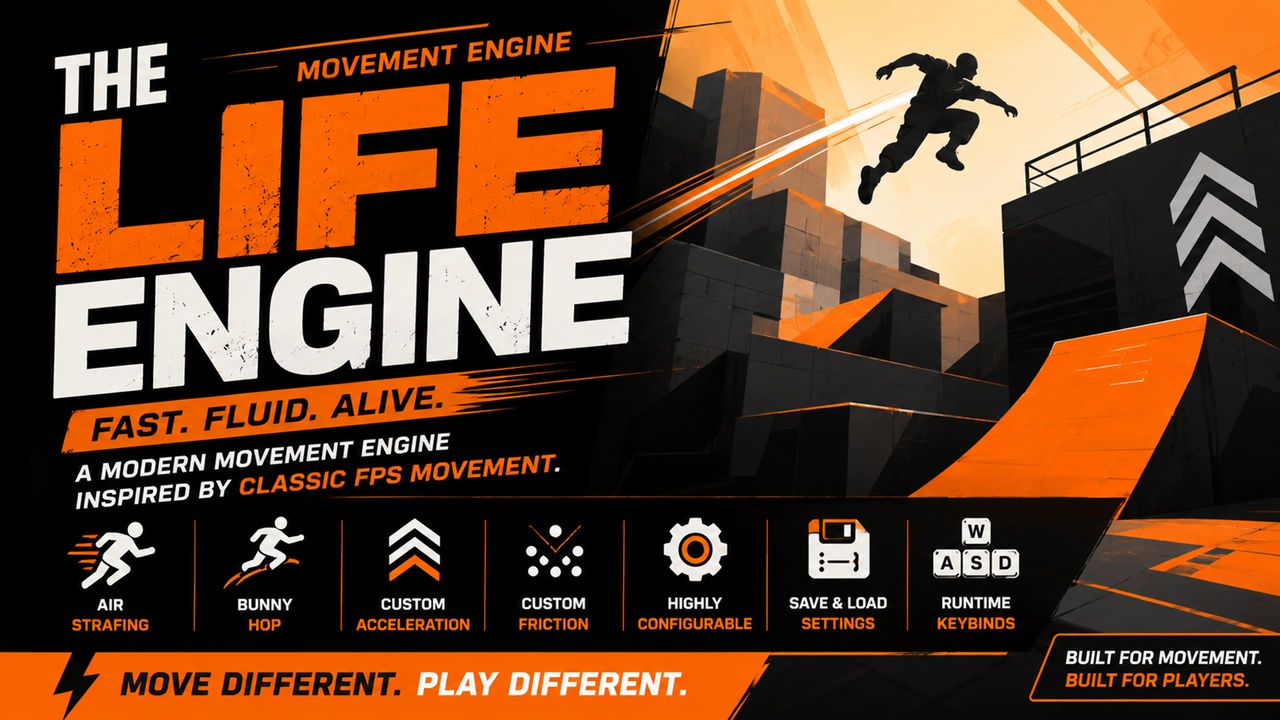
The Life Engine is a fully custom first-person movement framework for Unreal Engine 5, built entirely in C++ without relying on Unreal Engine's CharacterMovementComponent.
Designed for developers who want responsive, skill-based movement inspired by classic FPS titles, this plugin provides a complete movement solution featuring air strafing, bunny hopping, custom acceleration, custom friction, custom gravity, crouching, runtime key rebinding, and configurable movement presets.
The system is implemented from the ground up using a standalone movement component and pawn architecture, giving developers full control over movement behavior without fighting against the limitations of the default Character Movement system.
Documentation Video:
https://www.youtube.com/watch?v=dw-5qdRteY4
Key Features
Fully Custom Movement System
Unlike most movement solutions, The Life Engine does not use CharacterMovementComponent.
Movement is calculated entirely through custom velocity, acceleration, gravity, friction, and collision handling code, providing complete control over player movement behavior.
Classic FPS Movement Presets
Includes multiple movement presets inspired by classic shooter movement styles:
GoldSrc-inspired movement
Source-inspired movement
Quake-inspired movement
Fully customizable preset
Developers can quickly switch between movement styles or create their own custom configuration.
Advanced Air Movement
Features advanced air control mechanics including:
Air strafing
Air acceleration
Momentum preservation
Skill-based movement control
Perfect for movement-focused shooters and arena-style gameplay.
Bunny Hopping
Includes a configurable bunny hop system with support for:
Traditional bunny hopping
Optional automatic bunny hopping
Customizable jump behavior
Adjustable movement tuning
Custom Acceleration and Friction
Fine tune movement responsiveness using exposed settings for:
Ground acceleration
Air acceleration
Ground friction
Gravity
Jump force
Maximum speed
Air control
All major movement variables are exposed for Blueprint editing.
Crouching System
Includes:
Hold-to-crouch mode
Toggle crouch mode
Automatic stand-up collision checks
Adjustable crouch height
Runtime Key Rebinding
Players can rebind controls at runtime through Blueprint-accessible functions.
Supported bindings include:
Move Forward
Move Backward
Move Left
Move Right
Jump
Crouch
Save System Integration
Built-in SaveGame support allows developers to save and load:
Keybinds
Movement preferences
Mouse settings
Bunny hop settings
Crouch settings
No additional setup is required.
Blueprint Friendly
The system is written entirely in C++ but exposes all major settings and controls to Blueprints.
Developers can:
Modify movement values
Save player preferences
Bind movement events
Customize movement behavior without modifying plugin source code.
Debug Tools
Includes optional debugging features for movement tuning and development.
Useful for:
Velocity inspection
Movement testing
Gameplay balancing
Troubleshooting
Included Classes
AHLRawPawn
UHLRawMovementComponent
UHLSavedMovementSettings
Ideal For
Arena shooters
Fast-paced FPS games
Competitive multiplayer projects
Movement-focused games
Sandbox experiences
Parkour projects
Custom controller frameworks
Technical Information
Unreal Engine 5.7
C++ Source Included
Runtime Plugin
No CharacterMovementComponent dependency
Blueprint Accessible
SaveGame Integration Included
Support
Comprehensive documentation video is included covering setup, configuration, key rebinding, movement presets, and save system integration.
Quick Setup Guide
Enable The Life Engine plugin (plugin is named HLMovementSystem) and restart Unreal Engine if prompted.
Create a new Blueprint based on HLRawPawn.
Open your GameMode and set your new Blueprint as the Default Pawn Class.
Press Play.
The movement system is ready to use out of the box.
Default Controls
W / A / S / D – Move
Space – Jump
Left Control – Crouch
Customization
Select the HLRawMovement component to access and modify movement settings such as:
Movement Preset
Maximum Speed
Air Acceleration
Ground Friction
Gravity
Bunny Hopping
Auto Bunny Hop
Crouch Settings
Keybinds
Watch the documentation video for a visual guide on how to configure and use the plugin.
Coming Soon:
Ladder Climbing
Swimming
Noclip