

Açıklama
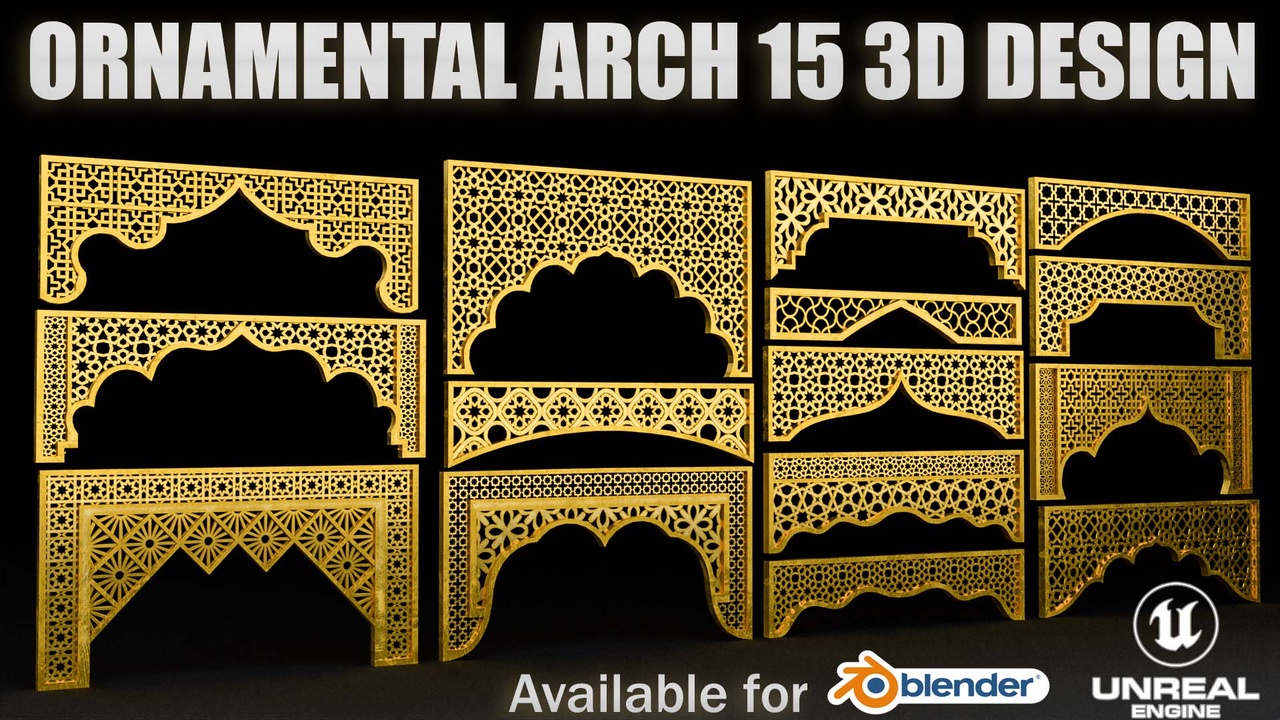
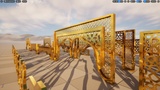
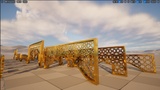
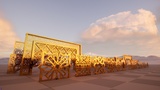
Elevate your architectural environments with this Modular Islamic Ornamental Arch Pack. This collection includes 15 pre-assembled archway headers and 15 standalone modular pattern meshes, allowing complete creative freedom to build custom Arabic, Moorish, Mughal, or Middle Eastern architectural structures.
Each asset features two dedicated material slots (Frame and Pattern), making it effortless to customize colors, metals, stone, or wood finishes independently. Fully optimized for high performance, game readiness, and real-time environments.
Technical Specifications
Total Meshes: 30 Unique Static Meshes
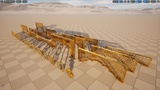
15 Complete Arch Assemblies (Pre-built headers ready to drag and drop)
15 Standalone Pattern Chunks (Modular lattice pieces for custom layout creation)
Vertex Count: ~70,336 total (Pack average)
Triangle Count: ~135,302 total (Pack average)
Polygon Type: Low-Poly / Optimized Geometry 65,527
Nanite Enabled: Yes (Unreal Engine 5)
Material Slots: 2 per mesh (1 Frame Material, 1 Pattern Material)
Collision Setup: Custom collision configured (BlockAll with Use Complex as Simple enabled for precise mesh tracking)
Source Files Included: Unreal Engine 5 Project, Native Blender File (.blend), and Exported FBX formats.
FeaturesFully Modular Workflow: Use the 15 pre-built archways directly or recombine the 15 pattern elements to craft unique lattice geometry.
Independent Material Control: Separate frame and pattern material slots allow easy customization (e.g., gold frame with marble jali, dark wood with carved plaster, etc.).
UE5 Ready: Native Nanite support enabled for maximum scene performance without detail loss.
Clean Pivot Placement: Optimized snap-points for quick modular snapping inside Unreal Engine and Blender.
Nanite Support Disclaimer: This product utilizes Unreal Engine's Nanite Virtualized Geometry system for its static meshes. To learn more about how Nanite works, its performance benefits, and its technical requirements, please refer to the official Epic Games documentation:Required Plugins: * Modeling Tools Editor Mode (This plugin is enabled within project settings by default starting in UE 5.0+ and must be active when loading the project)