Opis
Apex Targeting System
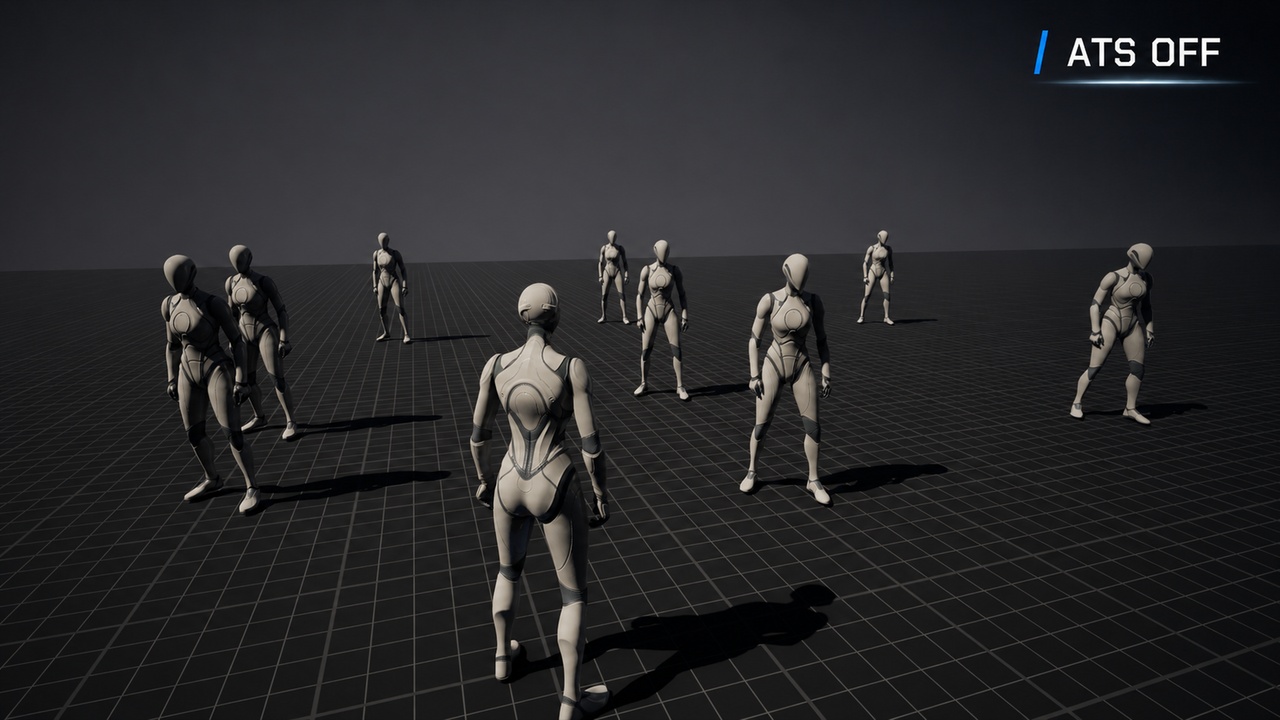
Apex Targeting System is a modular, performance-focused targeting solution for Unreal Engine, designed for melee combat, action games, RPGs, and third-person gameplay.
It provides automatic target selection, manual lock-on, line-of-sight validation, multiple target points, camera assistance, target widgets, and runtime switching through a clean C++ foundation with simple Blueprint access.
Social Media
Follow Angel Strand Tech for development updates, product news, tutorials, and upcoming Unreal Engine systems.
X: https://x.com/AngelStrandTech
Technical Support
For setup questions, bug reports, and technical support related to Apex Targeting System:
Documentation
Documentation Also included in the plugin package
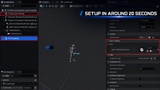
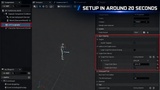
Setup in Around 20 Seconds
The basic setup is intentionally simple:
Add the targeting component to the player.
Assign the included Data Asset.
Add the targetable component to enemies.
The system is ready to detect and select targets without complex Blueprint graphs, Gameplay Tags, or project-specific dependencies. Advanced settings remain optional and can be enabled only when needed.
Potential Target and Manual Lock-On
Apex Targeting System supports two separate targeting modes:
Potential Target automatically finds the most suitable nearby enemy while the player is not manually locked.
Manual Lock-On allows the player to confirm and stay focused on a specific target until the lock is released, the target becomes invalid, or configured distance and visibility conditions are no longer met.
Smooth Camera Tracking
When the player locks onto an enemy, the camera smoothly turns toward the target and continues following it during combat.
The movement is gradual, so the camera does not suddenly snap or feel harsh. This helps keep the enemy visible while the player moves around, attacks, or changes direction.
The player can still move the camera manually at any time. The system reduces its assistance while the player is controlling the view, then smoothly begins following the target again afterward.
Radial Target Search
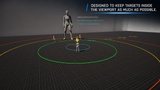
Targets are detected through configurable radial distance zones around the player.
Each radial zone can be adjusted independently from the Data Asset, allowing the system to support close-range melee combat, larger arenas, or different gameplay styles without changing the source code.
The system can also expose radial target information for UI, camera, combat, or gameplay logic.
Line-of-Sight and Visibility Checks
The system can prevent enemies behind walls or blocking geometry from being selected.
Line-of-sight validation is supported for both automatic target selection and manual lock-on while keeping trace usage controlled for performance.
Large enemies can remain targetable when their configured target point is still visible above or around an obstacle.
Multiple Target Points
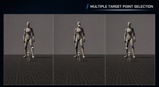
Enemies can contain multiple target points, such as:
Head
Chest
Spine
Weak points
Custom sockets or bones
Target points can be configured from the Data Asset or directly from the targetable component.
They can also be switched, enabled, disabled, or changed at runtime through Blueprint-accessible functions.
Target Widgets
A lock-on widget can automatically attach to the currently selected target point.
When the active target point changes, the existing widget updates its position without creating unnecessary duplicate widgets.
Widget behavior and visual assets can be configured independently from the core targeting logic.
Optional Camera Assistance
Apex Targeting System includes optional camera assistance for projects using a standard Spring Arm.
Camera assistance can dynamically adjust the camera distance to help keep targets visible and can smoothly enter, exit, suppress, and resume without abrupt snapping.
Projects using custom camera systems can use the targeting data without enabling the included camera bridge.
Performance-Focused C++ Core
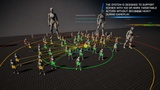
The main runtime logic is implemented in C++ and designed for encounters with large groups of enemies.
The system uses controlled candidate filtering, bounded visibility checks, reusable runtime state, and avoids unnecessary Blueprint tick logic.
It has been designed and tested with encounters containing up to 100 targetable actors, making it suitable for crowded combat scenes and larger battle areas.
Data Asset-Based Configuration
Most gameplay settings are managed through a clean Data Asset, including:
Radial distances
Potential target distance
Manual lock distance
Camera-facing angle
Line-of-sight behavior
Target point source
Lock-on widget
Camera assistance settings
This allows designers to create different targeting profiles without modifying C++ code.
Blueprint and C++ Friendly
The system is built primarily in C++ but exposes simple Blueprint functions for common gameplay actions, including:
Lock target
Release target
Get potential target
Get locked target
Switch target point
Change target point name
Remove or disable target point options
Validate setup
The public API is intentionally compact so Blueprint projects are not overwhelmed with unnecessary nodes.
Modular and Project Independent
Apex Targeting System does not depend on a specific combat system, character class, animation framework, Gameplay Ability System, or camera solution.
It can be used with:
Melee combat systems
Action RPGs
Character action games
Third-person shooters
Boss encounters
Custom combat frameworks
Blueprint-only gameplay layers
C++ projects
Support
Blueprint and C++
Standard Spring Arm support
Custom camera system compatible
No Gameplay Tags required
No external plugins required
Apex Targeting System provides a fast, flexible, and production-ready foundation for modern third-person target selection and lock-on gameplay.
Roadmap
Multiplayer support is planned for a future update.
The goal is to add network-ready targeting and lock-on synchronization while keeping the current single-player workflow simple and unchanged.