الوصف
Note : If this product is useful, please also check out our other product:
Jigsaw Puzzle Creator (Interlocking pieces)
Introduction:
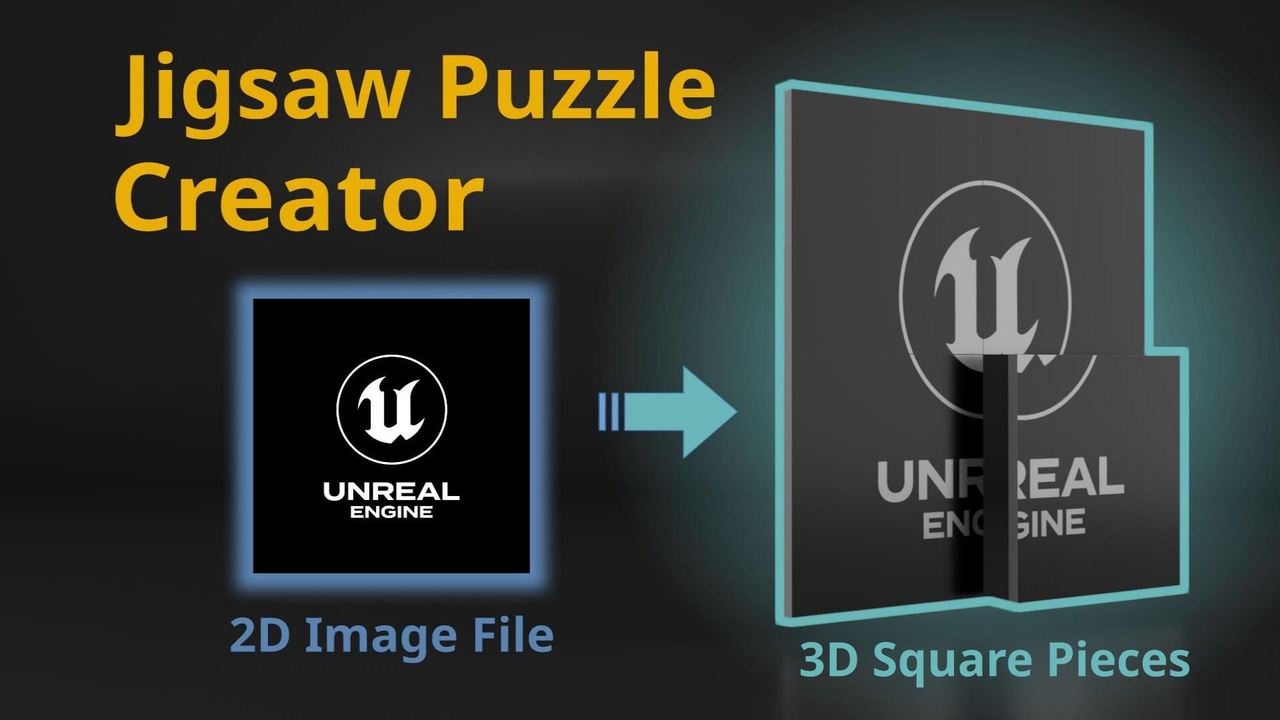
Jigsaw Puzzle Creator (Square pieces) is a convenient tool to create square puzzle pieces with custom pattern in unreal engine.
Just follow few steps below, and then you can create puzzle pieces with preferred image files:
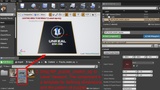
(You can also directly refer to images in gallery to know how to use this tool.)
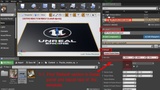
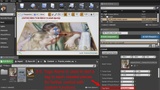
1. Drag your image file to 'Content Browser' window. The image will be imported as a texture asset.
2. Drag blueprint file 'BP_puzzle_creator_sq' in 'Content Browser' to 'Level Viewport' to create a
blueprint component. This component is a template for defining dimensions and the front image
of puzzles.
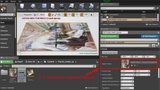
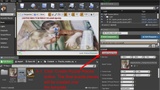
3. Make sure the blueprint component is selected, and find 'Default' section in Details panel.
(By default, it is located on the right side of the Unreal Editor window.)
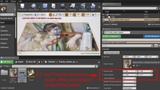
You can use parameters in 'Default' section to set size, texture, and number of pieces for the
puzzle you want to create.
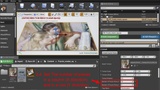
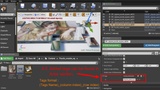
4. After modifying the parameters, click 'Create Puzzle Pieces' button in 'Default' section, and the
final puzzle pieces will be created over the template.
5. The template can be removed if no other puzzle pieces need to be created.