描述
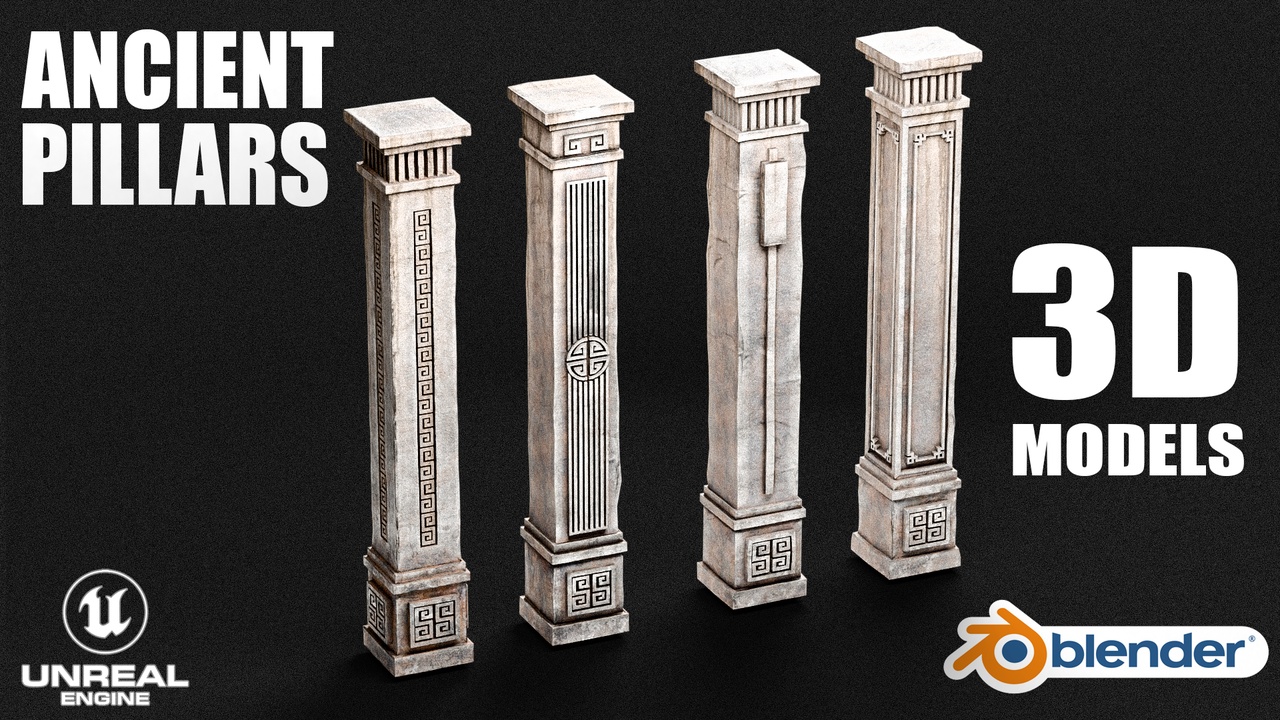
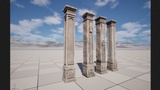
Bring your ancient ruins, temples, and historical environments to life with this collection of stylized Ancient Pillars.
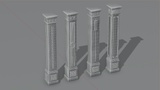
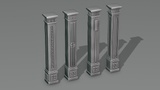
These Pillars features beautifully sculpted, low-poly optimized stone pillars detailed with unique patterns and ancient engravings. Each pillar is fully set up with dedicated high-quality textures and materials, designed to drag-and-drop seamlessly into your production pipeline.
Perfect for games, virtual productions, and modular environment design.
Key Features
Unique Designs: Beautifully detailed ancient patterns, column fluting, and geometric carvings.
Game-Ready Optimization: Highly efficient low-poly topology with clean edge flow.
Independent Texturing: Each pillar possesses its own dedicated, unique texture set for maximum detail and visual variety.
Production-Ready Layout: Fully configured files for both Unreal Engine and Blender pipelines.
Technical DetailsAsset Specifications
Total Objects: 8 (Includes primary pillars and optimized structural variations)
Total Triangles: 29,346
Total Vertices: 16,187
Total Faces: 14,672
Total Edges: 30,735
Unreal Engine 5 IntegrationEngine Compatibility: Built and fully optimized for Unreal Engine 5.7and above.
Collisions: Yes. Pre-configured with clean Block All / Use Complex Collision As Simple settings, guaranteeing flawless, precise physical interactions for gameplay.
Material Setup: Full Material system with independent Material Instances pre-assigned to all default static mesh asset slots.
Showcase Level: Includes a fully configured presentation map Pillars 3D.
Blender IntegrationSoftware Compatibility: Native .blend files optimized for Blender 5.1.1+
Materials: Materials fully configured for both Cycles and Eevee render engines.
Pivot Points: All asset pivot points are precisely centered at the base boundaries for effortless snapping, scaling, and grid placement.
Technical DisclaimersNanite Support Disclaimer:
This product utilizes Unreal Engine's Nanite Virtualized Geometry system for its static meshes. To learn more about how Nanite works, its performance benefits, and its technical requirements, please refer to the official Epic Games documentation:
Required Plugins:
Modeling Tools Editor Mode (This plugin is enabled within the project settings for advanced asset management and must be active when loading the project).