







설명
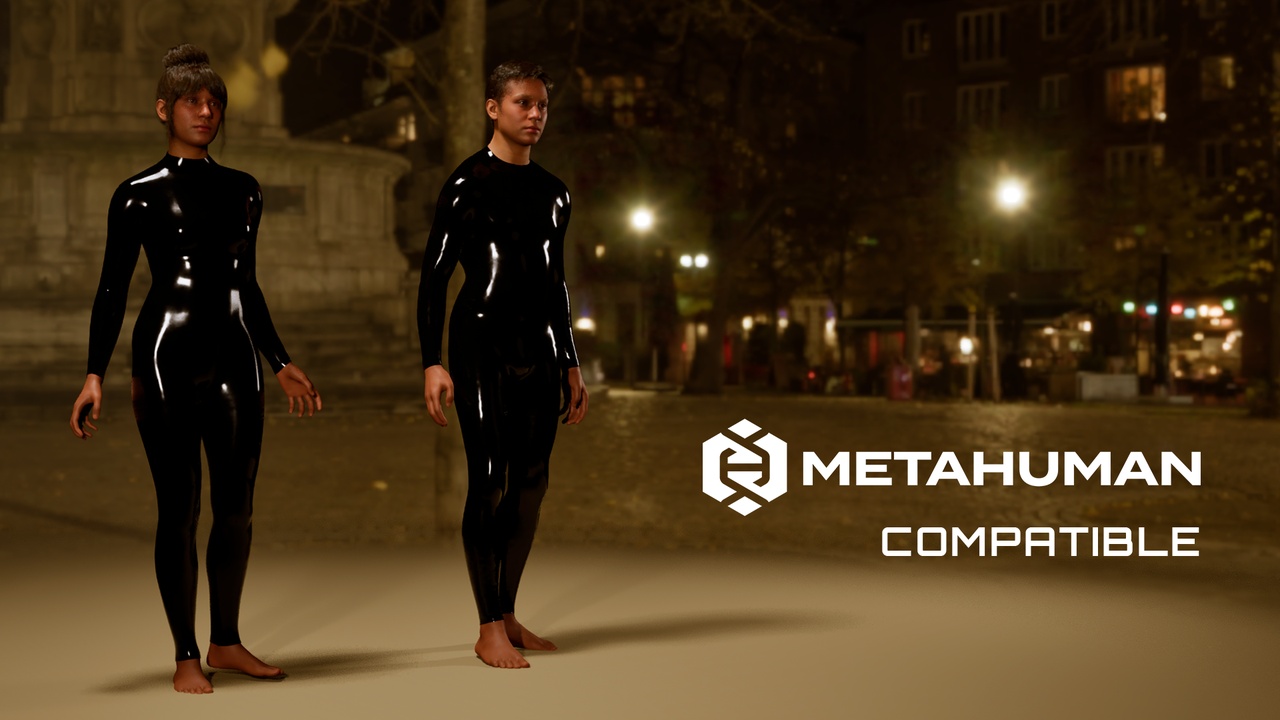
Customizable Latex MetaHuman Outfit ✨
LatexOutfit is a parametric MetaHuman outfit designed to deliver a sleek, glossy, second-skin look. It resizes dynamically with your MetaHuman inside MetaHuman Creator in Unreal Engine. ⚙️
Key Features 💡
• 🎨 Customizable material: Color exposed parameter.
• 🧬 Fully conforms to all supported MetaHuman body types (Aof4, Bof4, Cof4, Dof4) directly in MetaHuman Creator
• ⚡ Ideal for cinematic, stylized, sci-fi, cyberpunk or performance-ready characters
Technical Specs 📐
• LODs: 4 (LOD0)
• Texture Resolution: up to 4K (4096×4096)
• Format: .mhpkg (MetaHuman Outfit)
• Body types: Aof4, Bof4, Cof4, Dof4
Compatibility ✅
• MetaHuman Creator
• MetaHuman Skeleton Support: Yes
• Supported body presets:
Masculine / Tall / Medium
Feminine / Tall / Medium
Masculine / Tall / Big
Feminine / Tall / Big
(All mapped to Aof4, Bof4, Cof4, Dof4)
• Unreal Engine 5.6 via the MetaHuman pipeline
Import Instructions 📦
Download the .mhpkg file from this FAB listing.
In your project, create a folder: Content/Outfits/ (if it doesn’t exist).
Create a folder inside it named LatexOutfit.
Drag OA_LatexOutfit.mhpkg into the LatexOutfit folder to unpack.
In MetaHuman Creator, drag WI_LatexOutfit into the Outfit Clothing section and double-click to apply.