Descripción
DOCUMENTATION | SUPPORT (DISCORD) | VIDEO DEMONSTRATION
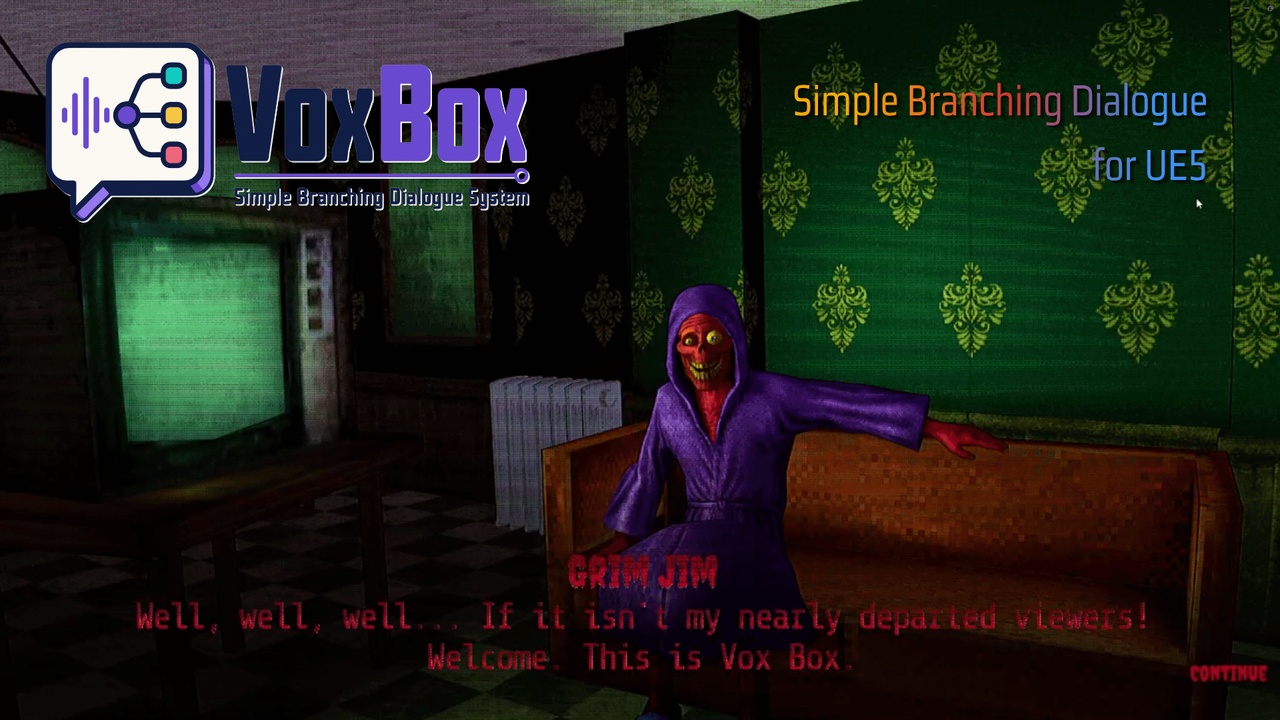
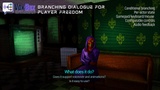
VoxBox is a complete branching dialogue system for Unreal Engine 5. Design conversations visually, bake them to DataTables, and play them back at runtime with a single component. No third-party tools required.
Features
Visual node-based graph editor
Bakes to standard UDataTable, fully inspectable and diffable
Branching conversations with conditional logic
Requirements and state change system
Per-actor state tracking via components
Typewriter text reveal with configurable speed
Per-character letter reveal sounds
Voiceover support with auto-advance
Animation sequence and montage support
Dialogue music with crossfade
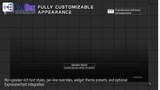
Rich text styling (per-line and widget-level)
Optional ExpressiveText integration (zero compile-time dependency)
Full gamepad, keyboard, and mouse support
Configurable input key bindings
Choice hover and select sounds
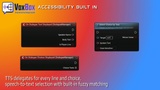
TTS/STT accessibility delegates
Speech-to-text choice selection
Multi-line player responses
State mutation UI notifications
Customizable widget system (Blueprint subclassing)
Full C++ source included
No third-party dependencies required
Visual Graph Editor
Author dialogue in a custom node-based editor directly in the Content Browser. Connect NPC lines, player choices, requirements, and state changes visually. Hit Bake and VoxBox writes clean `FDialogueNode` rows to a standard UDataTable; fully inspectable, diffable, and compatible with any workflow that reads DataTables.
Branching & Conditional Logic
Player choices branch to any named row in the conversation
Requirements gate choices or redirect to fallback nodes based on flags or per-actor state tags
State changes set or clear tags when nodes are entered or choices are selected, with optional UI notifications
Per-actor state via `UDialogueActorStateComponent` so each NPC tracks their own flags independently
Fallback redirects for failed requirements or dead-end branches, meaning no dangling conversations
Text Presentation
VoxBox uses a four-tier text rendering system that automatically picks the best available option:
1. ExpressiveText: if the ExpressiveText plugin is installed, VoxBox routes text through it automatically via runtime reflection. Zero compile-time dependency. It just works.
2. Per-line rich text: `UDialogueTextAsset` carries its own `FRichTextStyleRow` DataTable for per-speaker or per-line typography
3. Widget-level rich text: `UVoxBoxTextStylePreset` provides a global speaker-style mapping as a fallback theme
4. Plain text: works with no configuration at all
Typewriter Text Reveal
Built-in character-by-character text reveal with:
Configurable speed per-line, per-widget, or per-graph (characters per second)
Per-character sound effects: optional letter reveal sound that plays for each non-whitespace character (skips spaces to avoid machine-gun clicking)
Sound priority: voiceover takes precedence over letter sounds when both are defined
Click/press to skip to full text; second press advances dialogue
Blueprint events: `OnCharacterRevealed`, `OnRevealComplete`
Works alongside ExpressiveText: sound-only mode plays letter sounds while ET handles the visual reveal
Voiceover & Animation
Every NPC line and player line has dedicated slots for:
Voiceover audio (`USoundBase`) with auto-advance support and configurable delay
Animation sequences and montages for NPC and player characters, with a separate channel for facial animations.
Dialogue music with crossfade support between lines and fade-out on conversation end
Override `PlayNPCVoiceOver` / `PlayPCVoiceOver` in Blueprint to route audio through your game's system
Gamepad, Keyboard & Mouse
Full input support out of the box:
Gamepad: A-button advances/selects, D-Pad/stick navigates choices with auto-highlight on the first choice
Keyboard: Enter/Space to advance, arrow keys to navigate
Mouse: Click to advance, hover to highlight choices, click to select
Fully configurable: `AcceptKeys`, `NavigateUpKeys`, `NavigateDownKeys` arrays, just add or remove any `FKey` in the widget Blueprint
Choice UI Audio
Hover/focus sound plays when a choice is highlighted (mouse hover or gamepad navigation)
Select sound plays when a choice is confirmed
Set on the choice button widget Blueprint, no code required
Accessibility: TTS & STT Integration
VoxBox exposes dialogue text for external accessibility systems:
`OnDialogueTextDisplayed` delegate fires for every NPC and player line with speaker name, body text, and whether it's a player line
`OnDialogueChoicesDisplayed` delegate fires when choices appear with a plain `TArray<FText>` of display strings
`SelectChoiceByText()` matches spoken input against visible choices (exact match first, then substring); plug in any speech-to-text engine
Multi-Line Player Responses
Player choices can expand into sequential delivered lines (`FDialoguePlayerLine`) that play back before transitioning with their own voiceover, animation, and presentation settings.
Widget System
Three widget classes ship with VoxBox (subclass in Blueprint for full visual customization):
UDialogueDefaultWidget: complete auto-layout with all input handling, typewriter reveal, and styling built in
UDialogueChoiceButtonWidget: individual choice button with focus/hover states and audio
UDialogueStateMutationNoticeWidget: animated state-change notifications with show/hide/loop animations
All widget bindings are `BindWidgetOptional` so VoxBox auto-creates missing widgets at runtime, or uses yours when bound.