描述
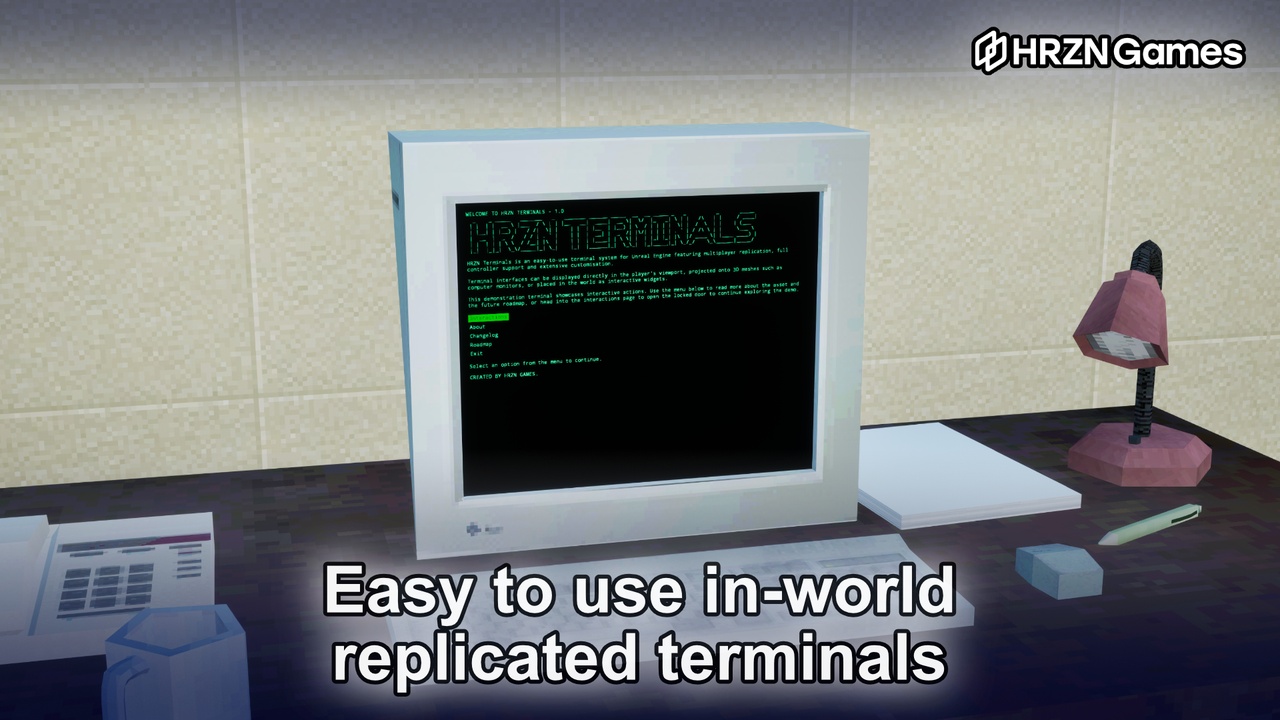
HRZN Terminals is a fully replicated, data-driven plugin for building interactive computer terminals. Simply add the terminal component onto any actor, assign a data asset, and your terminal is ready to go. To handle the interaction, add the terminal controller component onto any player pawn and call BeginInteract and EndInteract on any terminal to start and end the interactions. Take a look at the example project on GitHub to see how these pieces can fit together (you will need a copy of the plugin to open the example project).
🎥 Trailer: COMING SOON
❓ Setup Video: COMING SOON
🎮 Playable Demo: WINDOWS / LINUX
💻 Example Project: https://github.com/mjs1994/TerminalsExampleProject
⚡ JSON Editor: https://hrzn.games/plugins/terminals/json-editor/
📖 Documentation: https://hrzn.games/plugins/terminals/
🗣️ Discord support: https://discord.gg/xTNNxHQk8Y
🗓️ Latest update: 1.0.1 - 30th July, 2027
Data assets are designed to be shared across terminals for re-usability:
Initialisation Data: this configures the base settings for how you want terminals to work in your game, blended camera mode, full screen mode, typewriter speed, etc.
Appearance Data: this configures the colour scheme for each terminal, and is overridable on a per terminal basis.
Logic Data: this allows you to choose which kind of logic the terminal will use, as of 1.0 there are two: Information and Settings. Information is the core logic type for providing in-world lore (think diary entries and such) and interactions with other world objects. Settings is the non-replicated/local-only class to provide a way for players to customise their game settings, this class comes pre-configured with the typical scalability settings from UGameUserSettings but also allows you to subclass it in Blueprints to load and save your own game settings.
This plugin handles the annoying parts of building in-world interactable terminals: network replication, camera transitions, input context switching, typewriter sequencing, and UI lifecycle, amongst others.
---------
Features
Data asset driven: configure every terminal type via data assets. Swap content, appearance, and behaviour without touching code.
Information terminals: network replicated multi-page, menu-driven terminals with back navigation, pre/post contextual text, and full typewriter animation.
Settings terminals: local-only per-page settings which provides an easy way to customise UGameUserSettings and allows Blueprints subclassing to manage your own game settings.
Appearance system: data assets controls fonts, per-element colour/size/uppercase/letter spacing, selection colours, section header colours, and popup colours. 12 colour schemes are provided, and more can easily be created.
Typewriter animation: character-by-character output with configurable speed.
Screensaver support: configurable idle timeout per terminal type with a custom screensaver widget class. You can include any kind of animations you want here or simply disable them if preferred.
Popup/confirmation dialogs: notification and confirmation popups with styled buttons, keyboard/gamepad navigation between confirm and deny.
Power lifecycle: blueprint exposed power management functions.
Camera modes: standard camera blend or fullscreen UI mode.
Fully replicated: state, active page, toggle states, and occupying player are all replicated. Output and page changes travel as RPCs to help fully immerse these terminals into any multiplayer world. Local-only / non-replicated versions are available, as of 1.0 this is limited to settings terminals, which are not replicated.
Modular logic system: a number of events are available: OnSessionStarted, OnSessionEnded, ExecuteAction, and OnActionToggleStatesChanged. Actions are defined via a string, allowing you to handle logic differently based on the action name.
Terminal interface: an interface that any actor in your world can implement to receive dispatched actions from a terminal. ReceiveTerminalAction & QueryActionState. ReceiveTerminalAction will be called when a terminal calls an action on this actor, and QueryActionState is used to provide the action state, think is the door currently open, is the light on, etc. This is then used to update the terminal so it can change the action label from "Open Door" to "Close Door" for example.
Blueprint friendly: all key functions exposed to Blueprint. Components, data assets, and logic classes are fully configurable from the editor.
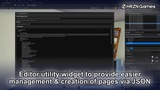
Editor utility widget: custom editor utility widget provided to allow round trip export and import of logic pages in JSON. A web editor to simplify the creation and modification of these assets is in the works.
---------
Dependencies
Enhanced Input
---------
Planned Roadmap
1.1
Command mode to enable text input with command parsing and response output
Simulated directories with the use of common Unix commands such as cd, cat, & ls, with simulated file systems and permission-denied responses
Dynamic variable substitution {$0}, {$1} in terminal content where applicable
1.2
Password lock / unlock to allow restricted terminal access behind a pre-configured or randomly generated password.
On-screen keypad for simple controller/gamepad input.
1.3
Multiplayer server browser to facilitate hosting, browsing & joining other sessions directly from a terminal.