説明
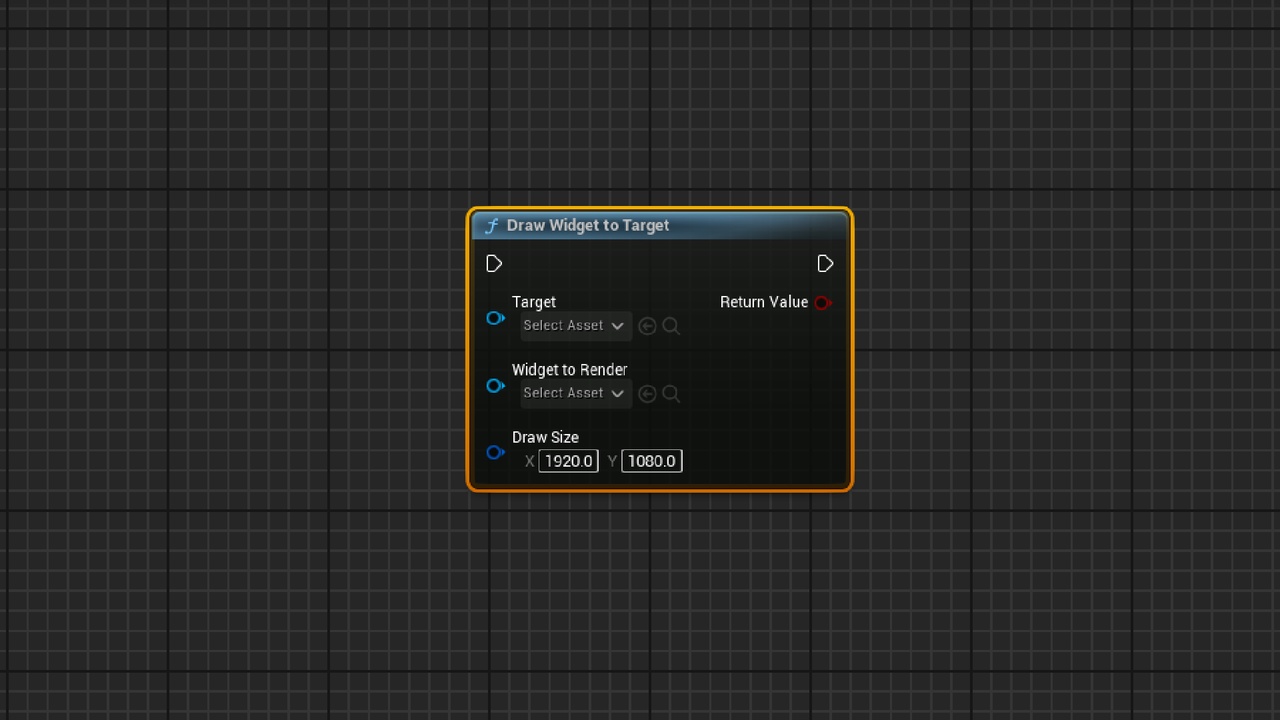
Export the UI created by UMG as a png image.
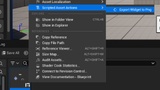
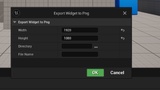
Usage method: Right-click on Widget Blueprint Asset, click Scripted Asset Actions->Export Widget to Png, enter image size, save path, file name.
使用方法:右键点击Widget Blueprint资产,点击Scripted Asset Actions->Export Widget to Png,输入图片尺寸、保存路径、文件名。