
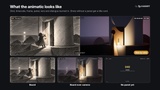
설명
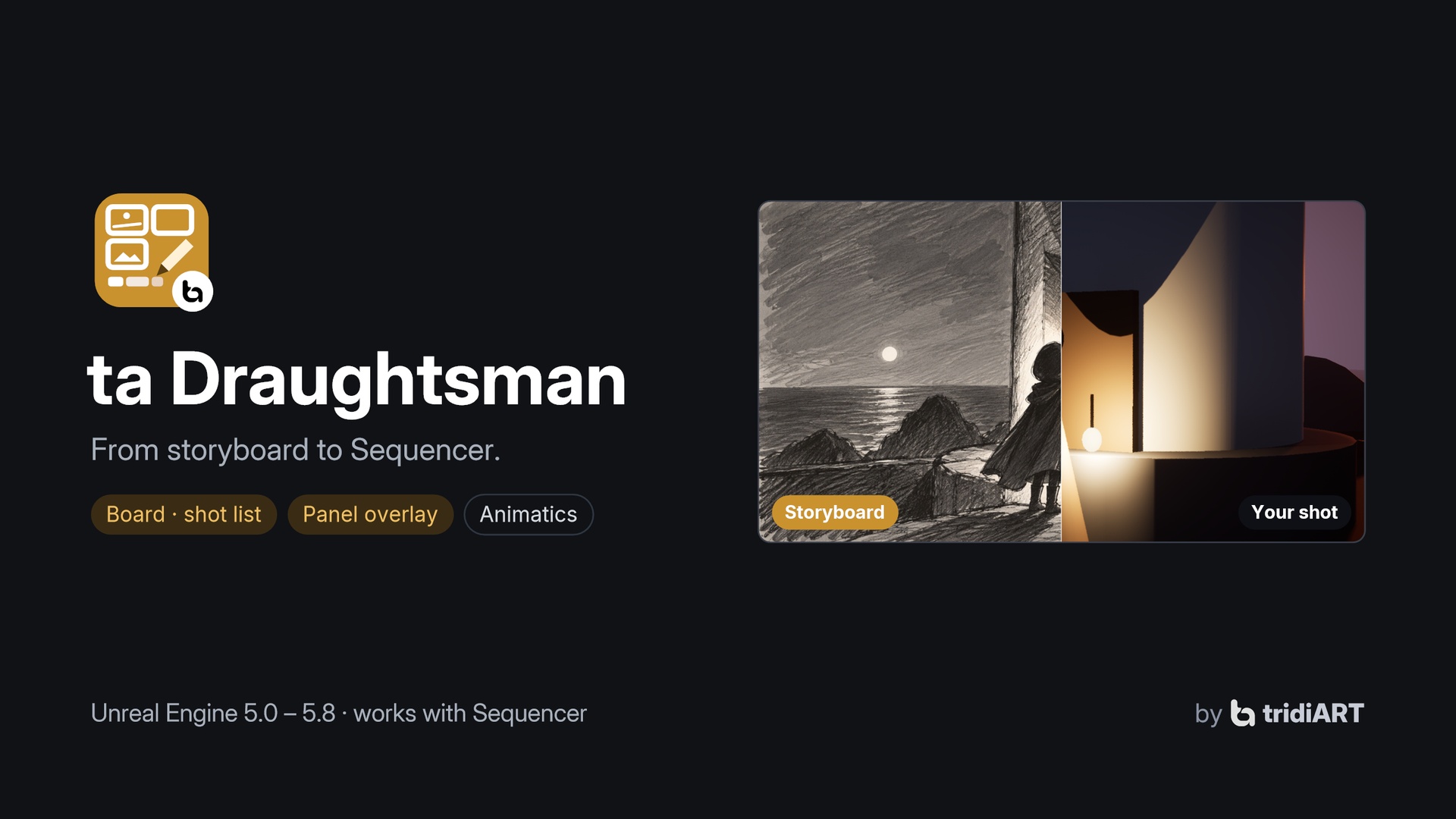
Previs usually starts with a lot of manual setup: a shot sequence and a camera for every row of the shot list, lengths typed in one by one, the storyboard open on a second screen while you try to match the drawing. ta Draughtsman does that setup for you.
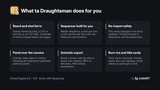
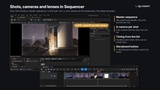
Point it at your storyboard panels, a shot list (CSV or plain text) or an FCP 7 XML edit. It shows what it found, shot by shot, and builds the master sequence: one shot per row, each with its own cine camera, the listed lens, a camera cut and the right length. While you lay out a shot, the board panel sits over the camera view and follows the Sequencer playhead panel by panel, so you match the drawing instead of guessing. When the board or the list changes, sync again: your cameras, keys and the timing you set in Sequencer stay. Then export a board animatic, a camera animatic or both side by side, with burn-ins.
A storyboard is an asset, so the whole team works from the same board through source control.
Personal license $19.99 for buyers with up to $100,000 USD in gross revenue in the last 12 months, Professional license $49.99 above that. Both give the same rights (see the Fab EULA).
Features
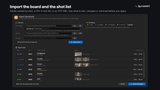
Import from what you already have, in any mix, matched by shot number:
a folder of panel images: names like 010_A.png, SC01_SH010_P02.png or Seq1_Img3_Frame48.png are read automatically, or set your own pattern;
a shot list exported from Excel or Google Sheets (CSV, TSV, semicolon) or a plain text file, one shot per line. Columns are recognised by name: shot, scene, name, description, dialogue, notes, duration (seconds, frames, 3+12 or timecode), lens, shot size, camera move, image;
a Final Cut Pro 7 XML edit from Storyboard Pro, Storyboarder or an editing tool, with exact panel timing.
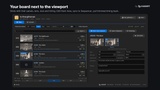
Review before anything changes: every shot is shown as new, changed (with what changed), unchanged or removed, with its matched panel images and any line the reader did not understand.
Build / Sync the sequence:
a master sequence with a shot track, and per shot its own sequence with a spawnable cine camera (the listed lens, filmback in the board's aspect) and a camera cut;
syncing again keeps your work: a shot trimmed in Sequencer keeps its length, a lens changed on the camera is kept and reported, new shots get cameras, removed shots leave the master;
Pull timing brings lengths and order edited in Sequencer back into the board.
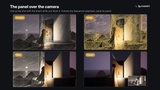
The panel over the camera, following the Sequencer playhead:
Overlay with opacity;
Lines: only the drawn lines, for matching the composition;
Wipe: panel on one side, camera on the other;
Corner: a small inset.
Drawn by a post-process pass on the active viewport only: nothing is added to your level and the game is not affected. Controls in the panel and in the level editor toolbar.
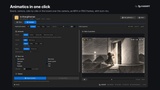
Animatics as MP4 or PNG frames:
Board: the panels timed like the shots, no level needed; shots without a panel get a title card;
Camera: the master sequence through the viewport, a fast playblast;
Side by side: board and camera in one frame;
Board over camera.
Burn-ins: shot number and name, timecode, frame counter, panel, lens, dialogue as subtitles, title.
Shot list with search, a timing bar, panel strips and editable shot details.
Python and Blueprint API.
How to use
Open ta Draughtsman from the Tools menu (tridiART section) and create a storyboard.
Import your panel folder and/or shot list, check the plan and import. The sequence is built right away.
Open the master sequence: the panel under the playhead appears over the camera view. Switch to Lines and move the camera until the scene matches the drawing.
When the board changes, import again and sync. Your camera work stays.
Export an animatic from the Animatic tab.
Supported
Unreal Engine 5.0 to 5.8. Editor plugin for Windows, Mac and Linux; nothing of it is packaged into your game. MP4 animatics are written on Windows; on Mac and Linux animatics are PNG frames. C++ source included.
Documentation: https://tridiart.com/docs/draughtsman/
Support: https://tridiart.com/contact/