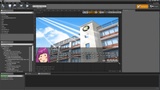
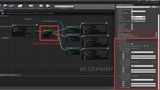
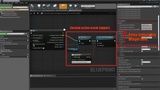
설명
The goal of this plugin is to help you create and manage dialogue systems for your games. Dialogue systems are systems that allow you to create immersive and interactive stories.
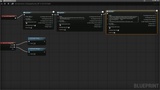
This plugin is a blueprint event-based dialogue framework, which means you can access and control all your game logic and resources in blueprint.
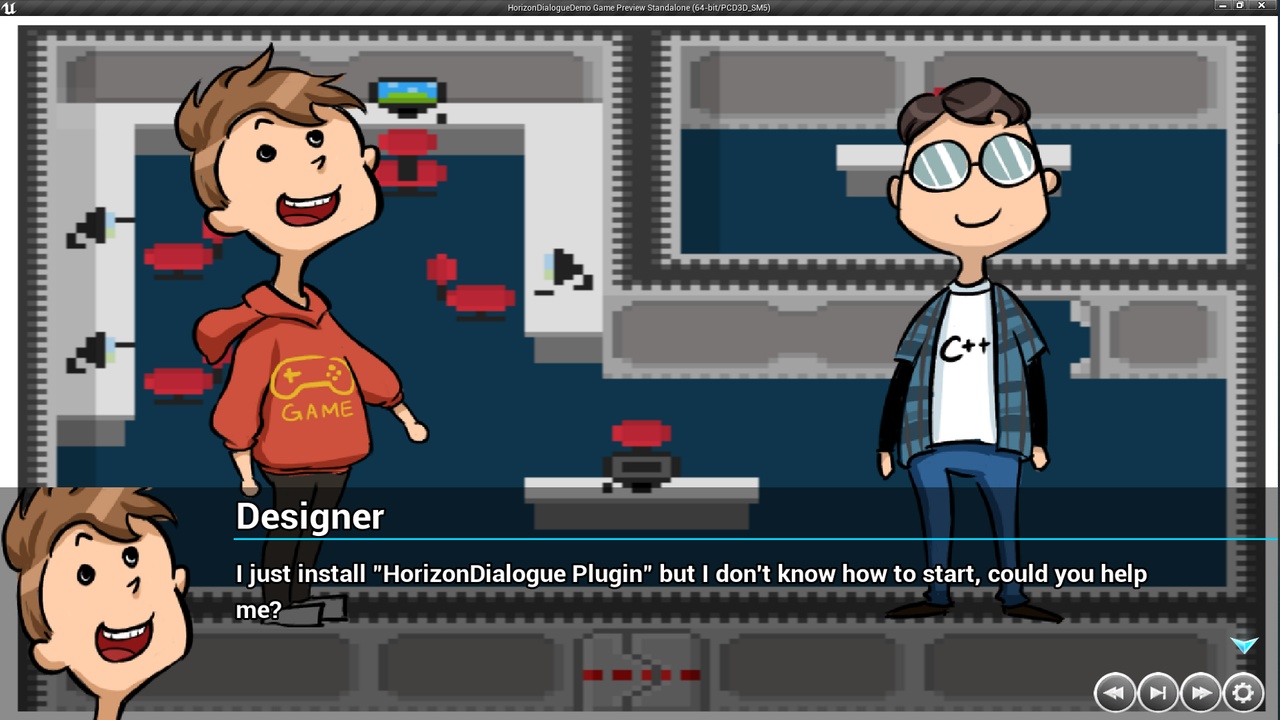
This plugin supports various features that can enhance your dialogue design and functionality, such as dialogue widgets, dialogue events, dialogue conditions, dialogue variables, dialogue choices, dialogue sounds, and more. You can also use rich text features to control text color, shadow color, font, font size, padding, and alignment for each dialogue segment. You can also add images, animations, sounds, and hyperlinks to your dialogue.
This plugin provides easy callbacks for you to implement your own game logic and feedback for each dialogue interaction. You can also use different styles and decorators to customize your dialogue elements and segments.
This plugin offers various features that can help you create and manage dialogue systems for your games, such as:
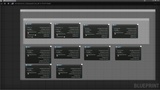
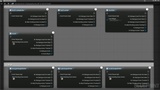
Support for different types of dialogue events, including widget events, action events, scene events, and sound events. Widget events allow you to create and display different kinds of dialogue widgets, such as text blocks, images, user widgets, flipbooks, and choices. Action events allow you to control the flow and timing of the dialogue, such as waiting for a pending action, a duration, or a click. Scene events allow you to change, pop, or push scenes during the dialogue. Sound events allow you to play sounds along with the dialogue.
Automatic widget visibility control. The target widget will be visible when the dialogue event starts and hidden after it finishes.
Flexible callbacks for each dialogue event. You can add your own custom actions before, during, or after each dialogue event using the OnDialogueEventPreStart, OnDialogueEventStart, and OnDialogueEventFinished callbacks.
Control over the speed of auto process or skip dialogue events. You can adjust the speed of the dialogue according to your needs.
Dialogue history manager and dialogue history tile view. You can keep track of the previous dialogue events and display them in a tile view for easy reference.