
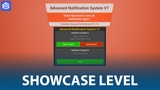
説明
Need product support, want to suggest new ideas, or report an issue?
Join our developer Discord → https://discord.gg/NPhbFVSmpd
The Advanced Notification System V1 is a versatile and highly customizable notification system designed for Unreal Engine 5. It allows developers to create, manage, and display in-game notifications seamlessly, enhancing user experience and player engagement.
This system is designed to be simple and easy to use. You can trigger notifications by calling the pre-configured custom events, which allow you to choose between two different notification types:
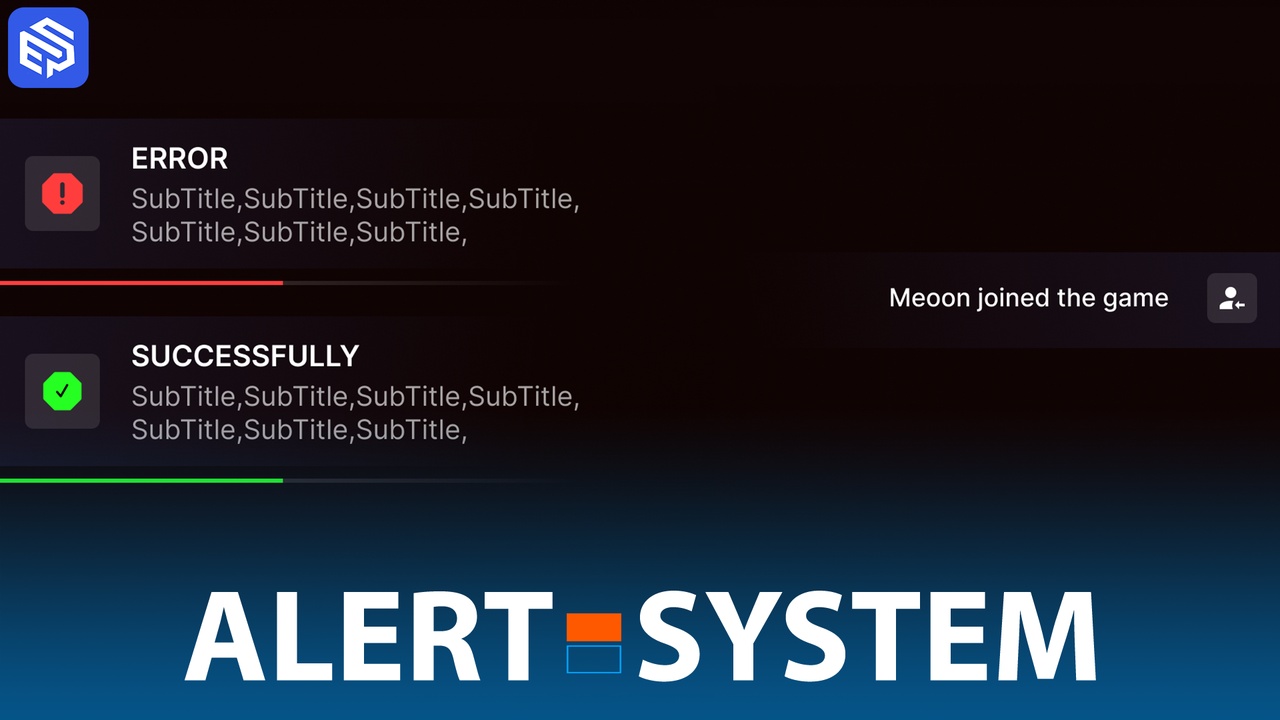
Basic Message Notification – This type is used for simple messages, such as player join notifications (e.g., "James joined the server").
Detailed Notification – This type is used for more significant events that require additional emphasis. These notifications can be either positive or negative, such as leveling up, receiving a reward, or warnings like "Return to the play zone."
How do I trigger a notification?
To see how notifications are implemented and called, open the showcase level and examine the widget that appears. Inside the widget, you will find the logic for triggering notifications and setting the necessary information. This will serve as a reference for how to integrate notifications into your own systems.
What is the "green?" boolean?
This boolean variable is used to determine whether the notification should appear as a positive or negative message in-game. If set to true, the notification will be displayed in green, indicating a positive event (such as leveling up or earning rewards). If set to false, the notification will be displayed in red, indicating a negative event (such as a warning or failure message).
By using these notification types and settings, you can easily provide clear and effective feedback to players based on different in-game events.