

Açıklama
UnrealReactBridge — Build your game UI in React
Mount React apps as game HUDs in Unreal Engine 5.7+ and wire them to gameplay through two typed channels.
📺 Demo video: https://youtu.be/TrKMDknjeWk
🌐 Docs: https://echoulen.github.io/UnrealReactBridge/
## Try it in 30 seconds — no Node required
Install the plugin, open the bundled `L_OfflineDemo` map, press Play. A self-contained HTML demo runs inside the Editor and exercises the full bridge (handshake, UE→Web push, React→UE event) — verify the integration before committing to the React toolchain.
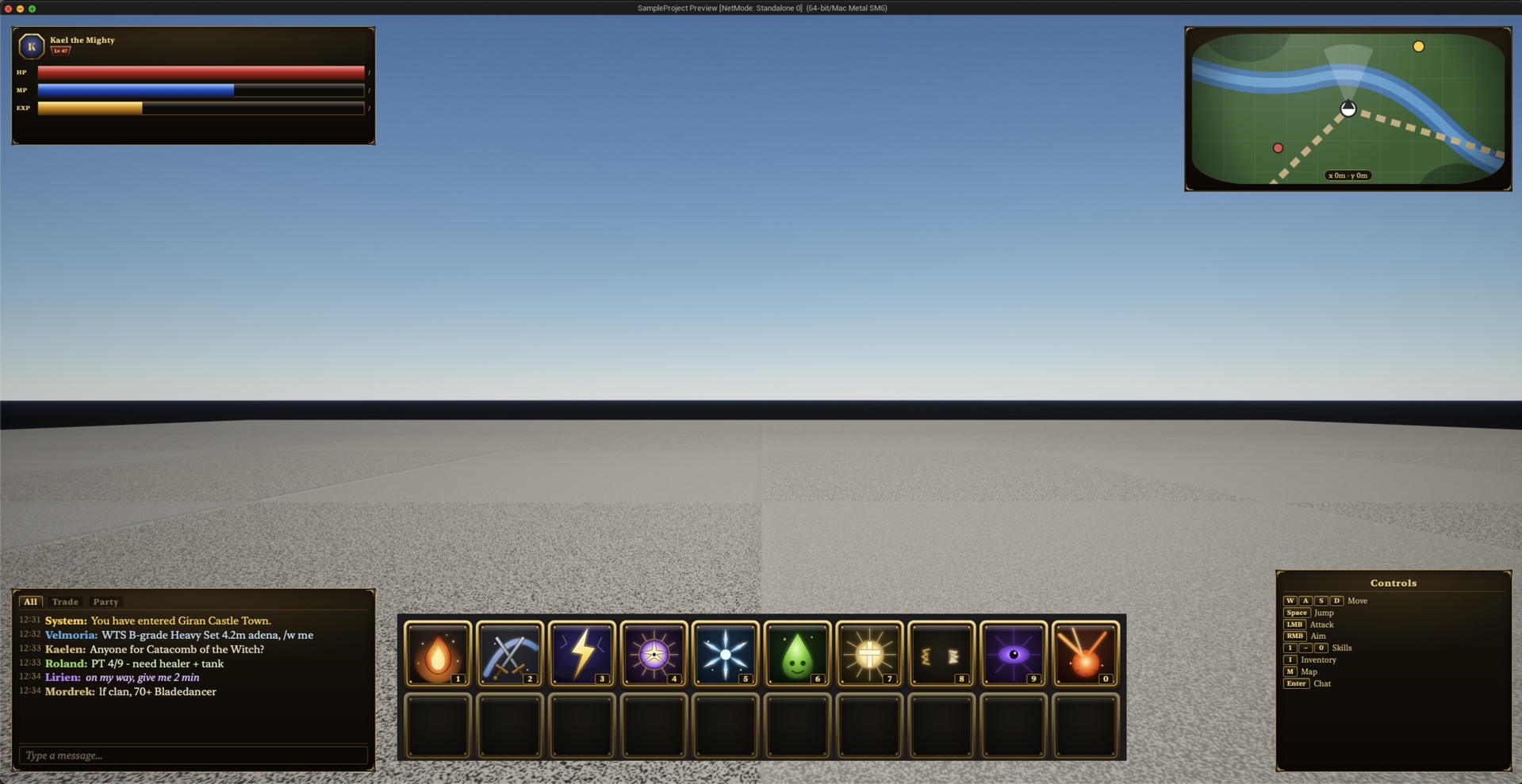
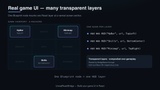
Want a richer showcase? Open `L_MultiHUDDemo` instead: five anchored React HUDs (player info, minimap, chat, skill bar, keybinding hints), WASD pawn movement, minimap that follows yaw, skill hotkeys 1–0 with cooldown sweep, and a chat round-trip with cycled NPC mock reply. All five HUDs run from a single prebuilt React app under `Resources/WebDemo-MultiHUD/` — still no Node required.
## Two channels
Channel 1 — Custom events (bidirectional). Push state from Blueprint to React with typed Sender helpers (`PushFloat`, `PushString`, `PushVector`, …); receive UI events back in BP with one Receiver component. No manual JSON.
Channel 2 — Custom keyboard (UE → React). Call `SendKeyToWeb(EReactKey::Q, Down)` from any Blueprint where you've captured input (Enhanced Input, etc.) and consume it in React with `useUnrealKeybinding(ReactKey.Q, cb)`. Typed enum on both ends — the plugin owns no input listener of its own.
## What you also get
- Bundled multi-HUD demo (`L_MultiHUDDemo`) — five React HUDs, WASD pawn + follow-minimap, skill hotkeys 1–0 with cooldown, chat round-trip with NPC reply
- Multi-layer HUDs at 9 named anchors, one Blueprint node per layer
- Zero-config scaffolder: `npm create unreal-react-hud@latest`
- Published wire protocol v1 — Vue, Svelte, or vanilla JS work over the same surface
- Bundled docs-lookup MCP server (`Resources/MCP/`) — point Claude Code / Cursor / Continue / Codex at it via `.mcp.json` to look up SDK APIs, Blueprint nodes, and protocol shapes from inside your coding agent
## Installation
1. Install from Fab. In `Edit → Plugins → Web`, enable Unreal React Bridge and WebBrowser Widget. Restart the editor.
2. Verify with the offline demo (above), then mount your own HUD with `Add Web HUD` in any Blueprint.
## Requirements
- Unreal Engine 5.7+ (Windows / macOS)
- WebBrowser Widget plugin (bundled with UE5)