Описание
VIDEO PREVIEW
PhotoMode Lite | Screenshot & Free Camera
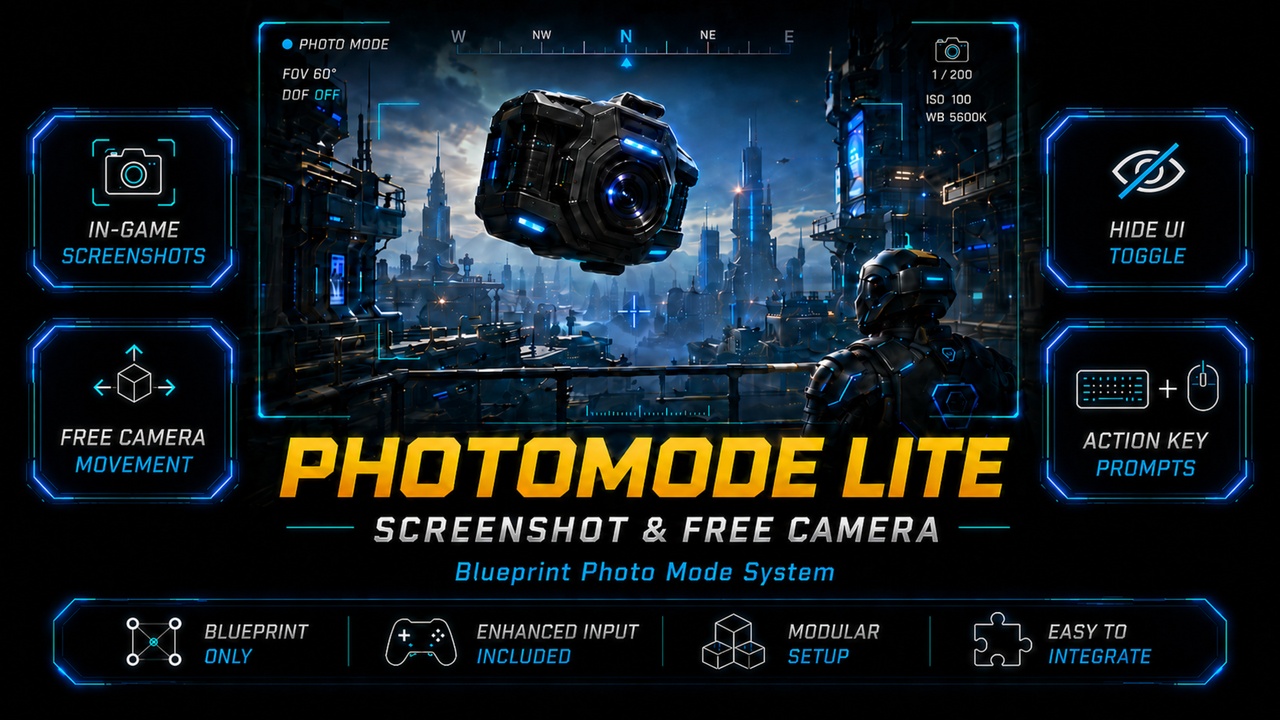
PhotoMode Lite is a lightweight Blueprint Photo Mode system for Unreal Engine.
It lets the player switch from their character to a free camera, move around the scene, hide the UI, and take screenshots. The system is designed to be simple, modular, and easy to integrate into existing projects.
Key Features
Toggle Photo Mode and switch between your character and a free camera.
Free camera movement with Enhanced Input.
Mouse look support for smooth camera control.
Vertical camera movement for full scene navigation.
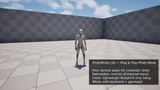
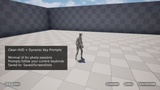
On-screen key prompts that read the current Enhanced Input key bindings.
Supports multiple keys per action prompt.
Hide UI for clean screenshots.
Built-in screenshot support using the in-game screenshot command.
Lightweight Blueprint-only setup.
Included Assets
AC_PhotoMode — actor component that handles entering Photo Mode.
BP_FreeCam — free camera Pawn used during Photo Mode.
WBP_FreeCam — Photo Mode HUD widget.
WBP_ActionPrompt — action prompt widget that displays action names and mapped keys.
WBP_KeyCap — small key display widget used inside action prompts.
How It Works
On Begin Play, the system creates the free camera widget and stores it for later use.
When Photo Mode is toggled, the component gets the owner transform, spawns the free camera pawn, and passes the stored widget reference into it.
The player controller then possesses the free camera pawn.
While active, the free camera can move, look around, move vertically, hide the UI, and take screenshots.
When Photo Mode is toggled again, control returns to the previous pawn and the free camera actor is destroyed.
UI Prompt System
The included prompt system reads the currently mapped keys from the Enhanced Input subsystem and builds the prompt UI automatically. This makes the on-screen controls friendly to rebinding and allows the widget to display the correct action names and key labels at runtime.
Quick Setup
Add your Enhanced Input actions and mapping context.
Add AC_PhotoMode to your player character or pawn.
Assign the free camera widget and free camera pawn references, then use the toggle input to enter Photo Mode.
Notes
Screenshots are saved to Saved/Screenshots.
Works well as a simple Photo Mode add-on for many types of projects.
Can be extended with features like DOF, FOV control, pause, filters, or post-process settings.
If you find this asset useful, a Fab review would really help. Thank you!