
Description
Promotion Video : https://youtu.be/VmQWN2VLxUo
Demo : https://drive.google.com/file/d/1tB039VIvG-neF0jbM_7ozb6PEU8k6bON/view?usp=sharing
Update Notice for My Valued Buyers
Applies only to version 5.6 and above.
Auto capture minimap - Ready to use instantly with Drag & Drop into the scene.
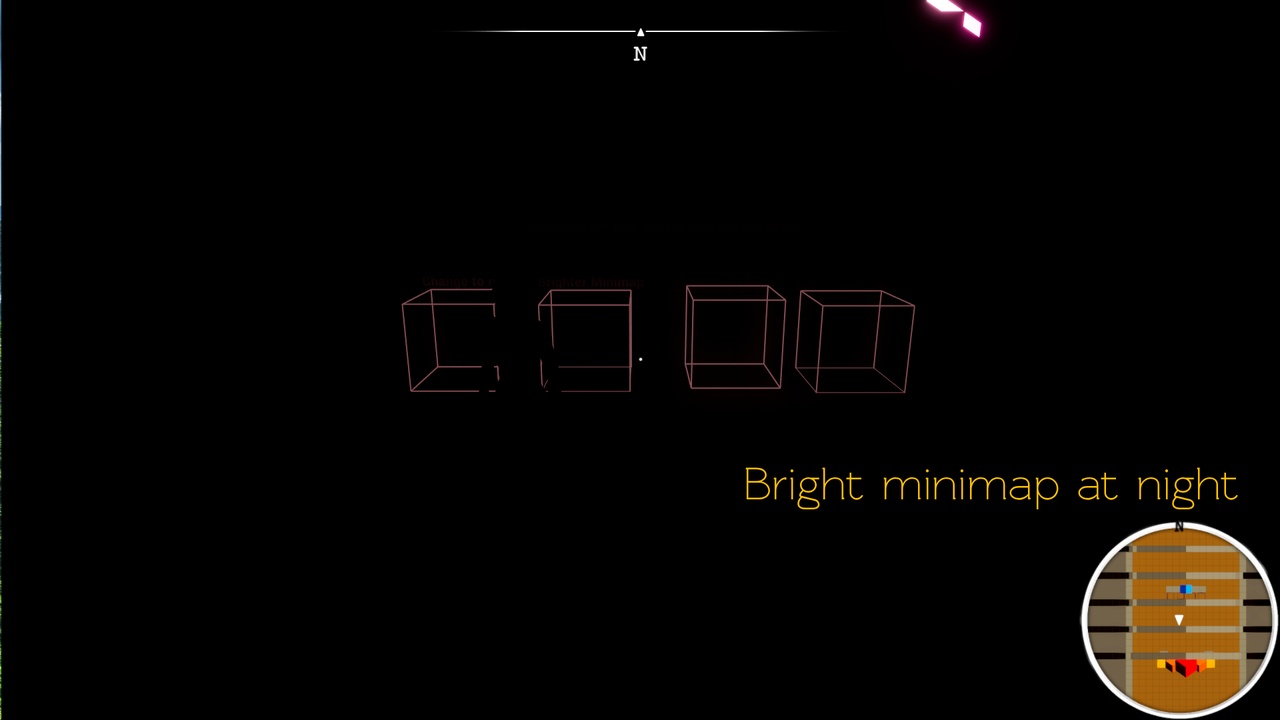
Bright night
Postprocess effect
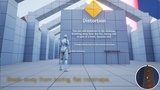
Distortion
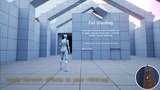
Cel shader
Auto capture inside of building
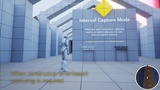
Interval capture for construction
Capture minimap base on distance. If you just stay, never capture. better performance.
Adjustable Minimap Background Opacity
A real-time capture minimap that works instantly right after installation.
Navigation - support worldmap, minimap
Dual-Lane (Two-Way) Smart Navigation System
Customizable Navigation Path Colors
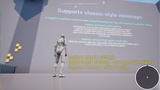
Supports In-World Field Navigation
Displays the path to the marker along the roads on both the minimap and world map.
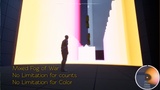
Multiple, Multi-Floor and No limit for Counts and Color Fog of War.
There is no limitation for counts
There is no limitation for color
Support multi floor - Save only whether each has been explored individually
Place an unlimited number of Fog of War zones with any custom color, and independently save exploration data for aboveground and underground areas.
WorldMap zoom in out from mouse cursor.
Finally, map zooming is performed precisely at the mouse cursor position, just like in major standard games."
Performance Optimization - 90-100fps in editor, 150fps in shipping build
Even with thousands of markers placed in the world, off-screen markers are automatically hidden and their ticks are disabled to ensure maximum performance.
Eliminated unnecessary tick usage by leveraging collision-based visibility states (Hidden/Shown) to optimize performance.
Achieved extreme optimization to maintain 150 FPS in shipping builds, even when displaying 50 markers simultaneously.
Marker Upgrade
Added Transformation and Destruction modes upon marker overlap, with full support for saving and loading their state. - Supports dynamic marker swapping—initially displayed as a question mark, then changing to a discovered marker upon arrival.
Per-Widget Option to Hide or Show Markers at Minimap Borders
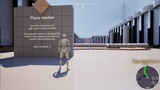
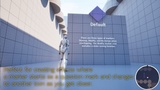
Supports 3 marker overlap behaviors: Destroy, Change, or No Change. The 'Change' option is perfect for starting a marker as a question mark and revealing its true icon upon overlap. Additionally, a full marker state-saving feature is completely implemented.
Memo Removed
Since a memo feature is rarely seen in mainstream games, I deemed it unnecessary and removed it.
Full Feature Guide for Future Buyers
All the update features listed above...
Classic Captured Image Minimap : The traditional approach pre-captures the minimap during development and applies it. It cannot display real-time changes like construction mode.
Grid-Based Minimap Swapping System : A manual approach where the background is divided into a grid, and the minimap texture is constantly swapped out as the character enters each grid, achieving high quality using low-resolution assets.
Support Even When Shifting or Moving Landscapes : Supports landscape movement, maintaining perfect alignment even if the landscape is shifted away from the world origin for any reason.
Unlimited Resolution World Map : A high-investment, premium approach that offers infinite world map resolution. It naturally supports standard world maps limited to the 8192 maximum as well.
Supports Circular and Rectangular Minimap Layouts
Supports Minimap Rotation
Supports Minimap Zoom In/Out (Static setup only; real-time dynamic zoom is not supported)
Built-in Map Capture Tool Included
Supports Independent Settings per Map
Adjustable Marker Size and Position
Supports In-World Field Markers : Supports 3D world space marker widget rendering.
Supports Cel Shading even for Classic Captured Images : Applies a cel shader in the development stage before capturing the map, allowing it to be used for both the minimap and world map.
Add Markers with Ease : You can easily add new marker shapes to the widget info.
Customizable Fog of War Textures for Minimap & World Map : You can assign custom textures for the Fog of War on both the minimap and world map.
Easily Adjust Compass Marker Size and Position via Settings : You can adjust the position of compass markers directly within the widget info.
Movable Window Feature: Makes any UI panel draggable : A widget that allows you to move the menu with the mouse during gameplay. It works instantly simply by placing it inside a panel.
Drag & Drop Minimap and World Map into Any Widget : Both the world map and minimap can be easily placed into any desired widget via drag-and-drop, working instantly upon placement.
Support multiplay