

Description
Listen.Think.Speak is a fully offline voice chat asset for Windows:
🎙️ speech-to-text → 🤖 LLM → 🗣️ text-to-speech
Why it’s great
⚡ Super fast: typical end-to-end replies in 1,500–4,000 ms (STT → LLM → TTS).
🔒 100% local: zero network calls; ideal for offline games and strict privacy.
🧠 Context aware: built-in conversation history for multi-turn dialog.
🗣️ Voices: 28 plug-and-play voice models. [English only for now.]
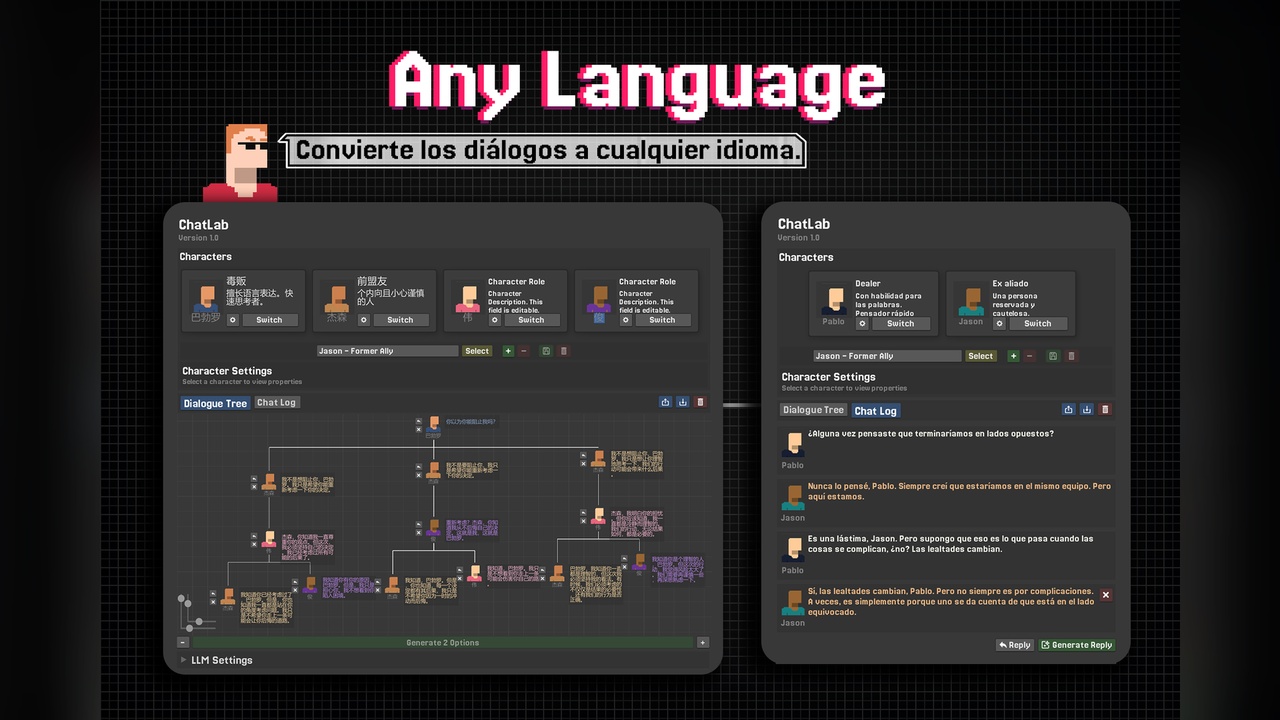
🧩 Drop-in demo: press Load LLM → Record → Speak to test in minutes.
Technical details
🖥️ Platform: Windows-only (x64) for now.
🧮 Inference: CPU-optimized pipeline for TTS and STT. GPU recommended for LLM.
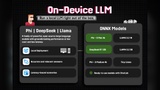
🧠 Core model: Llama 2 7B (quantized); conversation memory retained per session.
🔊 TTS: ONNX voice models with default 22,050 Hz sample rate.
🗂️ Model storage: single .bin LLM model file in StreamingAssets; ONNX voices from 60mb.
🎚️ Latency breakdown (typical): STT ~300–800 ms → LLM ~700–2,200 ms → TTS ~300–1,200 ms → Total 1.5–4.0 s. (Tested on intel i7, i9 | Nvidia 2080 Super, 3070-Ti Laptop, 4070-Ti)
Setup in 3 steps
Tools → Listen.Think.Speak → Prerequisites → install components + download the Llama 7B core.
Download one or more ONNX voices, then add them in Speak Manager → Available Models.
Open the demo, click Load LLM, then Record → Speak. Done!
Perfect for
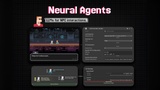
🧑🚀 Immersive NPC conversations
🕵️ Voice-controlled puzzle/stealth mechanics
🏰 Narrative games with dynamic banter
🛡️ Offline environments
Current support: 🪟 Windows only (macOS/Linux planned).
If you want fast, private, and professional in-game voice interactions without touching the cloud, Listen.Think.Speak is your plug-and-play solution.